































Diving with the Suunto Nautic and how we tested
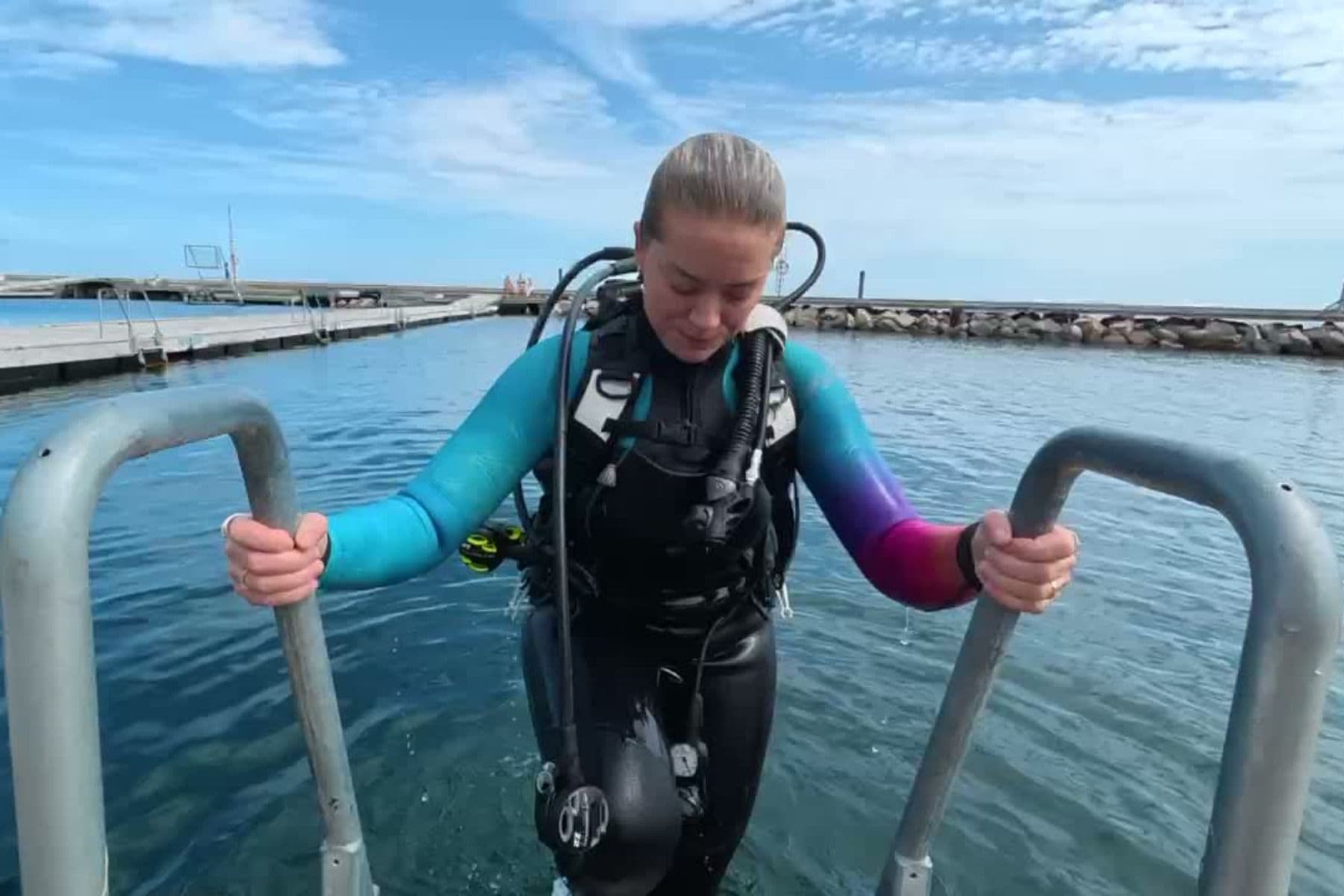
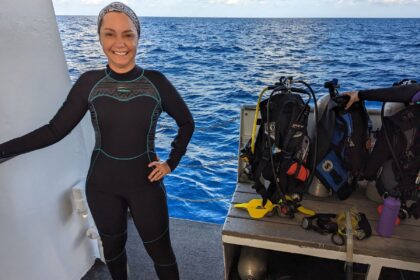
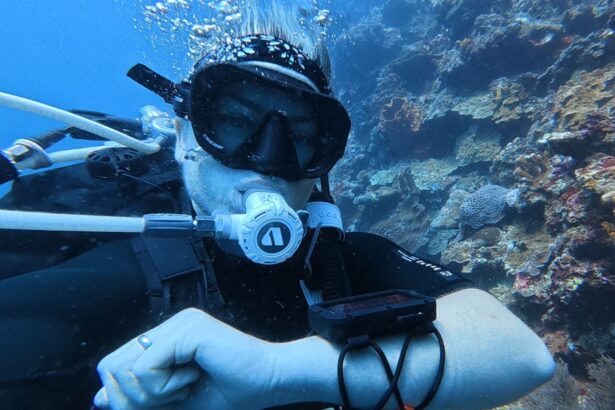
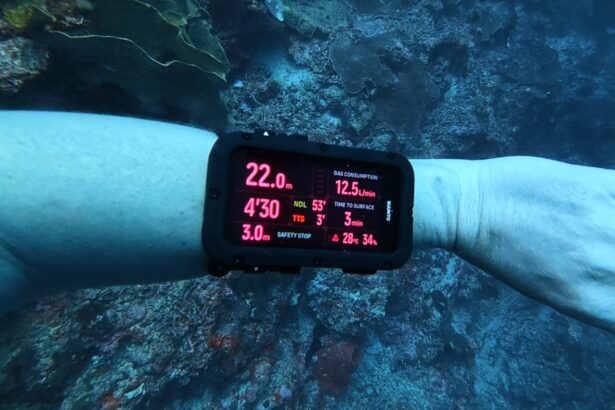
Our dive instructor and gear tester Sylvia spent about a month diving the Nautic across Indonesia, with stops in Lembeh, Bunaken, Bangka, and Raja Ampat. She used it as her primary computer on reef, muck, and drift dives.
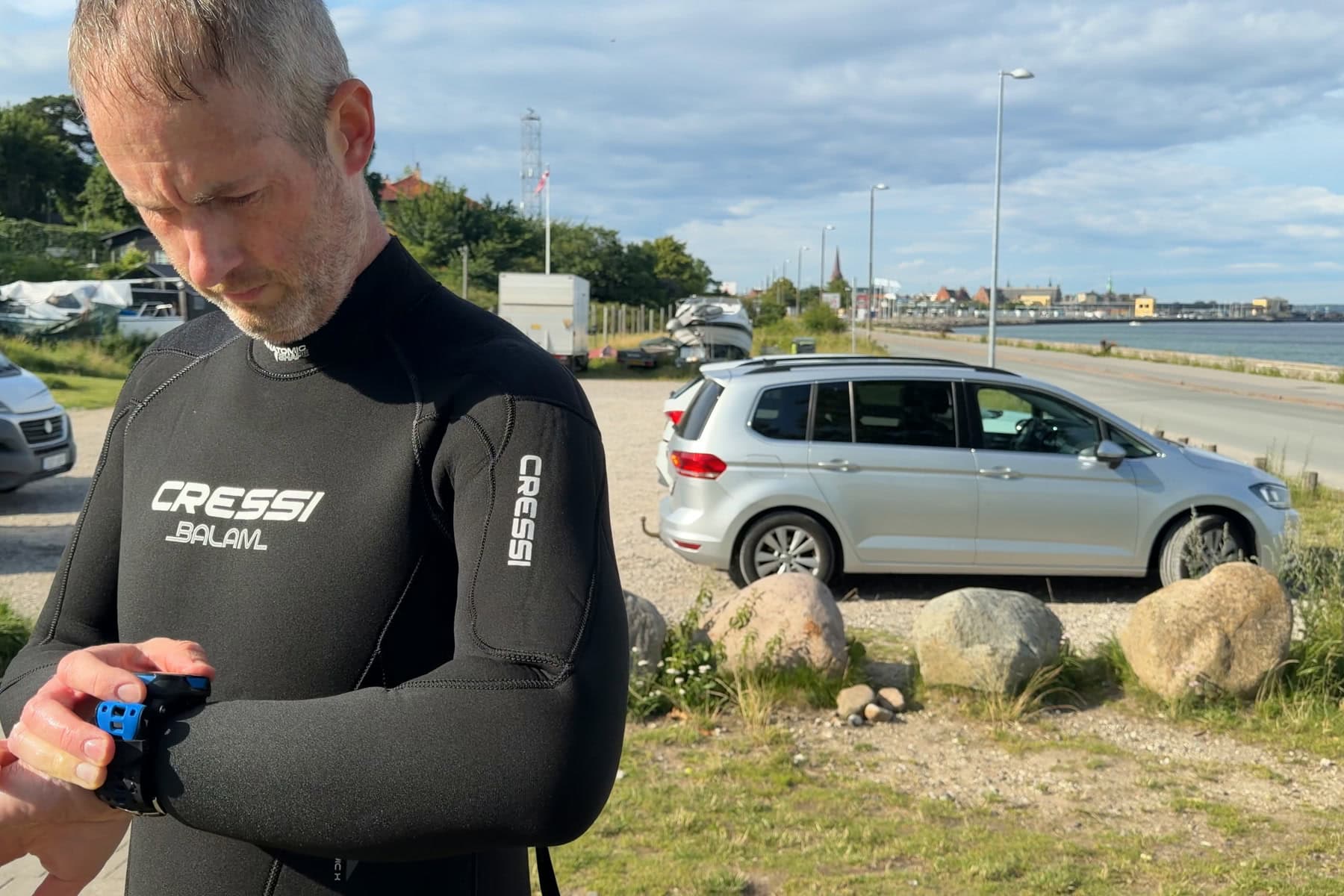
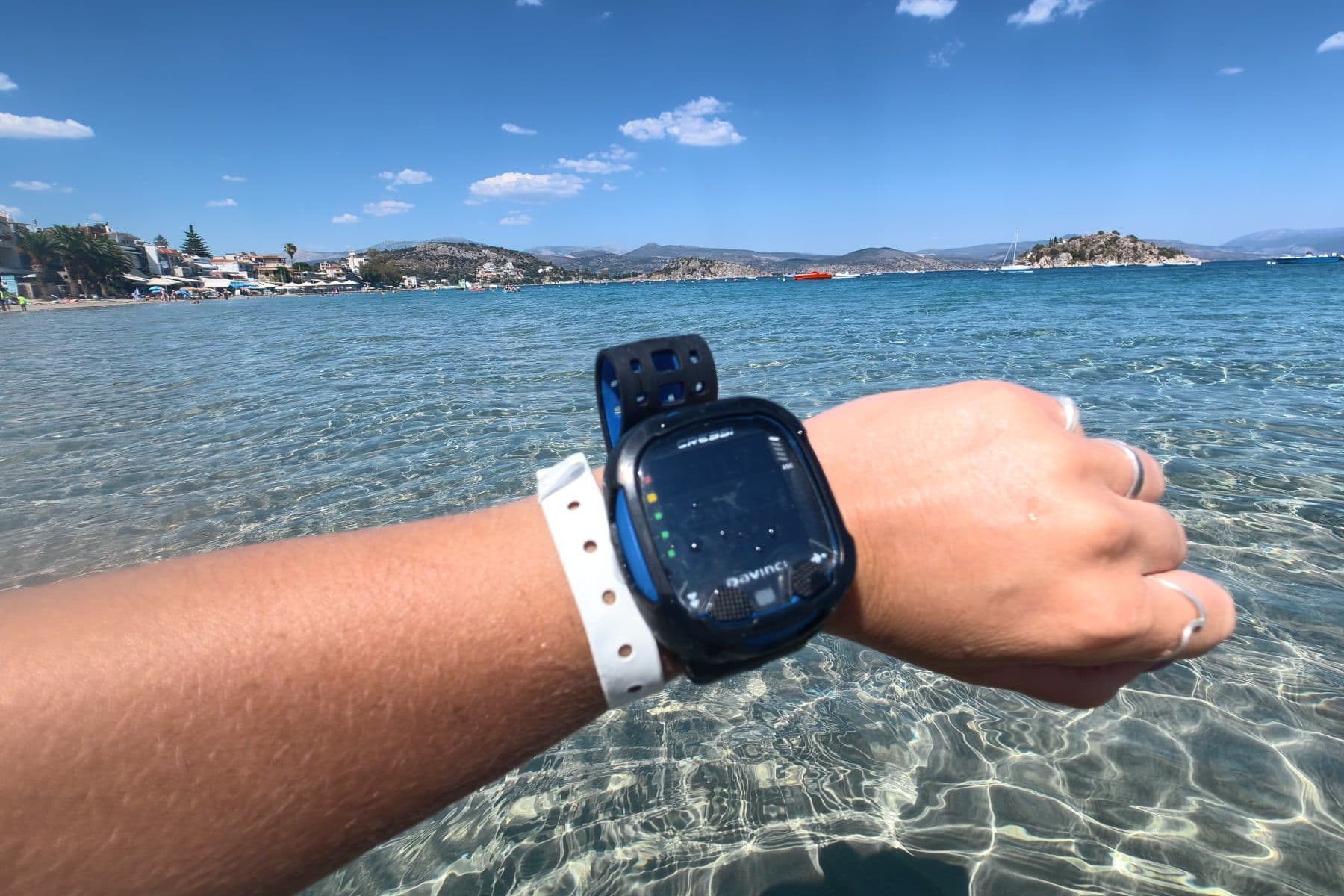
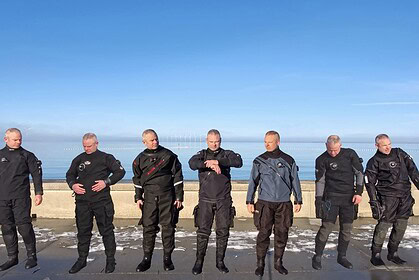
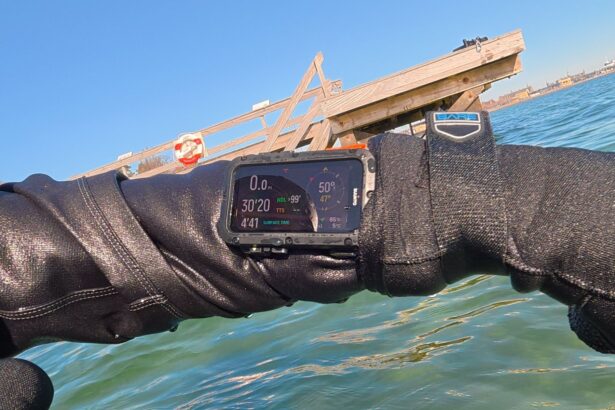
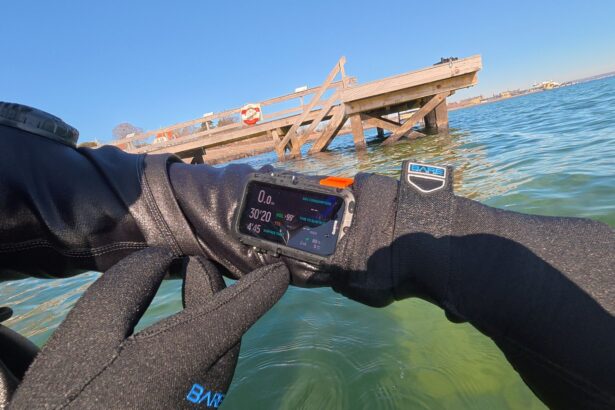
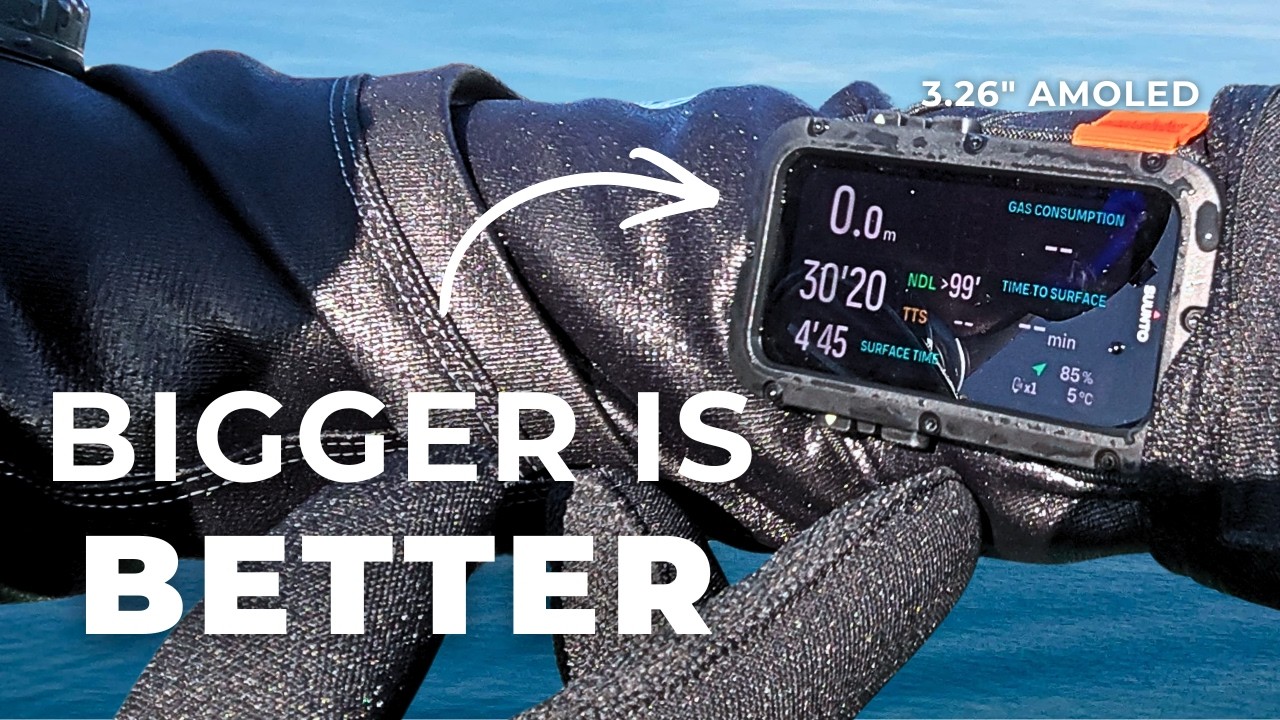
We also tried the Nautic in cold, green Danish water while wearing 8mm three-finger gloves. We focused on how easy it was to read in low visibility, use the buttons with thick gloves, and navigate the menu when busy. We also did pool sessions to test pairing the wireless transmitter and to check the digital compass with navigation drills.
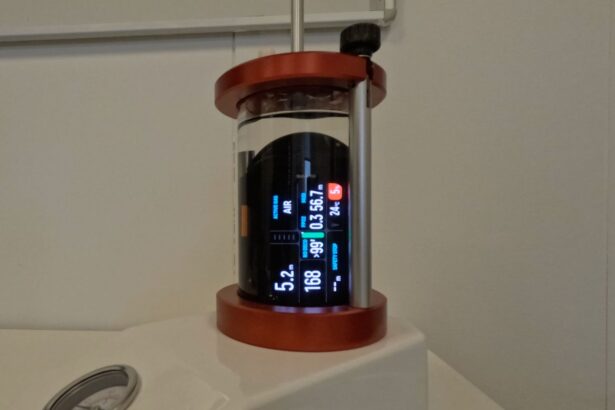
To test battery life, we put the Nautic in our pressure chamber in dive mode. The chamber test is a repeatable benchmark we use across dive computers.

Performance areas
Display and readability
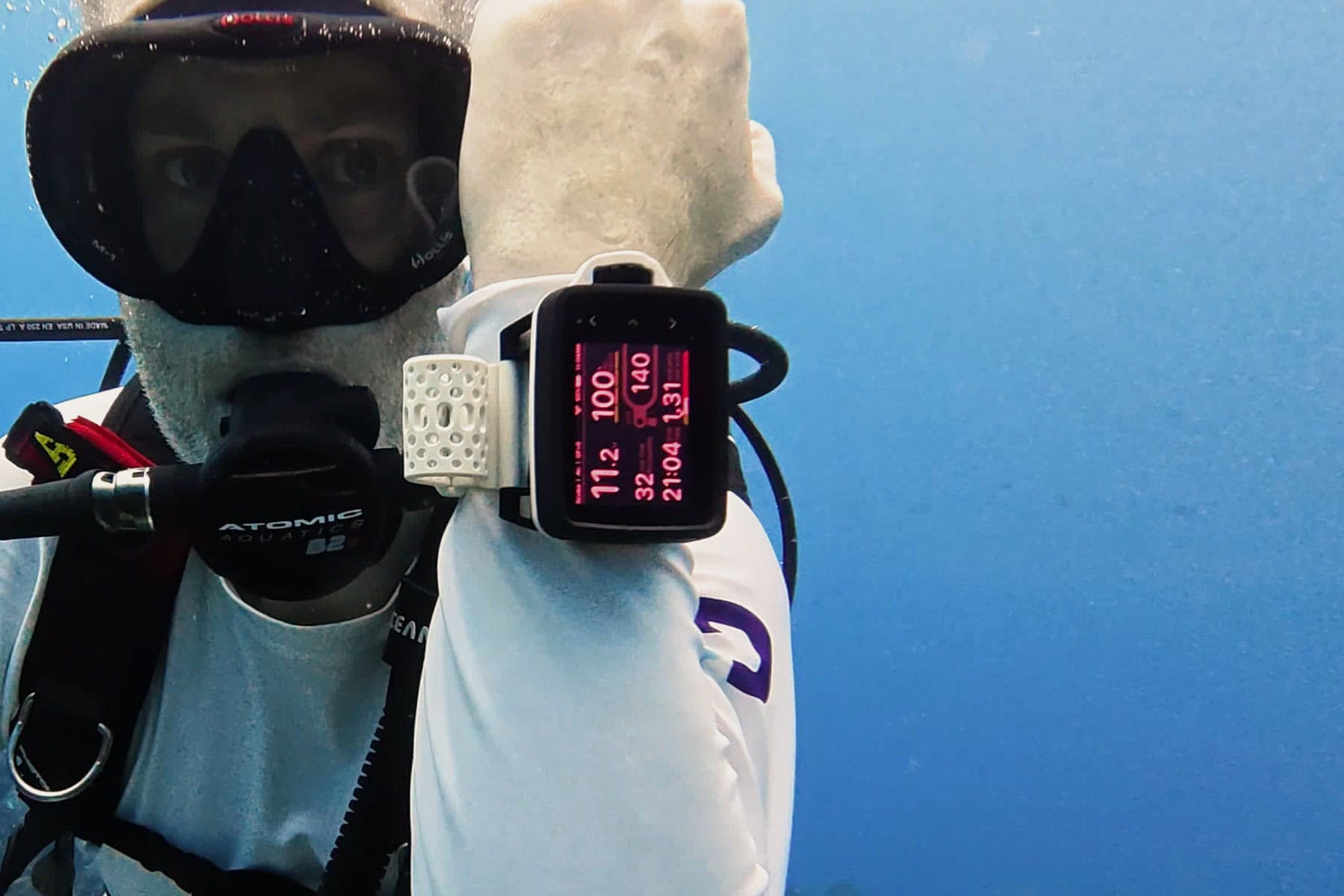
The 3.26-inch AMOLED screen is the main reason most divers will look at this computer. It stayed easy to read in every condition we tested.
The layout is clean and appealing, similar to the Suunto Ocean, but larger and with more data options.
All of the Nautic’s information appears in a two-window layout. On the left, shows your vital information: NDL, dive time, depth, etc. On the right, a configurable panel lets you cycle through different data sets, including ceiling, compass, max depth, average depth, gas consumption, gas time, time to surface, and remaining air.
You can set several different views in the settings, and switch between these underwater with a button press.
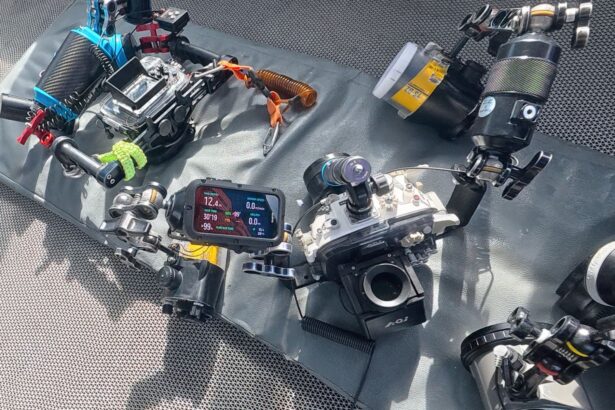
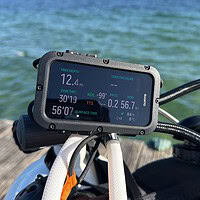
In cold, murky Danish water, we never had issues reading any of the data. In the bright Indonesian sun, the high-contrast colors held up well and the screen didn’t wash out. Sylvia mounted the Nautic on her camera rig for parts of her Indonesia trip and could still read it from that angle.

Ease of use and interface
The menu is straightforward and easy to use, and the buttons work well even with thick gloves.
The Nautic uses four buttons, which makes navigation simple. Each button has a clear purpose, with on-screen labeling so you can access every function quickly. The menu layout is similar to the Suunto Ocean, so if you’ve used that computer, the Nautic will feel familiar.
We tried all the common tasks in Danish conditions while wearing 8mm three-finger gloves. Switching gas, using the built-in flashlight, changing to nitrox, and moving through the menu were all easy to manage.

Algorithm and safety features
The Nautic uses the Buhlmann ZHL-16C algorithm with gradient factors. This algorithm is also used on the Suunto EON series.
This is a nice change. In the past, Suunto used their own RGBM algorithm, which was more conservative than most other brands. It would also lock you out for 24 to 48 hours if you broke a rule, like going past your no-decompression limit or ascending too fast.
Buhlmann ZHL-16C with gradient factors is now the industry standard. You can pick a preset conservatism level or set your own GF values. Note: If you’re not familiar with the algorithm, it’s best to stick with the default settings.

Air integration
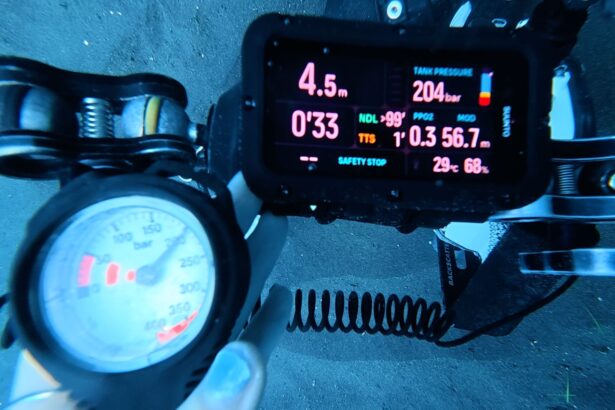
Air integration on the Nautic pairs cleanly, tracks pressure in step with an analog SPG, and supports up to five transmitters at once.
Since pairing is proximity-based, you just need to attach the transmitter, pressurize the tank to turn it on, and bring the Nautic close. It’ll read the signal and ask you to confirm the pairing.
Once connected, you can see tank pressure in bar or psi, and get data like gas time remaining at current depth (GTR) or gas consumption rates (RMV) in liters/min as a separate view.
The signal was reliable during all of our dives. We compared it to our SPG pressure readings on several dives, and they always matched. This is exactly what you want from air integration: the number on your wrist should match the number in your tank.
If you dive sidemount, the Nautic has a dedicated dual-tank view that shows air in both tanks and has a recommendation on when to switch tanks.

Battery life and power
Suunto says the Nautic can run for 120 hours in dive mode, but in our chamber test, it lasted 171 hours before the battery dropped. The chamber test is not the same as real diving though, so actual battery life will be less. Still, the Nautic has plenty of runtime for any normal dive trip.
The charging system is a magnetic cable that snaps onto the sensor, with no port to open and no gasket to maintain.
The only issue is that the charging cable is unique to Suunto, so you may struggle to find someone else with a compatible charger if you forget yours on a long or remote trip. You have about 171 hours of diving, which should be enough, but it’s worth remembering.

Size and wearability

The Nautic is a large dive computer, and it may be too big for some wrists. The case is made from rocket fiber-reinforced polymer and measures 4 x 2.36 x 0.93 inches/101 x 60 x 23.7 mm. The computer weighs 8.18 oz./232 g with the strap. This is similar to the Garmin x50i or Shearwater Perdix 2, which are both designed to be easy to read and full of dive features.
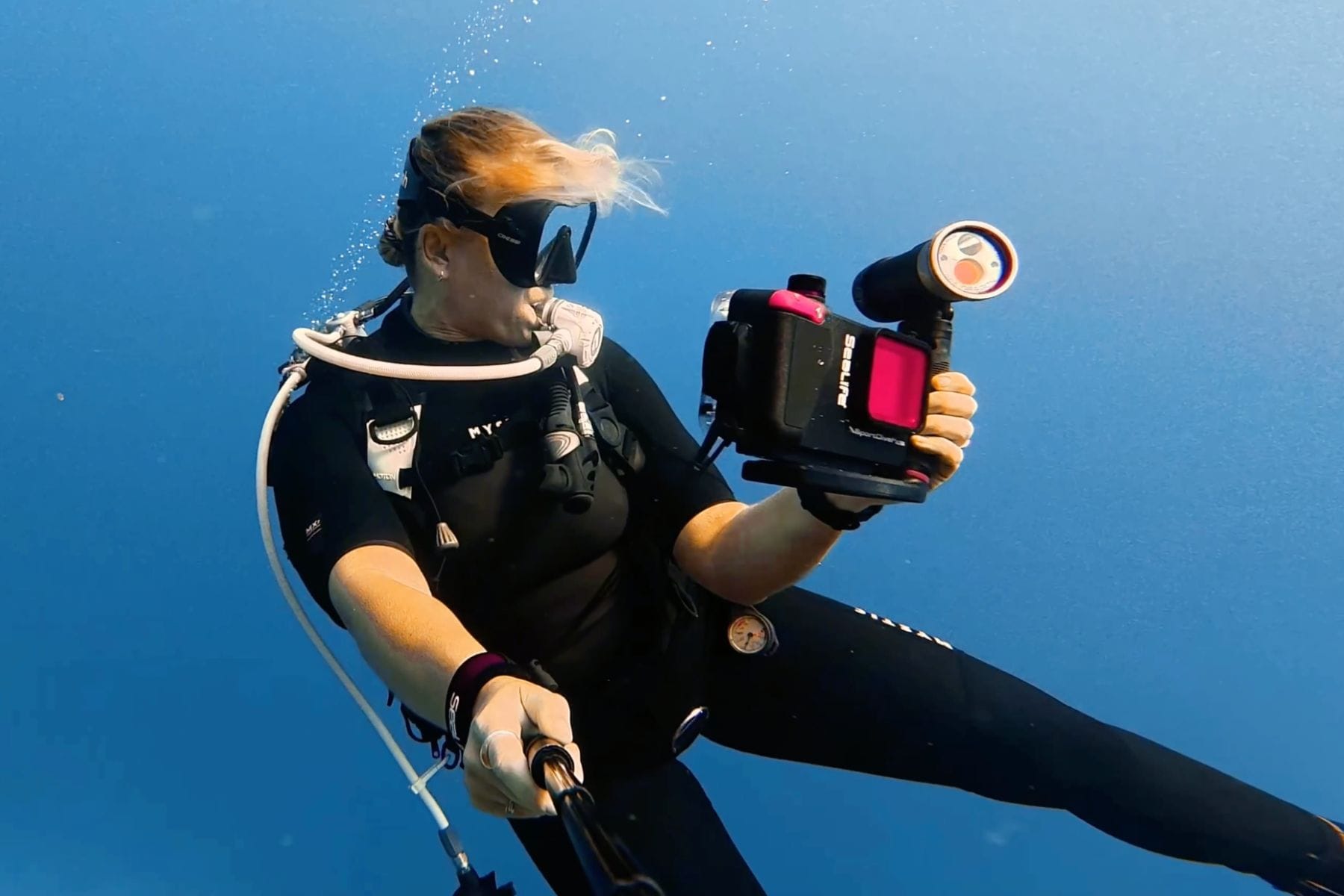
Sylvia found the case too large and uncomfortable on her wrist. However, mounted on her camera housing, she noted that the Nautic was great and she could easily glance up to see info like NDLs or remaining air without moving from her position.
If you dive in a drysuit or thick wetsuit, then the Nautic will be fine. However, if you have a smaller wrist, it’s a good idea to try one on before buying.
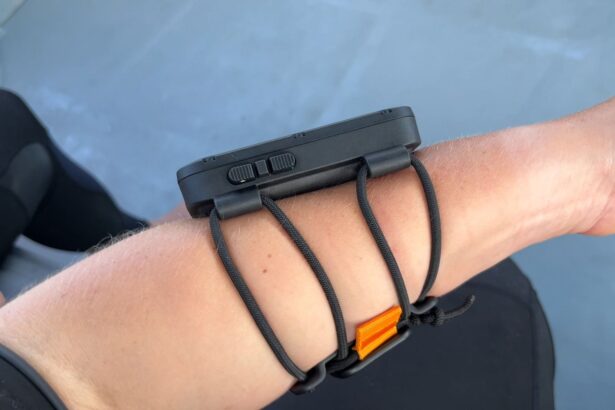
When buying the Nautic, you can choose to either have a bungee strap (like ours) or a textile strap. The bungee strap has adapters and pull tabs. The textile strap is slightly elastic and can velcro. Both are easy to adjust and secure to maneuver one-handed.

Connectivity and app
The Suunto app, which is the same as the one for the Ocean and Nautic S, is a key part of the Nautic experience. The logbook shows the standard data: max depth, duration, average depth, and a dive profile graph. You can add overlays for gas consumption, temperature, and tissue pressure. A full journal entry covers weights, suit type, visibility, current, and body conditions.
The coolest feature here is the 3D dive-path replay, which is the best we’ve seen on any dive app. The app builds a model of your dive using compass headings, gyroscope data, and a database of dive sites. It plays as a short video, showing your navigation path and depth profile together. We found it accurate on most dives as compared to our memory, which is impressive since there is no underwater GPS.

Dive mode versatility
The Nautic has all the dive modes a recreational or technical diver should use. Although not currently available, CCR is being added in June 2026 with a software update.
Dive modes are: single gas, multi-gas, or gauge (algorithm turned off). The Nautic supports multi-gas diving with up to five gases and O2 concentrations up to 100%, with manual pO2 limits between 1.0 and 1.6. This means you can do almost any tank and gas configuration, no matter if it’s 36% nitrox or a 100% O2 deco tank.

Digital compass
The Nautic’s digital compass features a triaxial tilt-compensated design. It worked well on every dive we set a heading on.
Tilt compensation means the compass gives an accurate reading no matter how your wrist is angled. This is important underwater, since you rarely hold your wrist perfectly level. Older compasses without this feature make you flatten your wrist every time you want a heading.
The compass is displayed on the top right corner. It’s part of a collection of panels; you’ll have to flip through buttons to see it. To make and clear a heading, hold the top right button.
Like all digital dive compasses, you must calibrate the Nautic if it hasn’t been used for a while. Most of the time, you won’t need to look at it again, but if you get turned around in mid-water, you’ll be glad it’s there.

Popular dive computer comparisons
The Suunto Nautic is a big wrist computer with air integration, multi-gas support, and a companion app that replays your dive in 3D. It is a premium dive computer built for recreational and tech divers. Two alternatives are worth looking at before you buy.
Garmin Descent X50i vs Suunto Nautic
The X50i stands out due to Garmin’s connected ecosystem and SubWave sonar for diver-to-diver underwater messaging. The Suunto Nautic doesn’t have that.
The Garmin x50i is a more complex dive computer, and can connect to eight transmitters. However it does cost nearly double, so the Suunto Nautic is much better value.

Mares Quad Ci vs Suunto Nautic
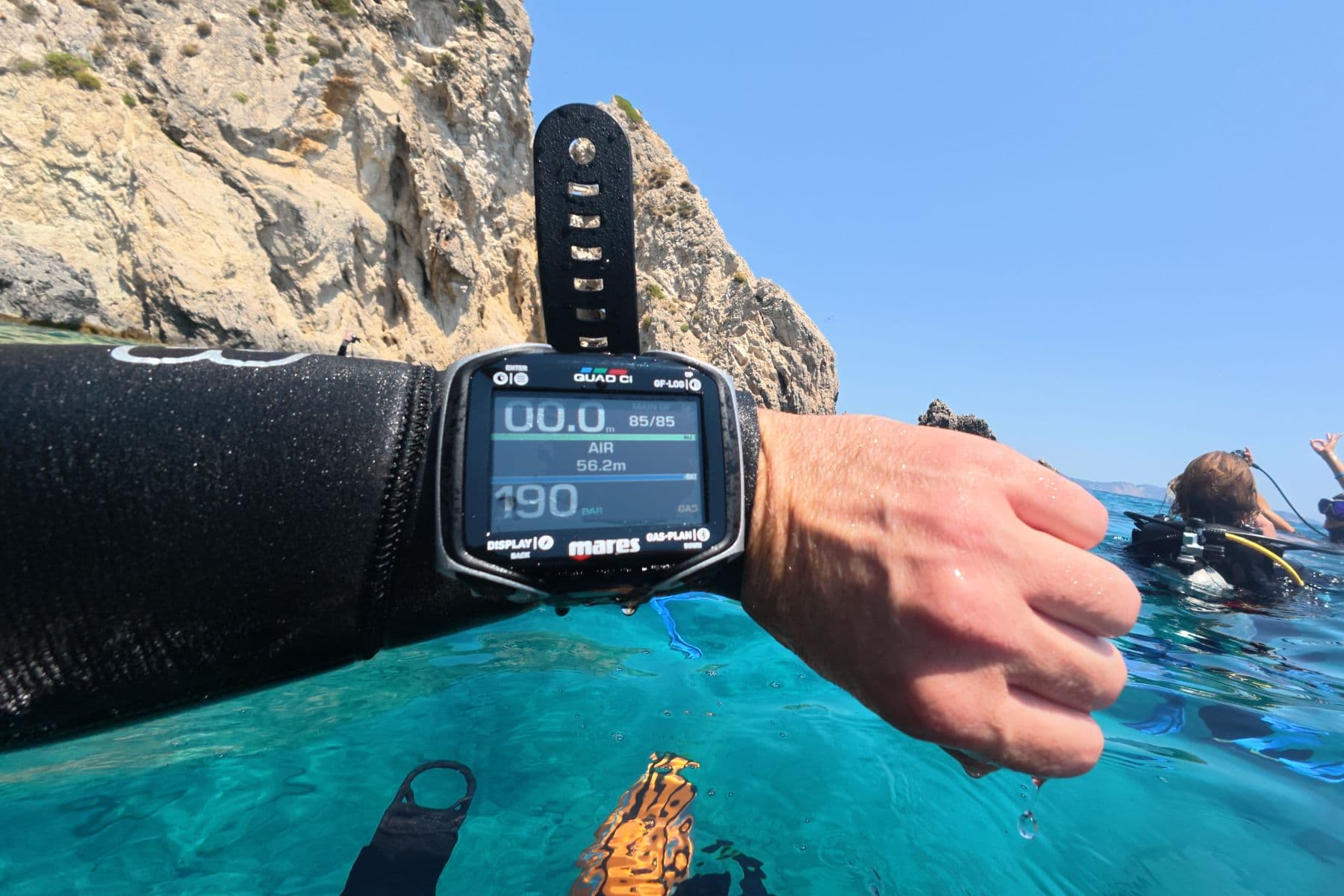
If you don’t need the Nautic’s bright screen and 3D mapping, the Mares Quad Ci is a good alternative. It has a large color screen and wireless air integration at a lower price. You lose the AMOLED display and 3D dive replay, but you still get a reliable air-integrated computer for regular recreational diving.
Value for money
The Suunto comes with an excellent AMOLED screen, air integration, multi-gas support, weather, tides and the cool Suunto app features with 3D dive replay.
The Suunto Nautic is a high-end dive computer, and when compared to other competitors, we believe the Nautic to be excellent value. Many of those dive computers are over $1000, whereas the Suunto Nautic is approximately $750.
If you want an easy to read, easy to navigate and serious dive computer, then the Nautic is a strong choice.
Suunto Nautic Dive Computer – FAQ
Specs & Features
| Adjustable conservatism | Yes |
|---|---|
| Air integration | Yes; up to 5 transmitters |
| Alarms | Audible and vibration |
| Algorithm | Buhlmann ZHL-16C with gradient factors |
| Battery type | Rechargeable; 120 hours dive mode (claim) |
| Buttons | Four, plus built-in LED flashlight |
| Compass | Triaxial tilt-compensated digital |
| Depth rating | 656 ft/200m |
| Display type | 3.26 inch AMOLED color panel |
| Dive modes | Air, nitrox, free, gauge, off |
| Number of gasses | Up to five gases, O2 to 100%; pO2 1.0 to 1.6 |
| Weight | 8 oz/227 g with bungee strap |
Suunto claims 120 hours of dive mode runtime on a single charge. In our pressure chamber test, the Suunto Nautic ran for 171 hours before needing a charge. The chamber test doesn’t mirror active diving, so real hours will be lower. The Suunto Nautic has enough battery for any reasonable dive trip. Keep it powered off between dives to extend it further.
The Suunto Nautic is a large-screen premium computer in the same category as the Garmin Descent X50i and the Shearwater Teric. It stands out for display size, the Suunto app’s 3D dive replay, and the shift from RGBM to Buhlmann ZHL-16C with gradient factors. The Suunto Nautic has a larger case than most wrist computers, which is the main tradeoff.
The Suunto Nautic includes a triaxial tilt-compensated digital compass, visible on the dive screen as a full round compass or a compact heading indicator. You can set a heading with one button press and see the reciprocal heading as a smaller marker. The Suunto app adds a 3D dive path replay. The replay reconstructs your navigation from compass data, gyroscope readings, and a dive site database, anchored by entry and exit GPS points at the surface.
No. The Suunto Nautic does not include a freediving/apnea mode. It is available on the smaller Nautic S and Suunto Ocean, due to their compact wristwatch design.
The Suunto Nautic pairs with the Suunto app via Bluetooth. Once paired, the app downloads your dive log, shows the dive profile and overlays, and lets you add a full journal entry for each dive. The same app handles the 3D dive path replay. It is also shared with the Suunto Ocean and Nautic S, so divers moving between Suunto computers do not need to relearn the interface.
Yes. We tested the Suunto Nautic with 8mm three-finger cold-water gloves in Danish conditions. We had no issues with button operation, the built-in flashlight, gas switching, or menu navigation. The four-button layout keeps common tasks shallow in the menu, which matters when your hands are cold and task-loaded.
Suunto lists five dive modes on the Nautic platform: air, nitrox, free (freedive), gauge, and off. The Suunto Nautic supports multi-gas diving with up to five gases and oxygen concentrations to 100%, with user-adjustable pO2 limits between 1.0 and 1.6. There is no CCR mode on current firmware.