





















Diving with the SeaLife SportDiver Ultra and How We Tested

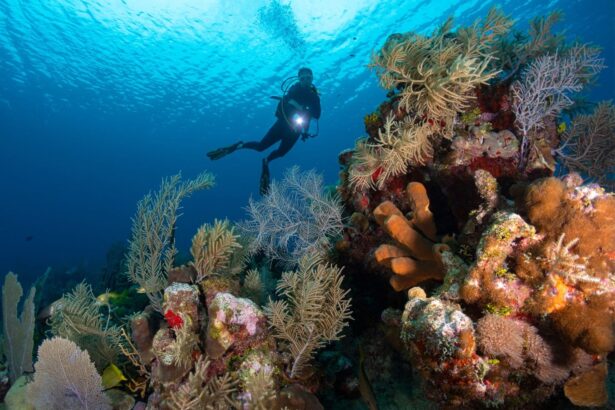
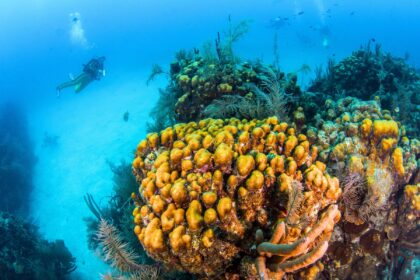
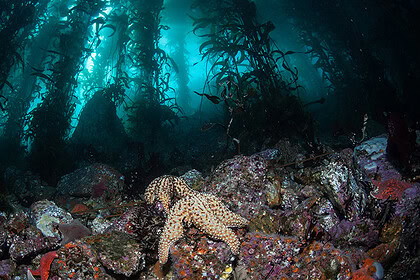
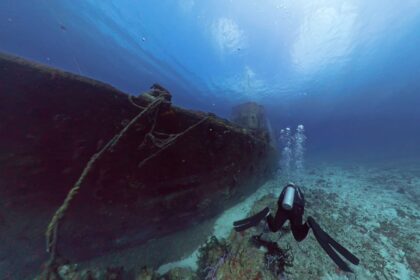
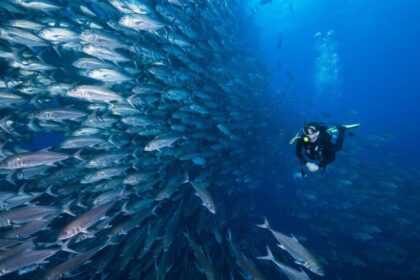
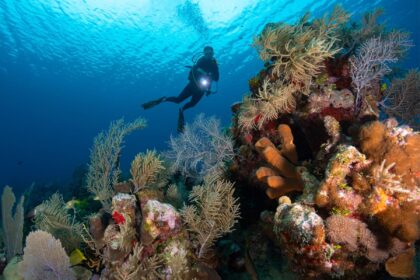
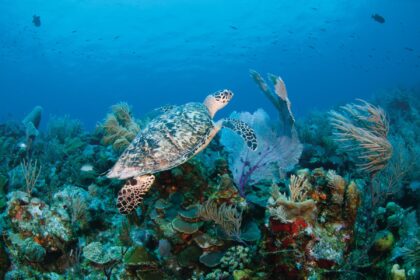
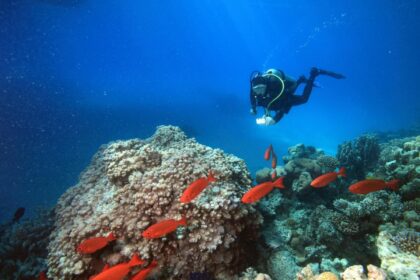
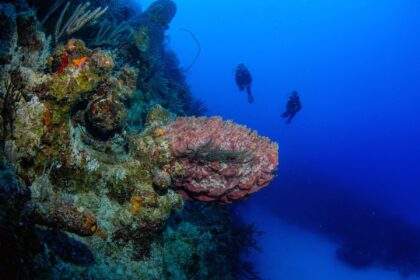
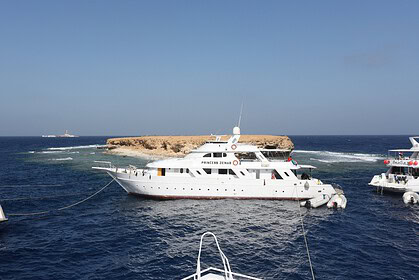
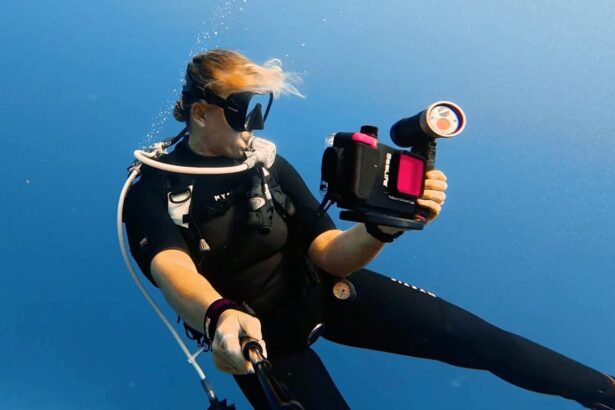
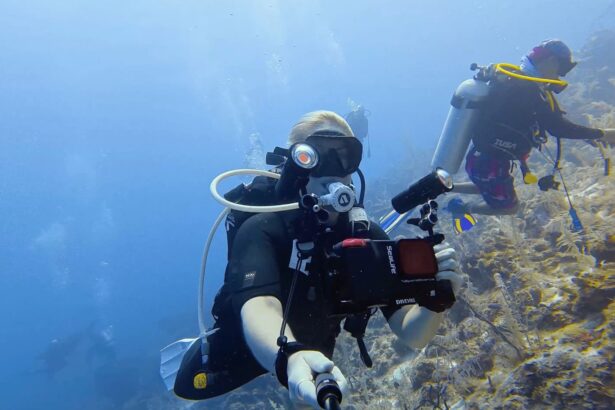
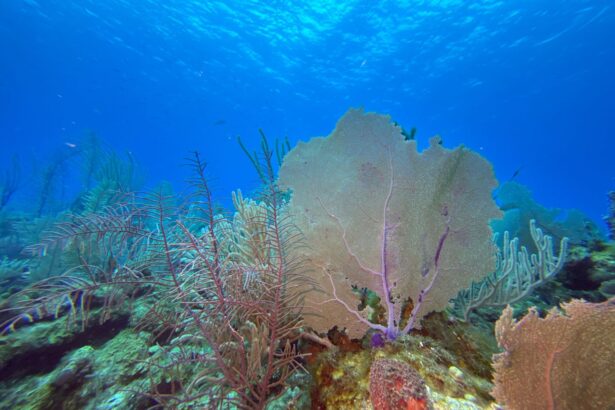
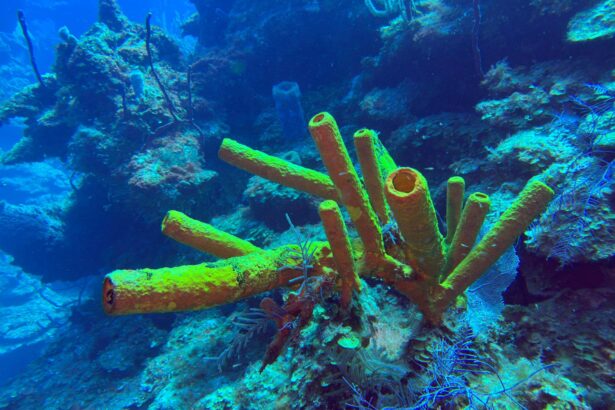
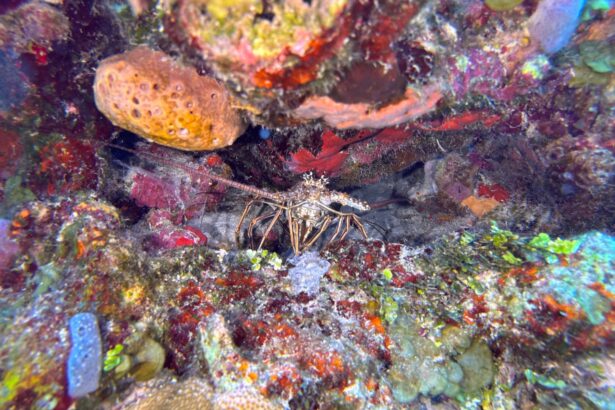
I tested the SeaLife SportDiver Ultra on a warm-water dive trip to Belize, around Ambergris Caye. These were relaxed recreational boat dives, among tropical reefs with clear and bright visibility. I am judging this phone housing as an advanced phone housing, aimed at keen photographers and intermediate divers. I also tested it with a compatible SeaLife tray and SeaDragon light.
During testing, I checked:
- Whether the case leaked during underwater use
- How it was to control via the bluetooth app underwater
- How it was to setup the vacuum alarms
- How useful the color filters were
Popular Underwater Phone Housings Comparisons
Oceanic+ Dive Housing
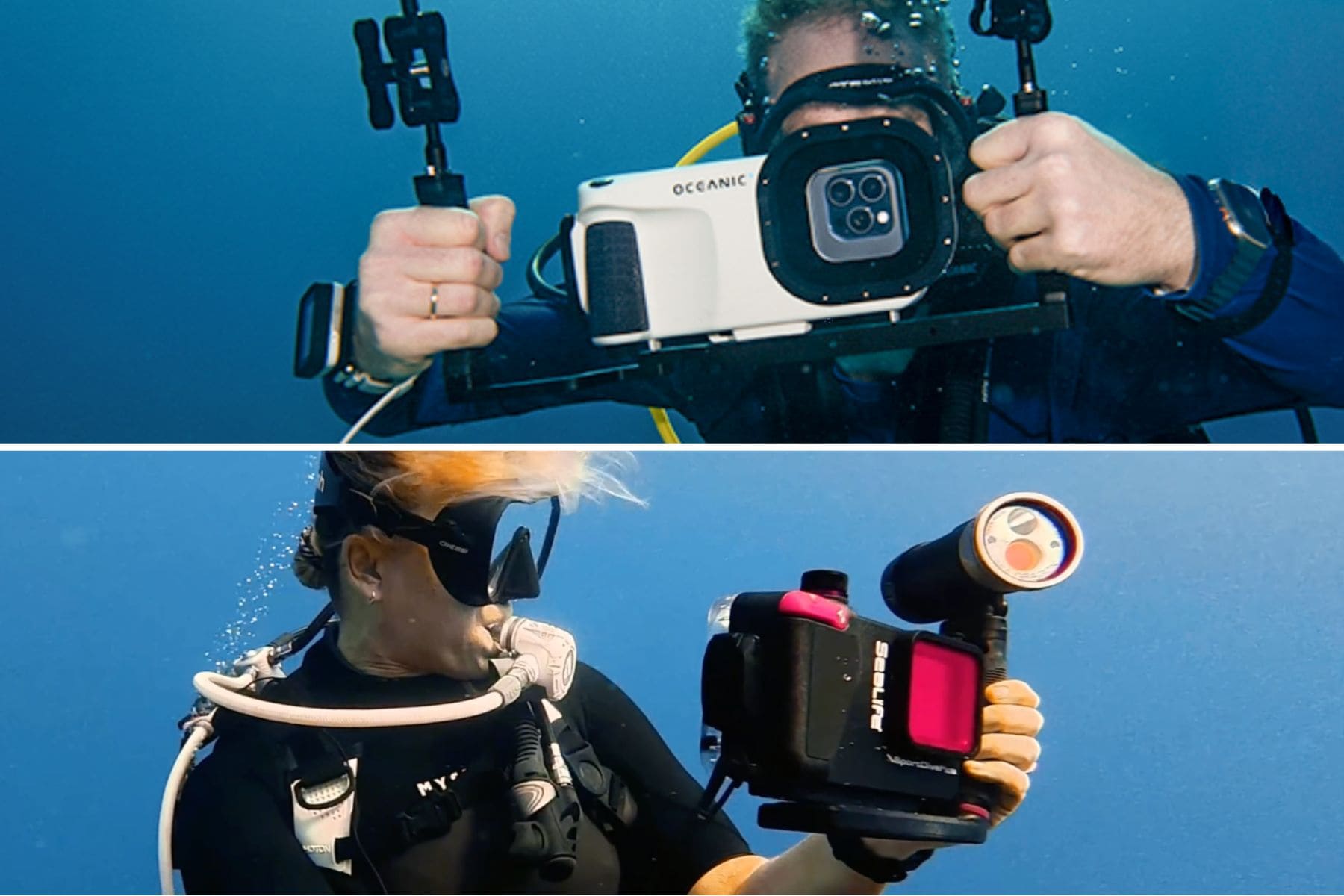
The Oceanic+ Dive Housing is best for iPhone users who want their phone housing to double as a dive computer. It beats the SeaLife SportDiver Ultra on integrated dive-data features, with the Oceanic+ app turning a compatible iPhone into an underwater camera and dive computer, and it is rated deeper at 196 feet (60 m). However, it’s part of the Apple app ecosystem, and is not compatible with Android phones.
DiveVolk SeaTouch 4 Max Plus
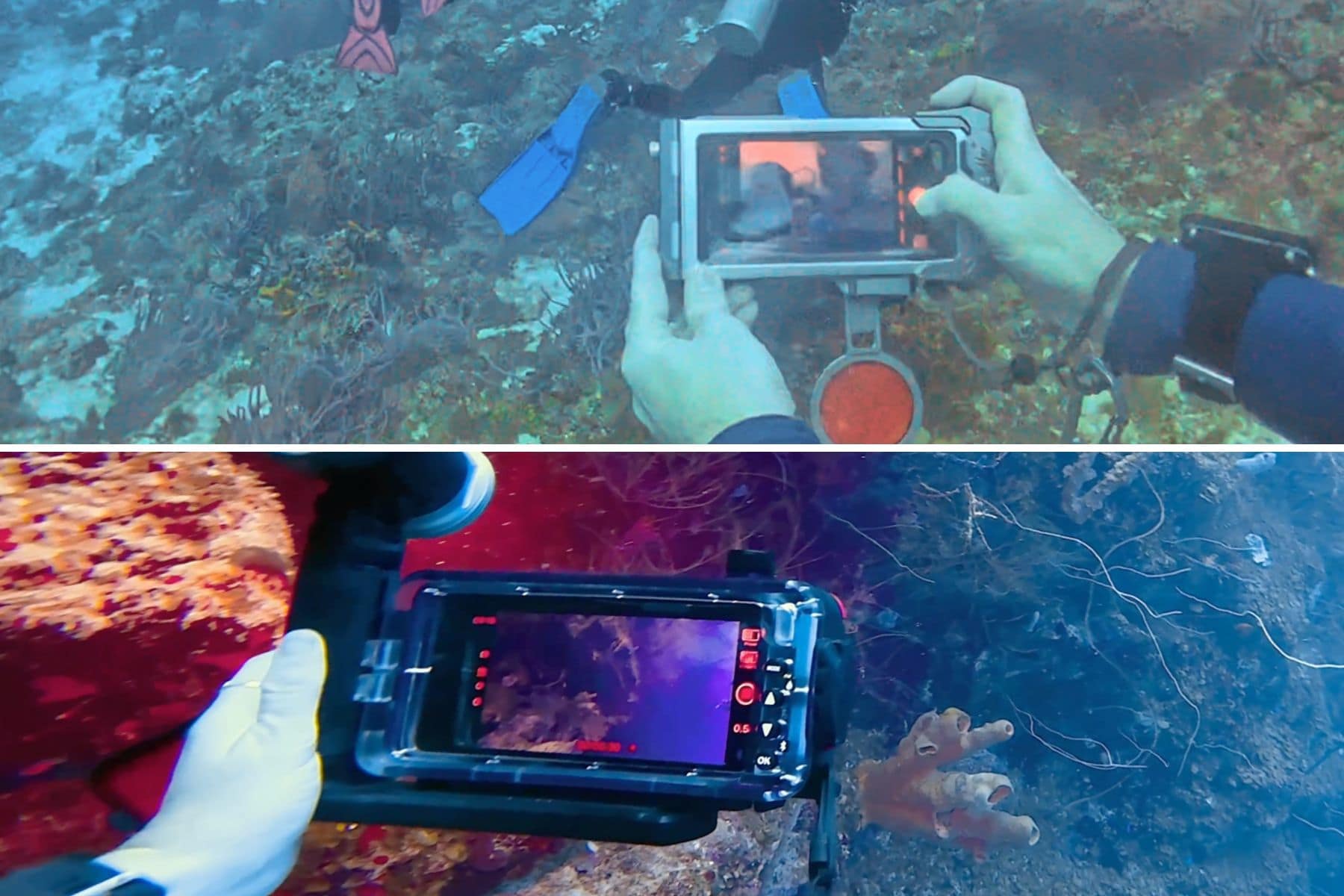
The DiveVolk SeaTouch 4 Max Plus is best for divers who want full touchscreen access underwater. This freedom beats the SeaLife SportDiver Ultra by letting you use your phone like normal, including native camera controls, notes, fish id, and even the internet. The SeaLife Ultra does have the security of alarms and checks and, with its ergonomic fit and buttons, is better suited for those who want to use their phone housing mainly as a camera housing.
Underwater Control and Usability

Once you are underwater, a phone housing is only as good as your ability to actually use it. On the Ultra, the controls feel closer to a compact camera than trying to operate a phone inside a sealed case. It’s worth noting that once your phone is sealed inside, you cannot access anything else. Using other phone functions means disconnecting from the app and opening the housing.
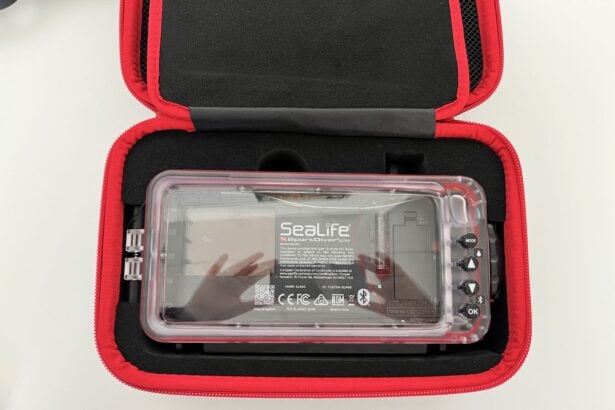
The housing has four main buttons: Mode, Up, Down, and OK. The Mode button moves between photo, video, settings, and gallery, while OK selects what you want. In photo or video mode, the Up and Down buttons zoom in or out. In the settings menu, those same buttons let you move through options such as white balance, file format, and other camera controls.
The app alongside the housing’s four buttons is very easy to use. During my dives, I found it quick to understand and navigate. It is not as simple as dropping a phone into a basic plastic case and pressing record, but the SeaLife SportDiver Ultra gives you more control underwater, whether that’s to adjust white balance, exposure, focus, or zoom.

The housing also feels intuitive to hold because the shutter button sits where you naturally expect it to be. Much like a camera, the phone housing is curved on the right front so your hand wraps around it. I found this comfortable to hold underwater and, with a shutter button, it felt like using a compact camera.
Weighing in at 28.5 oz (808 g) before adding the phone, the Ultra is approximately 20% heavier than the standard SeaLife SportDiver housing, but it is still buoyant by 4.2 oz (120 g). Once you subtract the weight of your phone (ours is the iPhone 15 Pro Max at 7.8 oz/221 g), the housing is slightly negative. However, with its ergonomic shape, I do not find the SeaLife Ultra cumbersome to hold.
The SeaLife’s chunkier design is slightly easier to grip, especially if you’re wearing gloves. The curved grip gives it a camera-like feel, whereas touchscreen-style housings, like the DiveVolk, feel more like holding a phone underwater. Both approaches have their place, but if your instinct is to squeeze a shutter button, the Ultra feels more natural.
Pre-Dive and Leak Prevention

The SeaLife SportDiver Ultra housing is designed with multiple layers of security, so it’s almost impossible not to feel reassured. The housing itself is made from polycarbonate with stainless steel and hard-anodized aluminum hardware, so it feels tough. The waterproof door, which is lined with an o-ring, uses a cam-lock sealing latch. The lens port is optical glass, so again, it feels built to handle pressure. It is depth-rated to 130 feet (40 m), which suits recreational divers.
The setup process is straightforward, but there are still a few steps. You’ll need to download the SeaLife app, place your phone inside, check that the o-ring is clean, and lock the cam latch securely. The SeaLife app then guides you to use the hand pump manually until the pressure gauge reaches the safe zone. The housing then runs a pressure check for three minutes. If it passes, you know the seal is secure before you enter the water.
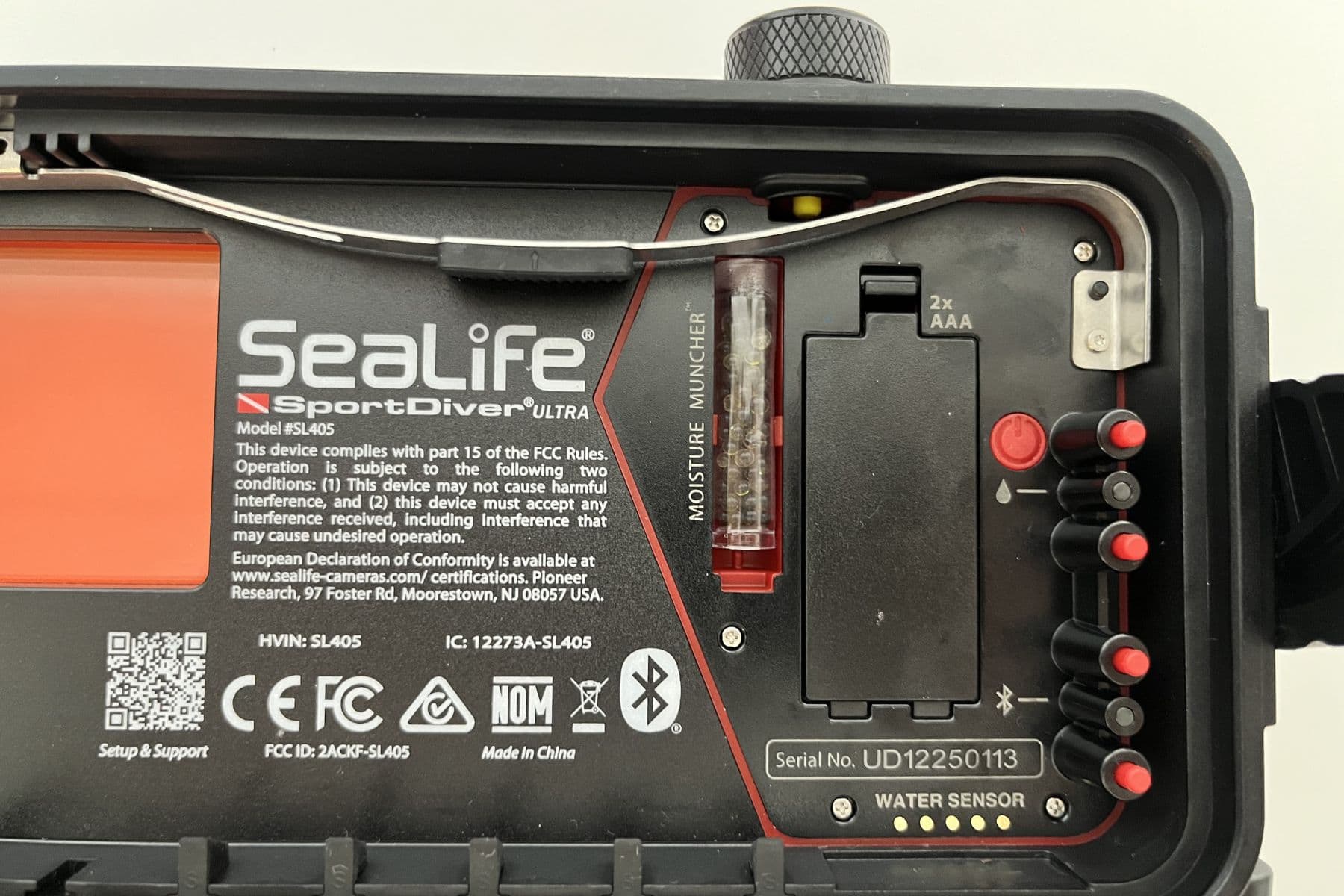
The housing has two alarms: one for when pressure is lost and one leak alarm if any moisture is detected. This adds an extra layer of reassurance, knowing that not only is the Ultra a hardy housing, but if something does happen, it warns you right away. The system uses on-screen warnings, audio, and LED signals if pressure is lost or moisture is detected.
The Ultra housing runs on two AAA batteries, which SeaLife says offers 50 hours of runtime. On one dive trip, my phone started with 100% battery, and the housing had fresh batteries. After two 60-minute dives and being approximately four hours inside the housing, my iPhone 15 Pro Max had 70% and the housing lost one bar. The SeaLife app also has a power-save feature that dims the screen by 80% and turns off the camera when not in use.
The only small drawback is that the vacuum pump is manual, unlike Oceanic+’s automatic system. Though a manual pump is one more thing to pack, it’s also one less electronic part to fail. Like any underwater housing, the SeaLife SportDiver Ultra still needs careful handling. Sand, hair, or salt crystals can break a seal. Inside the SeaLife box, there are spare o-rings, o-ring lubricant, and an o-ring removal tool if any fixes are needed.
Heat and Fogging

Heat and fogging can quickly ruin any images from a dive. A phone running a camera app inside a sealed housing can get warm, especially in 4K video mode or if the housing sits in direct sun before the dive. The best approach is to set it up somewhere dry and shaded, then keep it covered until you are ready to enter the water.
One of the biggest annoyances with phone housings is that they can fog up. When moving from air-conditioned rooms, to humid boat decks, and then to cool water, warm, humid air can get trapped inside, so fogging can be hard to avoid. The SeaLife SportDiver Ultra comes with a Moisture Muncher, a small capsule that acts like a silica packet to absorb excess condensation in the housing.
Along with the leak and pressure-detection alarms, this extra precautionary step is another reason to like the SeaLife Ultra. On the same dives that I used the Ultra, I also used an action camera that, despite my best efforts, eventually fogged. So I got to see the benefit of the Moisture Muncher firsthand.
In-App Editing and Color Correction
When it comes to underwater footage, most modern phones shoot great photos and videos. The bigger question is whether the app and housing let you correct the color, control the exposure, and get something usable without hours of editing.

The Ultra relies on SeaLife’s free app, which takes over the phone once it’s inside the housing and determines what camera settings you can actually access underwater. The housing connects to the phone’s app through Bluetooth. Footage is stored directly in the phone’s native Photos app, so you don’t need a memory card or footage transfers before editing.
This is different from Oceanic+, where the footage is stored within the app, along with its post-editing features and dive computer ecosystem. Neither is necessarily better; it just depends on how you prefer to edit. If you like your footage going straight to your camera roll, SeaLife feels simple. If you like the idea of your footage being part of a larger dive-log ecosystem, Oceanic+ has an advantage.
When it comes to underwater color correction, there are a few ways around the usual blue or green cast: adding lights, using external filters, or post-editing. With the SeaLife SportDiver Ultra, all three are an option.

The SeaLife app gives divers useful manual options, such as white balance and file formats. On iOS, white balance can be set to Auto, UW Deep, UW Shallow, or Manual from 3000K to 8000K. On Android, white balance options include Auto, Manual, UW Deep, UW Shallow, Daylight, and Cloudy. RAW+JPEG is also available on Android depending on phone model, while iOS supports formats including ProRAW, ProRAW+JPEG, and ProRAW+HEIF depending on phone model.
A red filter, which attaches to the outside of the housing, comes standard with the package. Throughout a dive, it’s easy to clip on or off the front. In shallower or sunnier waters, around 50 feet (15 m) or less, a red filter can make a difference.
Beyond that, an artificial light is your best bet. SeaLife offers a wide range of lighting options and accessories to increase your image quality.
Phone Compatibility
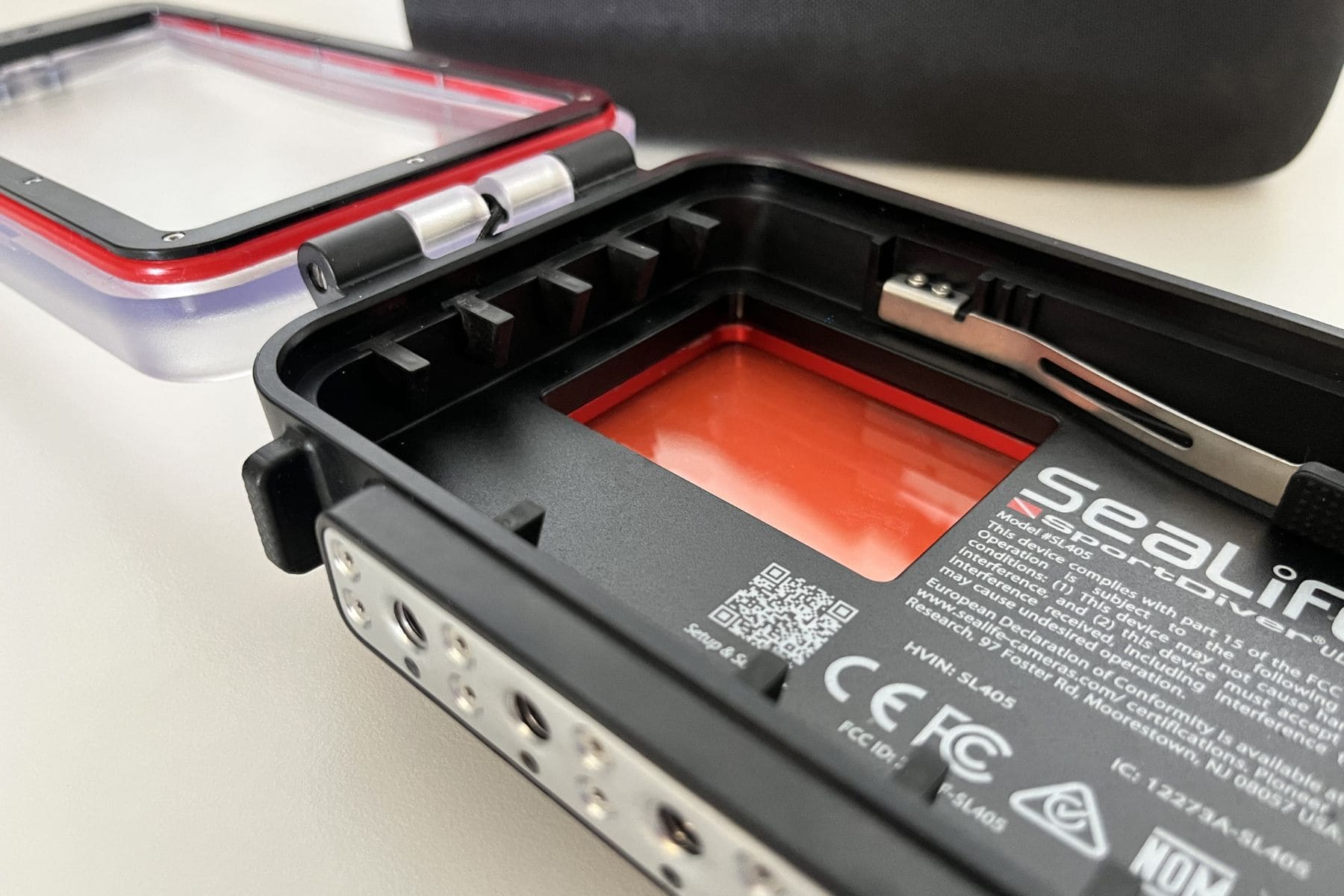
Phone compatibility is one of the main reasons to choose the SportDiver Ultra over the standard SportDiver. It is made for larger phones, which is useful since the best smartphone cameras are often found in Pro Max, Ultra, and Pixel-style models.
I use the SeaLife SportDiver Ultra with an iPhone 15 Pro Max, and at 0.5x zoom, there is no vignetting. That is important underwater because wide-angle shooting lets you get closer to your subject while still fitting it in the frame, which usually means better color, contrast, and clarity. The SeaLife app’s lens access depends on your phone. On iOS, we have access to ultrawide, wide, telephoto, and triple lens options. On Android, lens options vary by model.

The practical advantage of the SeaLife system is that it uses adjustable grip tabs rather than a fixed phone tray. This makes it easier to swap between phones, such as within a family, or keep using the housing after a phone upgrade. You still need to check SeaLife’s compatibility chart before buying, and you will need to remove your everyday phone case before loading the phone into the housing.
Accessories and Mountings

Included in the box are the housing, a red color-correction filter, the vacuum pump, spare o-rings, o-ring lubricant and removal tool, a wrist strap, Moisture Muncher sample pack, anti-glare foam strips, two AAA batteries, and rubber grip tabs, all inside a sturdy EVA carry case. Rubber grip tabs are what hold the smartphone in place and add shock protection. There are different sizes included so you can accommodate larger or smaller phones.
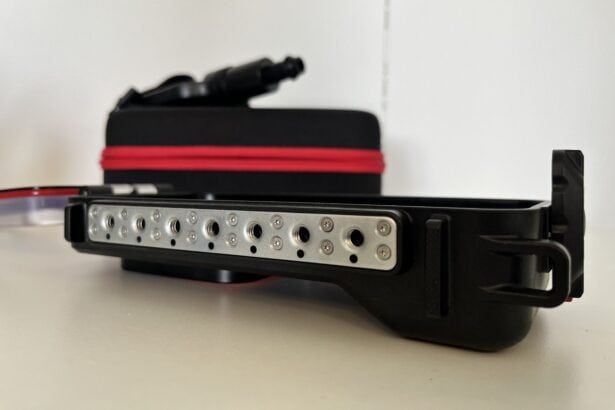
So, as a starting point, there’s already a lot to work with. If you want extras, the accessories are a big bonus to the SeaLife ecosystem. The Ultra has seven standard 1/4-20 tripod mounts, so there’s flexibility for lights, trays, and accessories. SeaLife has a range of Flex-Connect trays, arms, and ball mounts, which all click together very easily. Not having to fumble with screws or Allen keys is a big win.
Other add-ons you might consider are an externally attachable macro lens and wide-angle dome. The macro lens does need an adapter, whereas the dome just clicks onto the front. With so many accessories and add-ons, SeaLife is great for those who want to expand more into underwater photography and/or videography.
Value for Money

Compared with buying a dedicated underwater camera and housing, the SeaLife SportDiver Ultra can be very good value. The SeaLife SportDiver Ultra is compatible with Apple and Android phones and has different sized tabs. This means that if you choose to get a new phone, the Ultra housing will most likely still fit it, provided the new phone remains within SeaLife’s compatibility range.
The value is strongest if you already own a high-end phone. If your phone has an excellent camera, the SeaLife SportDiver Ultra gives you a way to use that camera underwater without buying an additional compact camera, action camera, and housing setup. If you are a casual snorkeler with a smaller phone, you may be better served by the standard SeaLife SportDiver or ProShot . But if you have a large flagship phone and want a housing you can trust beyond the surface, the Ultra is the better fit.
Specs & Features
| Max depth rating | 130 feet (40 m) |
|---|---|
| Phone compatibility | Apple iPhone, Samsung Galaxy, and most Android phones |
| Housing material | Polycarbonate housing with stainless steel and aluminum metal hardware |
| Seal type | Silicone main seal and vacuum check port o-ring |
| Touchscreen compatible | No |
| Mechanical controls | Yes, physical buttons control the app digitally |
| Number of control buttons | Four |
| Leak detection system | Yes |
| Vacuum system support | Yes |
| Mount type | Tray; 7 standard 1/4-20 tripod threads |
| App needed | Yes |
FAQs
The SeaLife SportDiver Ultra fits many larger iPhone and Android phones, including Max and Ultra-sized models. Check SeaLife’s website for a specific list of the Pro Max models, Samsung Ultra phones, and Google Pixel phones it accommodates. You will also need to remove most everyday phone cases before loading the phone into the housing.
Yes, you can use ultra-wide on supported phones, but lens access depends on your phone model. The Ultra’s larger lens port is designed for multi-lens phones and can avoid vignetting with many ultra-wide lenses.
Yes, the SeaLife SportDiver Ultra has seven standard 1/4-20 tripod mounts for lights, trays, and accessories. The SeaLife Ultra is compatible with its extensive range of accessories, such as trays and SeaDragon lights. Since the seven mounts are universal, most other add-ons are also compatible.
 Take a moment to look at this.