

Diving With the Cressi Da Vinci Dive Computer and How We Tested
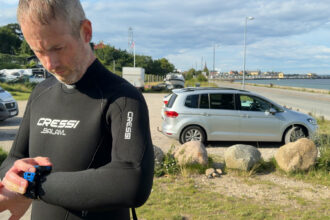
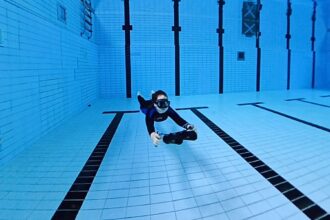
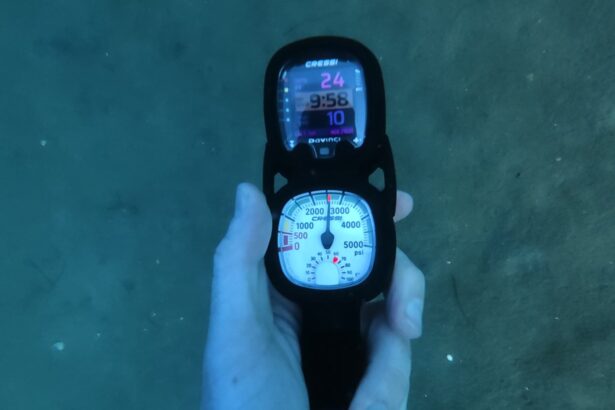
We dove the Da Vinci in both versions, the wrist unit and the 2-gauge console, during pool and open-water dives in murky conditions with visibility low enough that screen readability got a real test.
Checking NDL, depth, and alarms was no problem whether the console hung at hip level or sat on the wrist. The buttons behaved the same in 3mm and 5mm gloves.
First-time setup: within 30 seconds, we had a 32% nitrox mix set, because each menu screen labels what the buttons will open next. We did a battery test against Cressi’s 30-hour claim. The compass got bearing checks against a reference, and we synced dives to the DiveSync app throughout.
Testing Areas for the Cressi Da Vinci Dive Computer
Display & Readability

The full-color LCD screen is bright enough for every dive we took it on, though it is not as bright as the AMOLED screens on high-end dive computers. In murky water at 66-82 feet (20-25m) we had no problem reading depth and NDL at a glance. On-screen warnings stood out clearly. At the surface, direct sunlight washed the screen out until we angled it slightly; then it read fine again.
Brightness adjusts from 10-100% in the menu, and changing it mid-dive is quick. The main screen shows NDL, dive time, and your ascent rate bar. One button press opens a second screen. Unlike the colorful main display, it shows the rest of your dive data as eight fields of white text on a black background. You never see everything at once, but the flip is a single press.
Ease of Use & Interface

This is the easiest dive computer we have set up in a long time. Within 30 seconds of picking it up, our tester had nitrox set to 32% without once backtracking through a menu. Each menu entry is labeled with what it opens, so you always know what the next press will show.
The two front buttons are big and work the same in 3mm and 5mm gloves. The console and wrist versions behave identically. During a dive the interface simplifies: one button adjusts brightness; the other flips between data screens; and a press-and-hold opens the compass.
A three-or four-button dive computer or a touchscreen navigates faster, but the Da Vinci works great because it has less to navigate and is simple to use. Compared to Cressi Leonardo or a Mares Puck Pro, the color screen makes every menu clearer. If you are moving up from one of those computers, that added clarity is the first thing you will notice.
Algorithm & Safety Features

The Da Vinci uses Bühlmann ZHL-16C, the same proven decompression algorithm you find in computers costing twice as much. Conservatism comes as three presets rather than manual gradient factor settings, the expert-level controls tech divers use to adjust their safety buffer: C0 is the standard setting, C1 adds a safety margin, and C2 is the most cautious. For the recreational diver this computer is built for, three clear choices beat a wall of numbers. Pick a preset once and the computer handles the math on every dive.
Worth knowing: it ships on C0, the least cautious preset. Switching to C1 or C2 tells the computer to end your no-stop time earlier, and changing it takes seconds in the menu.
The ascent warnings did their job on our dives. A bar at the side of the screen tracks your ascent rate and warns when you climb too fast. At 20 feet (6m), a safety stop timer starts on its own. Both are easy to catch mid-dive without hunting for them.
Dive Modes & Capabilities

Air, nitrox, and gauge cover the Da Vinci’s range, with four gas mixes from 22-99% oxygen and in-dive switching. Setting a mix is quick: enter the percentage, verify, set your PPO2 limit, and done. Everything worked exactly as expected on our dives.
This is a recreational computer through and through. There is no CCR mode, no trimix support, and no freedive mode. If you snorkel or freedive between scuba trips, the DaVinci will not track it. If you dive exclusively air and nitrox, nothing is missing.
Air Integration

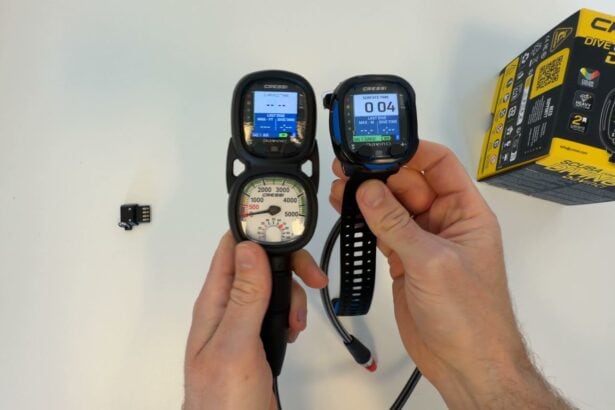
Air integration is not an option with the Da Vinci. Wrist-unit buyers need a separate SPG. The 2-gauge console version solves this by pairing the computer with an analog pressure gauge in one housing.
Plenty of computers at this price skip wireless air integration. Adding it means paying more for a transmitter-ready computer plus the transmitter itself. Cressi solved this by having a console version, giving your computer data and air same place.
Battery Life & Power

Cressi claims a minimum of 30 hours per charge, and our chamber test backs that up. We could not run one long test because the Da Vinci caps a single dive at 10 hours. Instead, we ran three 10-hour chamber sessions in a row on the same charge for 30 hours of dive mode in total, and stopped the test there.
That confirms Cressi’s 30-hour claim. The battery indicator still showed a bar left at the end, so the real maximum is higher; we did not test how far it goes. On real dives, battery was never something we thought about. At 50 minutes a dive, 30 hours is roughly 36 dives, enough for a 12-day liveaboard at three dives a day.
The Da Vinci charges through Cressi’s own 4-pin adapter, which you attach to a standard USB-C cable plugs into the adapter. Charging is fast: an hour or two on a standard charger covers days of diving. But if you forget that small adapter at home, you cannot charge at all. No other computer we know uses this connector, so you will not be able to borrow one from a buddy.
The Leonardo’s user-replaceable battery is the travel-friendly option; the Da Vinci trades that for rechargeable convenience.
Build Quality & Durability
The screen protector is already fitted when the computer arrives, and it is not just cosmetic. The screen itself is not sapphire glass, so it can scratch in normal use. That’s where the protector earns its keep: it took the knocks from our trips without marking the screen underneath. When it gets too scuffed, you peel it off and fit a fresh one instead of living with the scratches. At this price, that is smart protection.
The console version adds another layer of protection: the computer sits in a protective case inside the SPG console, well-shielded from day-to-day knocks. The unit is rated to 330 feet (100m) and certified to ISO 6425, the international standard a true diver’s watch has to pass. Cressi has decades of reputation for computers that last, and the Da Vinci feels in line with that. We have not had it long enough to judge years of salt water and button wear. We will update this review after a full season of diving with it.
Size & Wearability
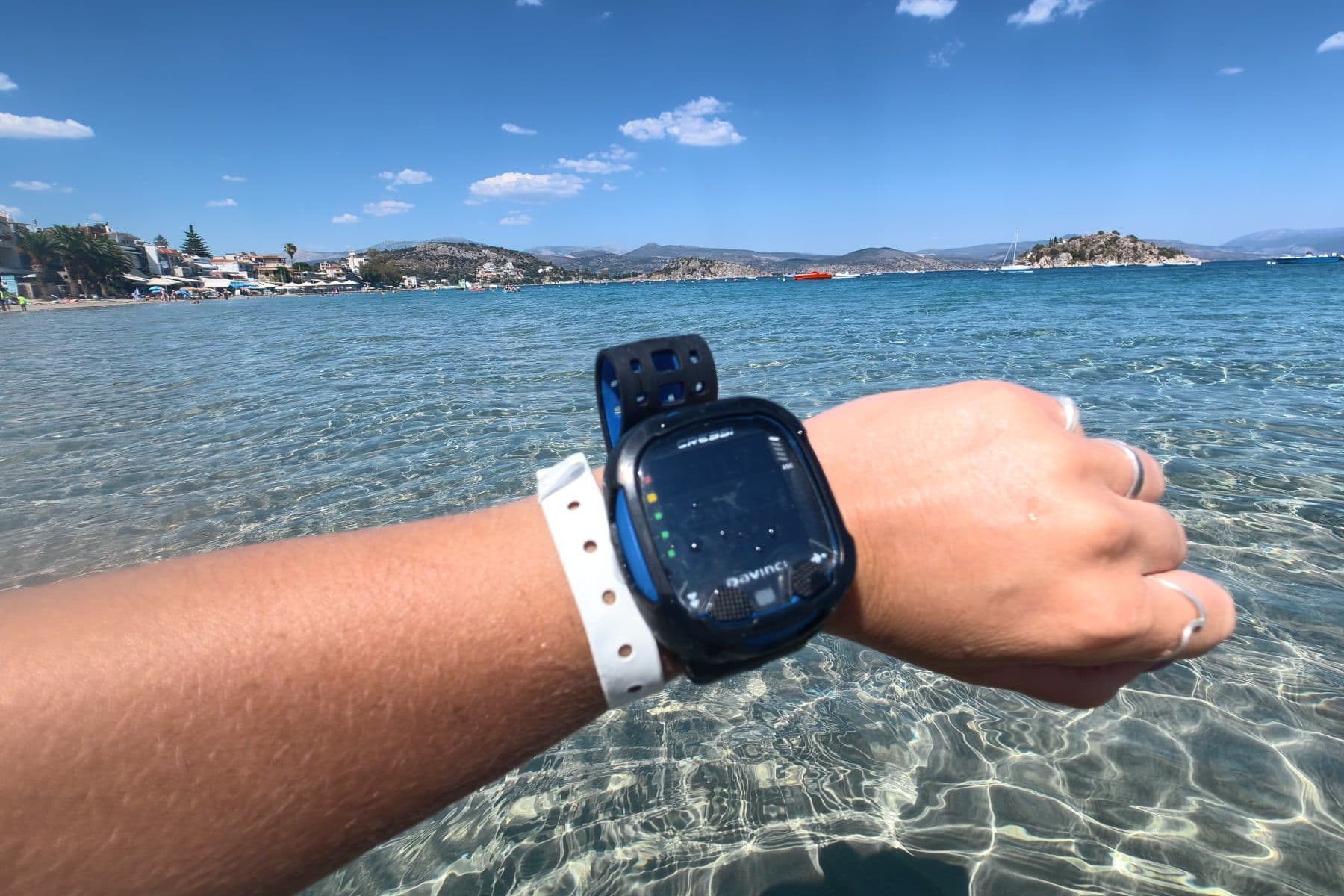
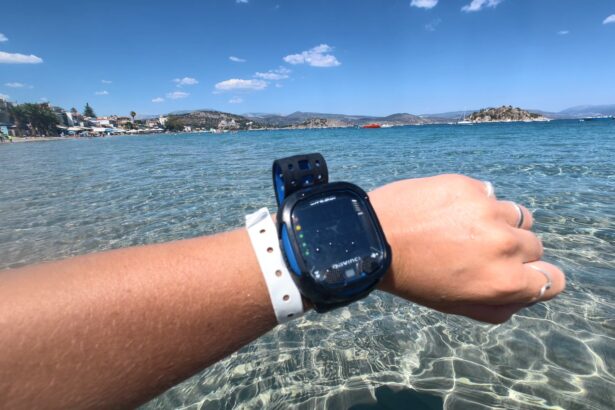
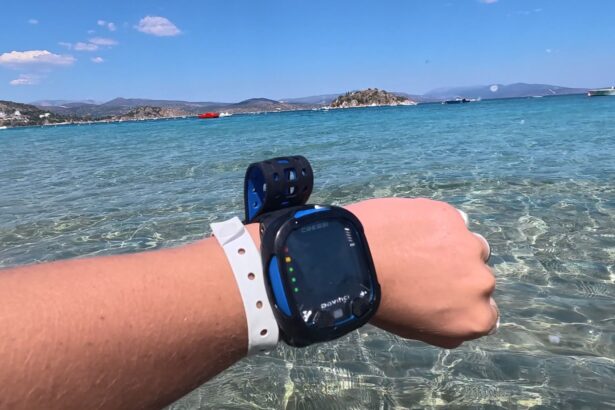
The wrist unit is a large-watch-size computer. It is a dive computer, not a smartwatch, so it is too thick to wear comfortably as an everyday watch. On a dive day, it’s easy to wear between dives. In the water, it is compact enough to stay out of the way, yet large enough to read. The case is a bit bigger and wider than the Cressi Neon, but smaller than the Cressi Leonardo.
Two straps come in the box: a large silicone strap and a bungee strap that threads on quickly if you prefer it over a drysuit cuff. Swapping is simple.
The console version is attached on a high-pressure hose. A quick screw-release frees the computer and SPG from the hose. So you can take just the computer along to log your dives or to charge it, without dragging your regulator along.
Connectivity & App
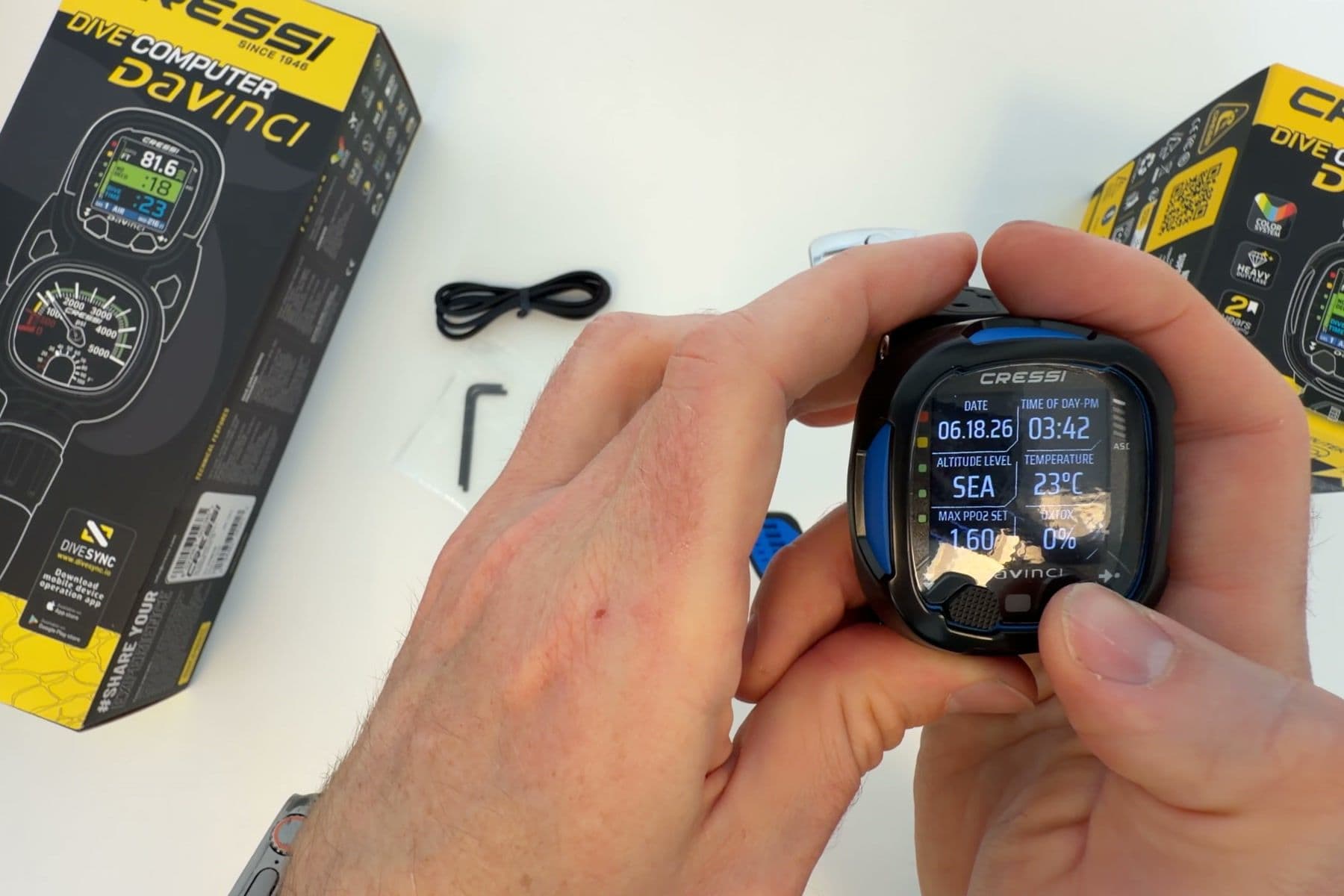
Bluetooth plus Cressi’s own free DiveSync app (iOS and Android) handle online logging. Syncing is simple: the computer stores 60 dives in its own memory, and the app copies them to your phone to keep your full logbook. Firmware updates also come through the app, and you can set up gases and alarms from your phone.
DiveSync is not the most advanced dive app on the market. It is easy to use, though, and for a computer at this level, it does the job.
Digital Compass
Press and hold one button mid-dive and the full 360° compass opens, with symbols marking the directions. It is simple enough that any diver can use it for basic navigation. Heading accuracy sat well within acceptable margins in our checks against a reference.
Setting a bearing takes one press from the compass screen. Small indicators then show which way to turn to get back on heading. Another press clears the bearing, and holding the same button exits. With gloves on, none of it is fiddly.
Value for Money
The Da Vinci sits in the mid-range tier. Your money buys the screen and the algorithm: a full-color display, Bühlmann ZHL-16C with three conservatism presets, four gas mixes, and both strap options in the box. That combination is rare at this price.
What you give up is air integration and daily-wear versatility. The Da Vinci earns its price by doing the essentials well and skipping the features you would pay extra for and rarely use.
Cressi Da Vinci compared to others
The Cressi Da Vinci sits in the middle of the dive computer market, above budget segment-display units like the Cressi Leonardo and Mares Puck Pro, but below AMOLED smartwatch computers like the Suunto Nautic and Garmin Descent X50i. Its closest rivals include simpler computers from Cressi’s own range, like the Cressi Neon. Here is how it stacks up against three of them.

Suunto Nautic vs. Cressi Da Vinci
A diver who wants one watch for diving and daily wear picks the Suunto Nautic: its 3.26-inch AMOLED screen is far bigger and brighter, and it looks like a smartwatch. The Da Vinci answers with simpler two-button menus and a lower price. It keeps its focus on one job: being a dive computer.
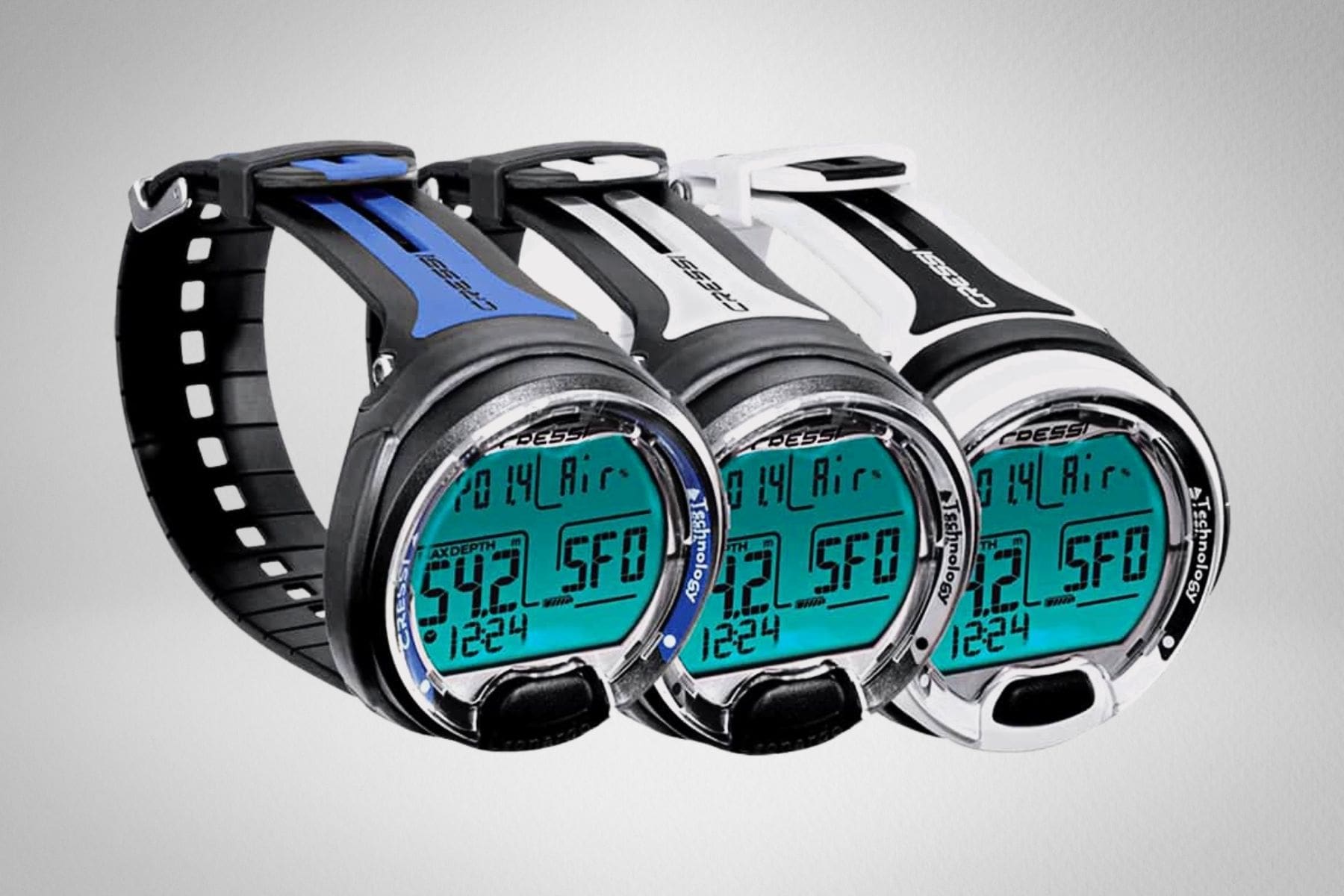
Cressi Leonardo 2.0 vs. Cressi Da Vinci
The Cressi Leonardo remains the pick for a first computer on a tight budget, with its simple calculator-style display and a user-replaceable battery you can swap yourself. The Da Vinci is the upgrade path within the same brand: color screen, gradient factor presets, and Bluetooth, at roughly two and a half times the price.

Cressi Neon vs. Cressi Da Vinci
The Cressi Neon is the slimmer, cheaper option in Cressi’s own range: a watch-size computer with a monochrome screen, a battery you swap yourself, and a freedive-friendly setup the Da Vinci lacks. The Da Vinci answers with the full-color screen, a digital compass, and built-in Bluetooth; the Neon has no compass and needs a separate accessory to sync. Pick the Neon as a lean second computer for travel and snorkel days; pick the Da Vinci when you want the color display on every dive.
Specs & Features
| Adjustable Conservatism | Yes, 3 presets (C0 GF 90/90, C1 GF 35/85, C2 GF 35/70) |
|---|---|
| Air integration | No |
| Alarms | Audible only, no vibration |
| Algorithm | Bühlmann ZHL-16C |
| Battery type | Rechargeable Li-ion with Cressi 4-pin USB-C adapter |
| Buttons | 2 |
| Compass | Yes, digital |
| Depth rating | 330 feet (100m) |
| Display type | 1.54-inch full-color TFT LCD |
| Dive modes | Air, nitrox, gauge |
| Number of gases | 4 (nitrox 22-99% plus 100% O2) |
| Weight | 3.86 ounces (109.5g) |
FAQ’s
No. The Cressi Da Vinci has no wireless transmitter support, so the wrist unit needs a separate SPG. The 2-gauge console version pairs the computer with an analog pressure gauge in one housing.
Yes. The two-button interface and the color menus that show the next step make the Cressi Da Vinci one of the easiest computers to learn. One note: it ships on its most liberal conservatism preset (C0), and switching to C1 or C2 adds safety margin in seconds.
Cressi rates the battery at a minimum of 30 dive hours per charge. At around 50 minutes per dive that is roughly 36 dives, enough for a 12-day liveaboard at three dives a day. Charging takes an hour or two but requires the included Cressi 4-pin adapter.
Yes. The Cressi Da Vinci supports four gas mixes from 22-99% oxygen plus pure O2, with in-dive gas switching. Setting a mix takes under a minute through the menu.
Yes. The Cressi Da Vinci pairs over Bluetooth with the free DiveSync app on iOS and Android. The app syncs the 60-dive on-board logbook, shows dive profiles, and delivers firmware updates.
The Cressi Da Vinci runs Bühlmann ZHL-16C with three gradient factor presets: C0 (GF 90/90), C1 (GF 35/85), and C2 (GF 35/70). There is no free gradient factor entry.
Yes, it is the natural upgrade within the brand. The Cressi Da Vinci adds a full-color screen, gradient factor presets, four gas mixes, and Bluetooth. The tradeoff is the Leonardo’s user-replaceable battery, which the rechargeable Da Vinci gives up.
 Take a moment to look at this.