
























Diving With the ProShot Dive Case and How We Tested

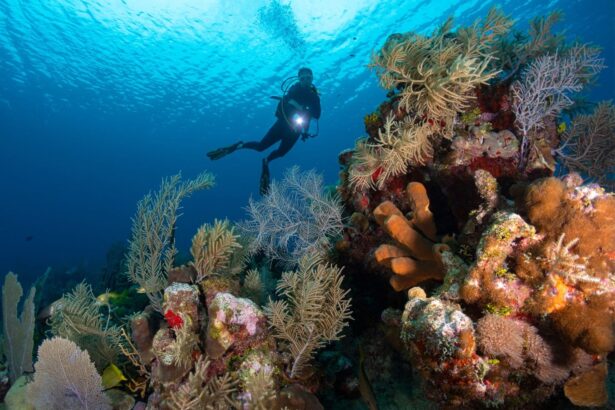
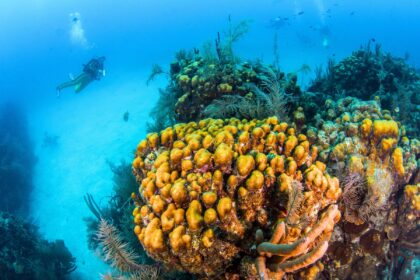
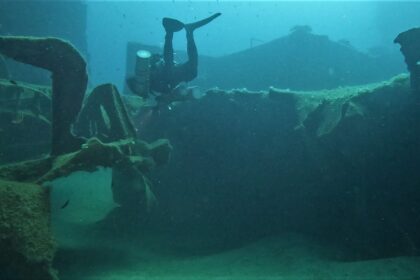
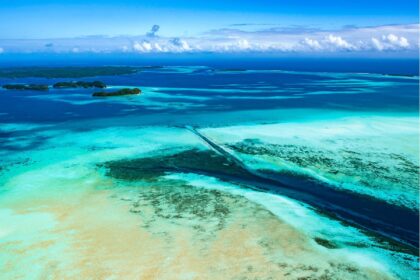
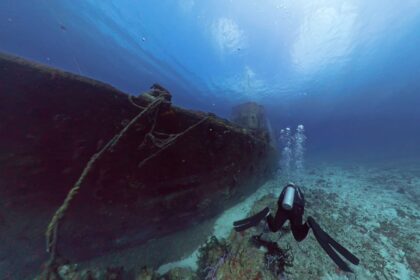
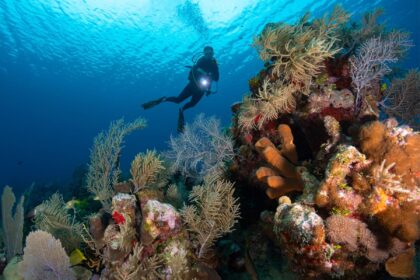
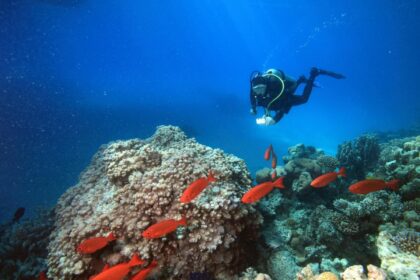
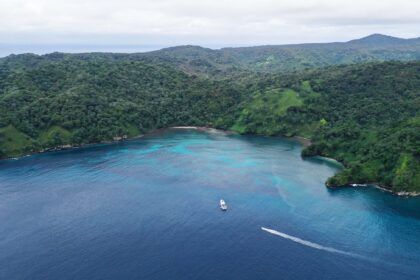
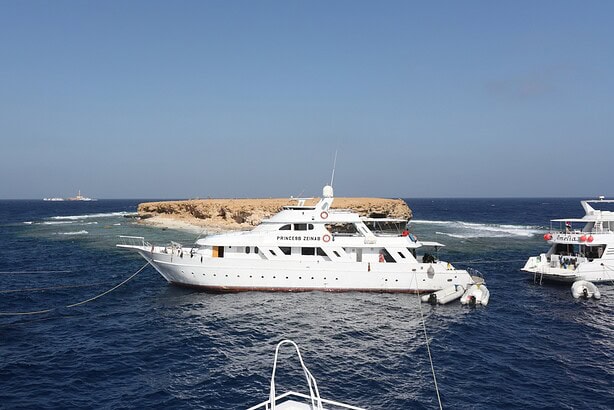
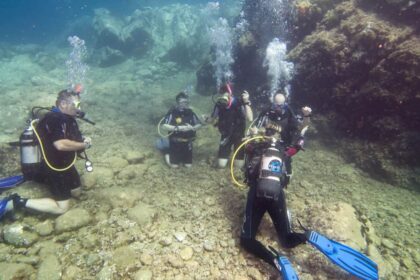
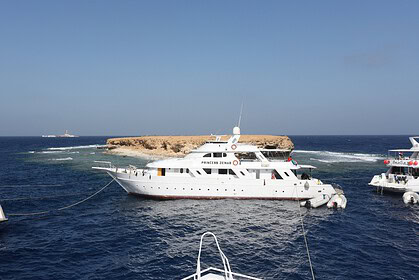
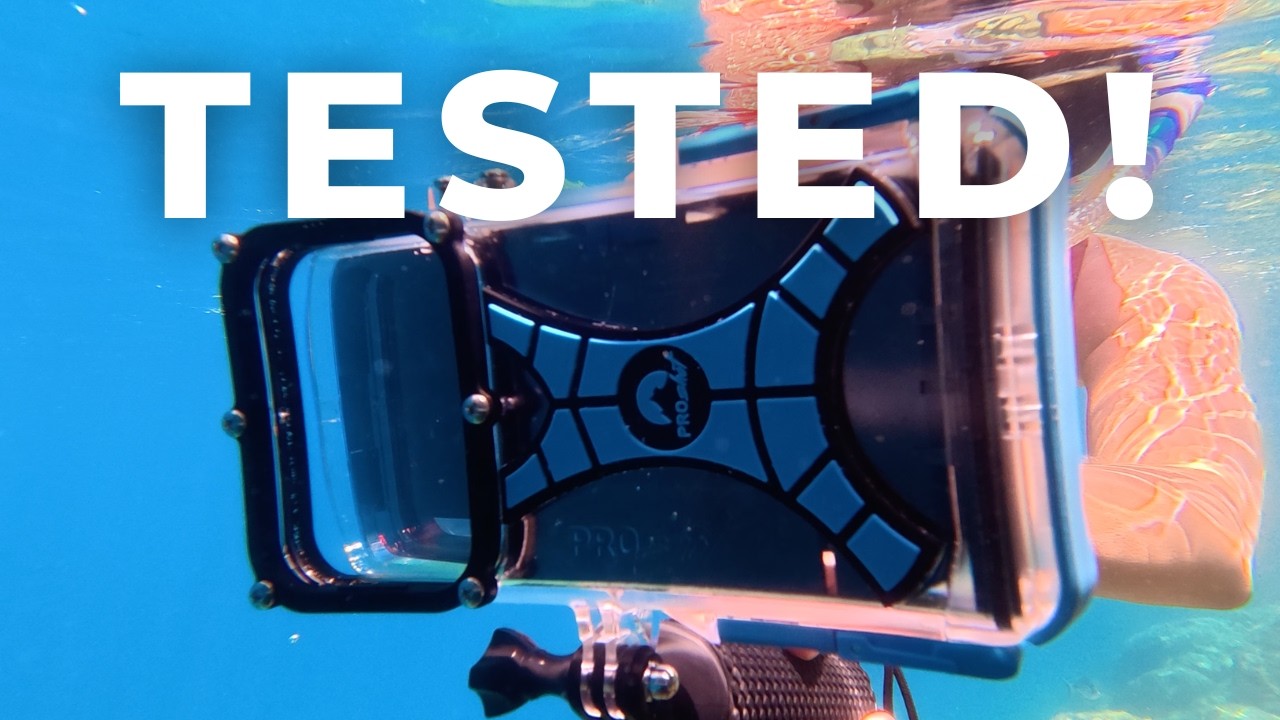
We tested both the iPhone and Android ProShot Dive Case. The iPhone Dive Case we tested on a warm-water dive trip to Belize, around Ambergris Caye. These were relaxed, recreational boat dives, among tropical reefs with clear and bright visibility. We’re judging it as a leisure-diving and snorkeling housing rather than a more serious, complex camera setup.
Since we do not have an Android phone, we did not test the Android ProShot Dive Case underwater. We were able to borrow a friend’s to test the compatibility of an Android phone in the phone tray and the app’s usability.
During testing, we checked:
- Whether the case leaked during underwater use
- How easy the controls were underwater
- How secure and practical the floating handle felt
- Whether the housing fogged during warm, humid conditions
- How useful the color filters were
Underwater Control and Usability

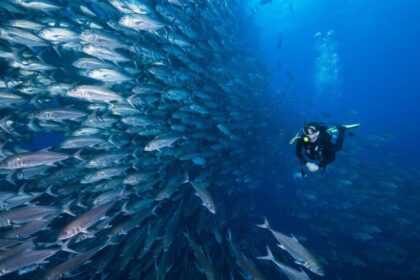
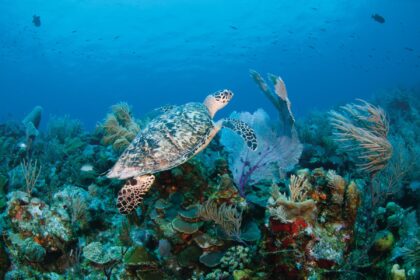
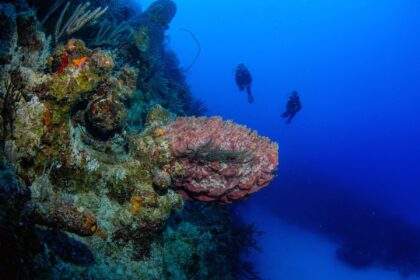
The ProShot Dive Case is not a housing built around manual camera control or complicated settings, but that’s part of the appeal. During my Belize trip with the iPhone ProShot Dive Case, I went from shallow snorkeling sessions to deeper dives of 66 feet (20 m). From colorful reefs to wide-angle scenes and turtle shots, it worked well.
The controls are simple because everything is done with the phone’s volume buttons. The down button cycles between the shooting modes, and the up button takes the photo or starts and stops the video. We like this for casual diving because we don’t want to be scrolling through menus when something swims past. It is much closer to a point-and-shoot experience than a full underwater camera setup.

The downside is that there’s not much control once the phone is sealed inside the housing. You cannot switch to the app inside the housing, so make sure to have the app open and ready before your dive.
In the app settings, you can shoot in 4K, record at 60fps, and capture photos at 48 megapixels. The app itself does more than it first looks: modes include Photo, Video, Slow-Mo, Timelapse, Burst, Timer, Selfie Cam, Sleep Mode, and Gallery Mode. Sleep Mode dims the screen between shots to reduce battery drain.
The limit is that everything runs through the two volume buttons with no touchscreen, so you can’t tap to focus, switch apps, or change settings once the case is sealed.
The ProShot’s budget positioning does not offer the same level of control as a more advanced phone housing, but it is quick to learn and easy to use in the water. The floating hand grip makes the case easy to hold at the surface, but for scuba an extra wrist strap would be nice.
For beginner to intermediate divers who want simple footage or a family-friendly design, the ProShot Dive Case is a great fit.
Pre-Dive and Leak Prevention

Both the Android and iPhone ProShot Dive Case is rated to 130 feet (40 m), which is plenty for recreational diving, and suited the shallow reef dives and snorkeling I did in Belize. Even so, this is still my phone, so I was careful with the setup. Before each dive, I checked that the o-ring was clean, seated properly, and free from sand, hair, sunscreen, or salt crystals.
Closing the ProShot phone housing is done with two tabs that lock the phone tray into the main housing. The housing uses the side volume buttons to control your phone underwater, so be sure that the app is open, and that those buttons are aligned prior to diving.
In terms of security, when I tried placing the phone tray the wrong way around, the lock tabs did not align or close, which makes it impossible to close it wrong and risk a leakage.

The ProShot does not have the extra reassurance of a vacuum check or electronic leak alarm, so this is where the budget positioning is most obvious. Although there is no warning system, that also means the ProShot doesn’t rely on batteries like the Oceanic+ or SeaLife Ultra housings. Because you are relying on the physical seal and your own pre-dive checks, the ProShot works more as a leisure diving and snorkeling housing than a primary dive-camera setup.
Over my numerous dives, the ProShot never flooded and the app worked consistently well and fast. ProShot also includes a 12-month smartphone protection guarantee, which adds some reassurance.
Heat and Fogging

The ProShot is a slim and tight-fitting case, which is a good thing since there is less surface for condensation to occur. On our testing, we did not have any fogging issues. The ProShot does not have preventive features like a dedicated anti-fog insert or moisture capsule, so keep it shaded before the dive. Be sure the phone and inside of the housing are completely dry and avoid sealing humid air inside if possible.
In-App Editing and Color Correction

The purpose of the ProShot app is to repurpose your volume buttons to start/stop and mode selection. There are no in-app editing or color correction features, unlike with the Oceanic+. If you want to edit your footage after your dive, you can do that either on a different phone app or with editing software like Adobe.
For color correction, ProShot sells an additional filter set as a $25 add-on, not included with the housing. ProShot offers a set of three filters: red for blue water at 25 feet (7.5 m) and deeper; magenta for green water at 25 feet (7.5 m) and deeper; and pink for snorkeling. These are useful additions, especially for shallow footage where the water can quickly wash out the warmer tones.
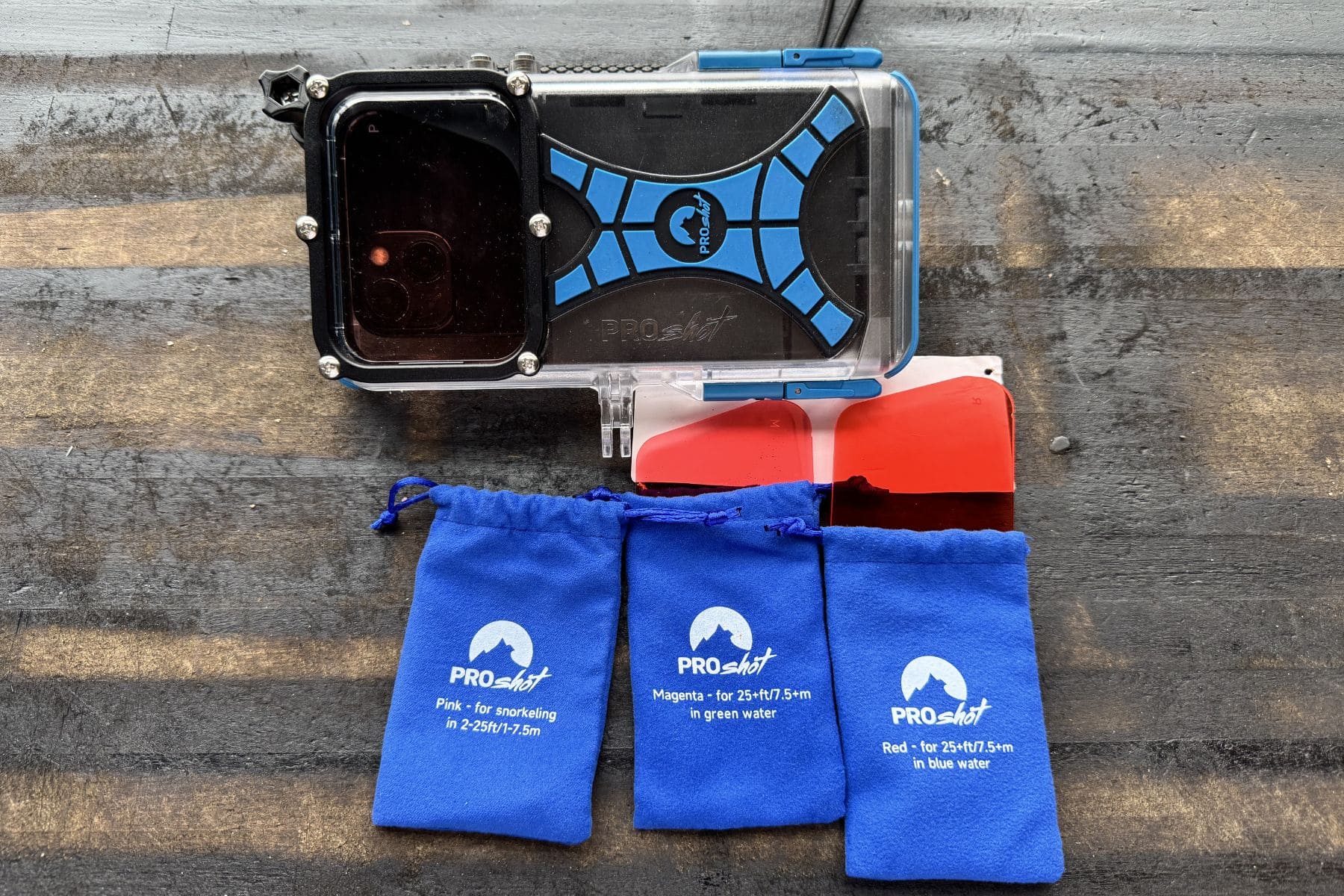
Note, though, that the filters sit inside the housing, so you must choose one before you close the case, and you can’t remove it until afterward your dive. For snorkeling, this is not a major issue since the depth does not change much. However, for scuba, a dive can start at the surface, drop to 100 feet, and then finish with a shallow safety stop.
Filter placement also affects how the case works with lights. If I’m using a tray and video light, I may not want a red filter for the deeper part of the dive because the light is already bringing color back. Yet if I want to add a filter later during the safety stop or in shallower natural light, I cannot do that underwater.
For the current version, I would treat the filters as useful but limited. They suit snorkeling and predictable shallow dives best, but they are not as flexible as an external filter.
Accessories and Mountings

The ProShot Dive Case comes with a floating handle, which attaches in the same way as an action camera or GoPro-style mount. If I let go of the case at the surface while snorkeling, the handle floats, which makes the setup much easier to recover and gives a bit of reassurance when swimming over shallow reefs. For scuba diving, I found the handle did float a little, but since there was a wrist strap, I never felt like I was going to lose it. The handle is also adjustable: you can fill it with water via the bottom cap to reduce buoyancy, making it closer to neutral for scuba diving.
Since the ProShot uses the same mounting system as action cameras, you can easily expand the setup to include a tray or lights. Many tray systems do use screw mounts so you may need an additional GoPro-style adapter rather than attaching it directly to the housing. That’s not necessarily a dealbreaker, but do check before buying extra lights, arms, or a tray.
Phone Compatibility

The ProShot Dive Case comes in two versions: iPhone and Android. The iPhone version fits all iPhones, from 6 through 17 Pro Max. For Android, one case covers most models, so check ProShot’s compatibility guide before buying, as button alignment can vary on older devices.
I do like the way the phone loads into the case. Instead of needing a separate phone tray for each phone, like with the DiveVolk, the ProShot uses spring tabs to hold the phone in place. You push the phone against the springs, and the tray grips it securely inside the housing. This makes the setup feel simple and keeps the phone from moving around once it is sealed inside.
This is especially useful when upgrading your phone or sharing the housing with friends and family. Since the same iPhone case fits all iPhone models, switching to a new phone does not necessarily mean you need to buy a new housing. Just remember to check ProShot’s compatibility chart before buying, especially if you have a larger or newer model.
Value for Money
The ProShot Dive Case is very much a less-is-more phone housing. You are not getting all the bells and whistles of more advanced housings, such as vacuum and moisture alarms or full touchscreen functionality underwater.
It is a much simpler dive case and, for many snorkelers and leisure divers, that may be more than enough. If you want an affordable housing for shallow reef dives and casual vacation footage, the ProShot gives you the basics without overcomplicating the experience.
Throughout our testing, it never leaked and the app worked well. Within its range of capabilities, this is a good dive case. It is not the one I would choose for serious underwater photography, but for simple snorkeling and leisure diving, it does the trick.
ProShot Dive Case compared to others

DiveVolk SeaTouch 4 Max Plus vs. ProShot Dive Case
I would choose the DiveVolk if you want full underwater touchscreen access rather than button control. It is rated to 200 feet (60 m), and it supports iPhone and Android models through adapters. It is more expensive than the ProShot, but the advantage is that you can use the phone’s native camera controls and third-party apps.

SeaLife SportDiver Smartphone Housing vs. ProShot Dive Case
The SeaLife SportDiver Ultra is a good option if you want a more advanced phone housing that still works with both iPhones and Androids. Like the ProShot Dive Case, it is not limited to one phone ecosystem, but it is a much more serious underwater housing.
The SeaLife SportDiver Ultra has a vacuum pressure alarm, an internal moisture alarm, and a more camera-like housing design with physical controls. It also has more accessory mounting options for trays, lights, and lenses, which makes it better suited to divers who want to build out a more complete underwater filming setup.
Specs & Features
| Max depth rating | 130 feet / 40 m |
|---|---|
| Phone compatibility | iPhone or Android |
| Seal type | O-ring/gasket in the end cap secured with two blue side clips |
| Touchscreen compatible | No |
| Mechanical controls | Yes |
| Number of control buttons | Two |
| Leak detection system | No |
| Vacuum system support | No |
| Mount type | Action-camera mount compatible; floating hand grip included |
| App needed | Yes |
FAQs
Yes, but you need to buy the correct version. The ProShot Dive Case comes in two versions: iPhone and Android. The iPhone version fits all iPhone 6 through 17 Pro Max. For Android, check ProShot’s compatibility guide, as button alignment can vary on older devices.
No, the ProShot Dive Case is not touchscreen compatible. Once the phone is sealed inside, you control the camera through the ProShotCase App using the phone’s volume buttons.
You control the camera through the phone’s volume buttons. One button cycles through the shooting modes, while the other takes photos or starts and stops video. It is a simple point-and-shoot system, which works well for casual underwater footage.
 Take a moment to look at this.