


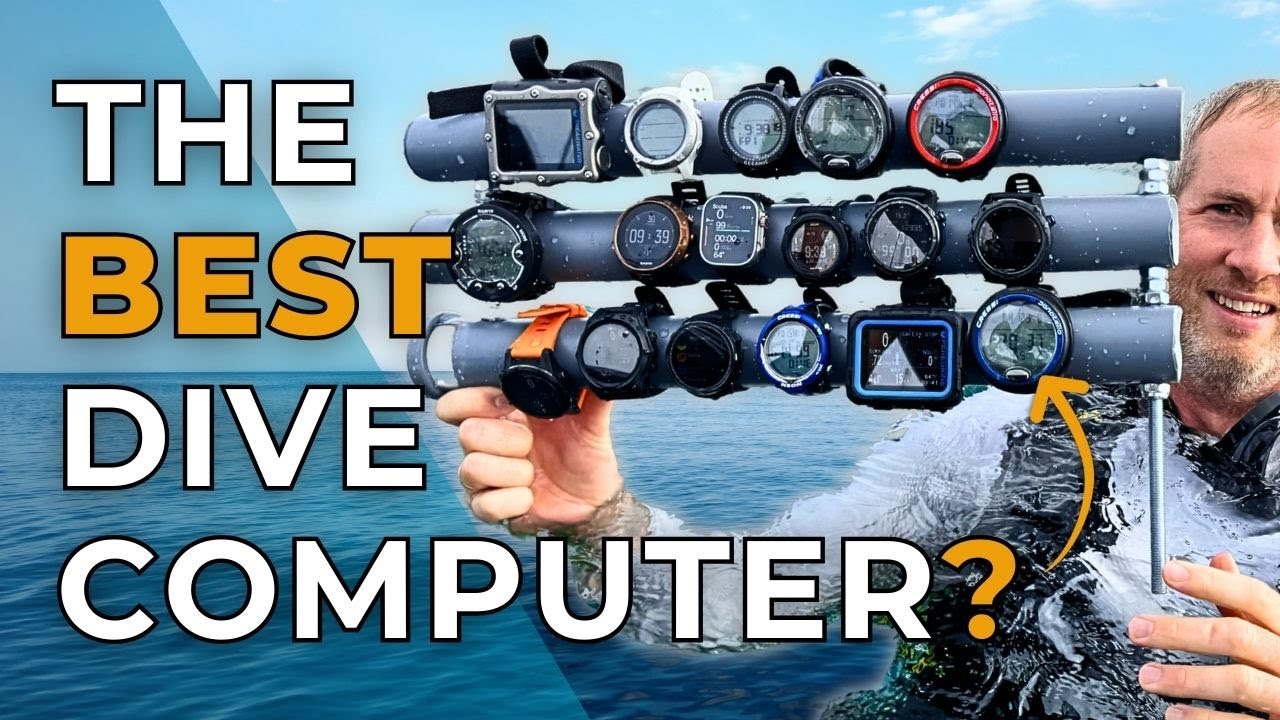

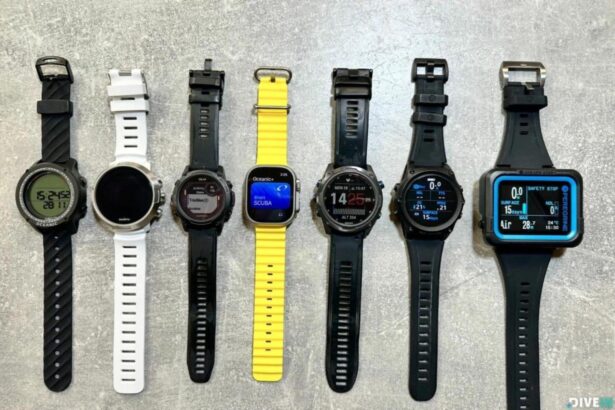
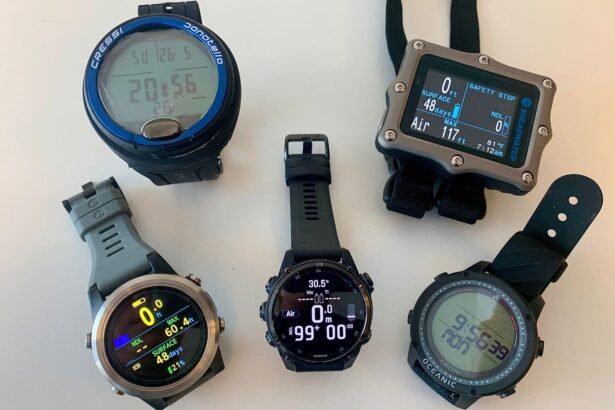

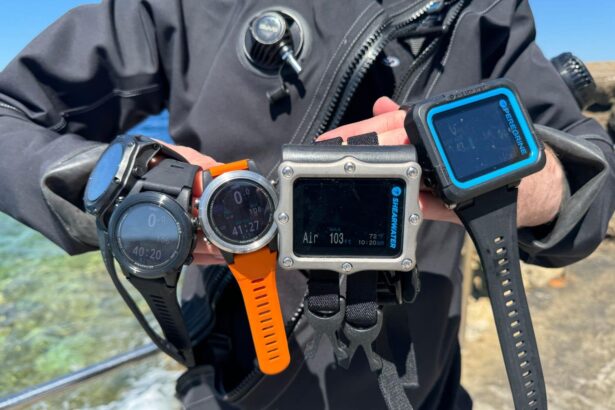
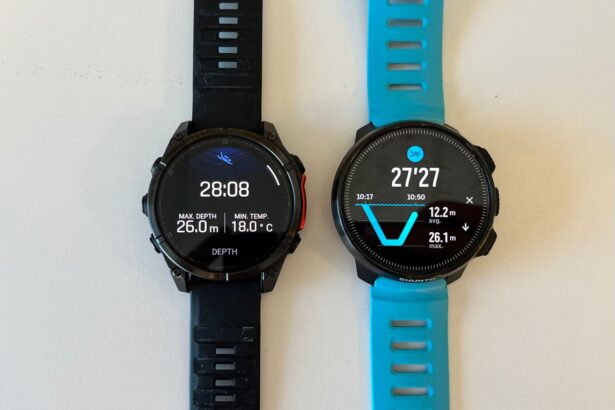
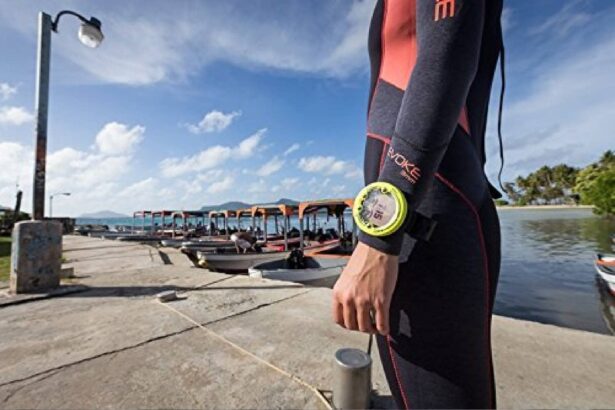
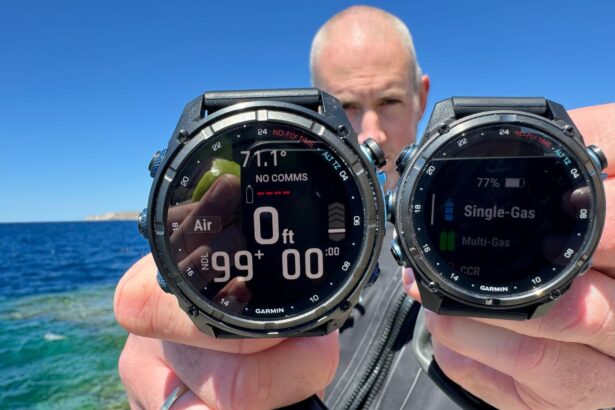
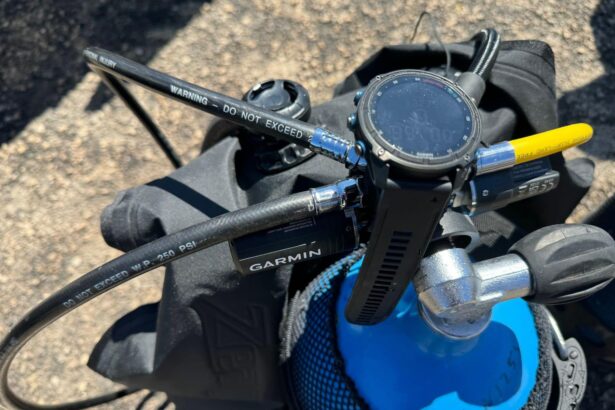


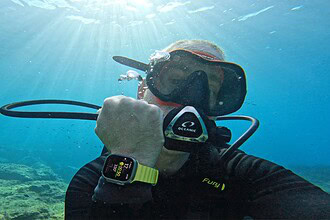
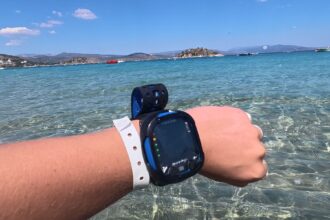


Looking for the right dive computer? You’ve come to the right place. At DIVEIN.com, our experienced dive team doesn’t just skim specs—we test each device in real underwater conditions.
We put 15 popular models through their paces, checking factors like reliability and ease of use, so you can find a computer that matches your experience, diving style, and budget.
No matter which computer you choose, you can trust it to cover essential metrics like depth, time, and no-decompression limits. Before you decide, think about:
- Your diving background (recreational or technical)
- Your preferred design—wrist-size or a larger display
- How often you plan to dive
- Your budget
Below, you’ll find our top picks for divers of all levels. Make sure to check out our testing methodology for a behind-the-scenes look at how we put these computers through their paces.
Enjoy the read, and dive safe!
Apple Watch Ultra Oceanic+


Where to buy
We compare prices daily across all major online stores.
See all 3 pricesApple Watch Ultra Oceanic+ Dive Computer review
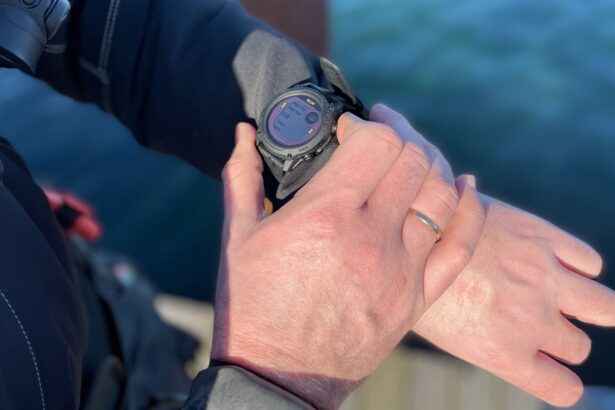
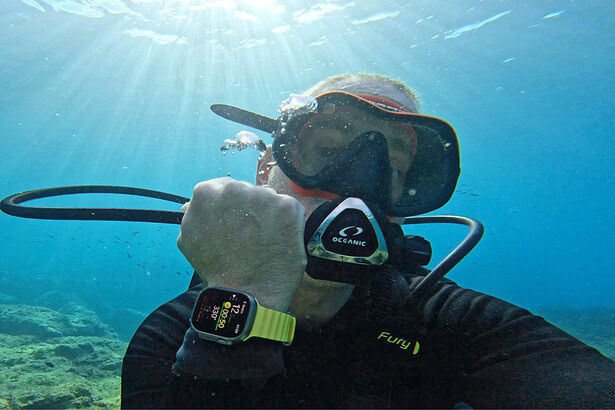
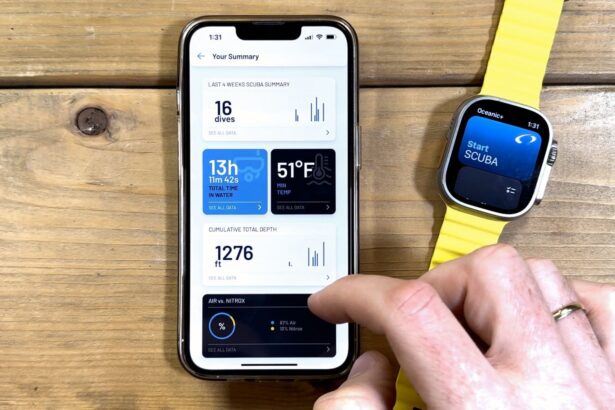
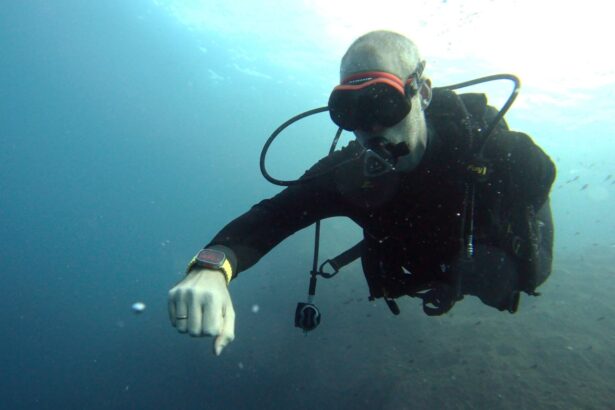
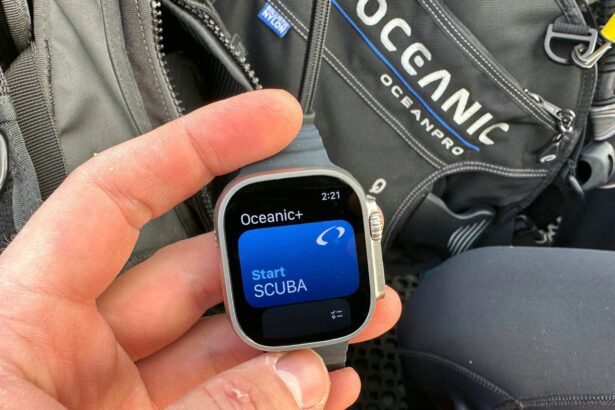
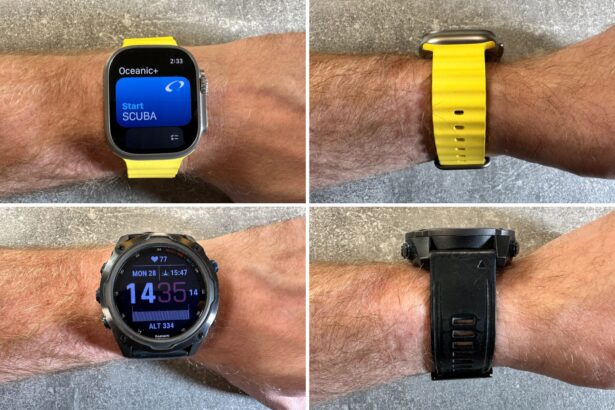
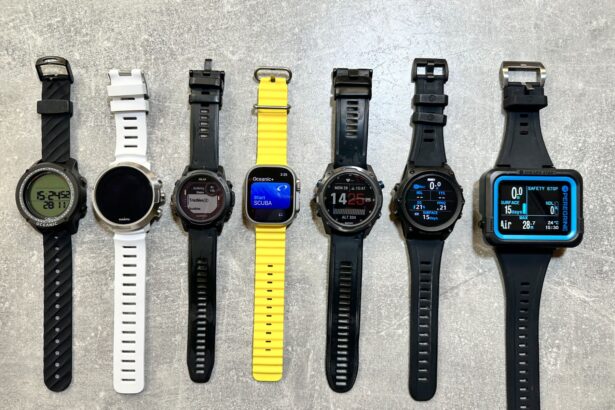
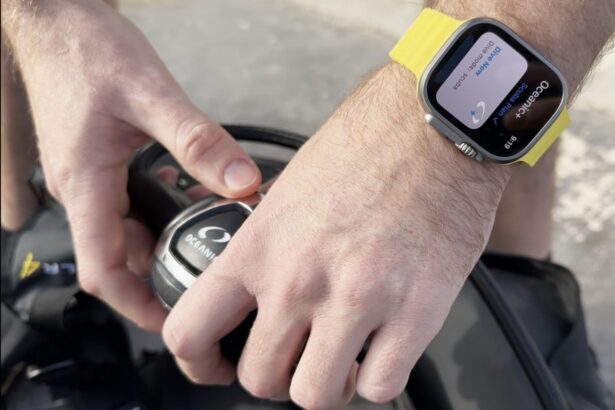
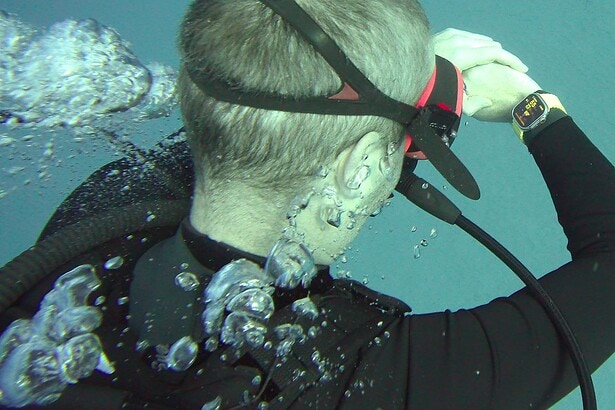
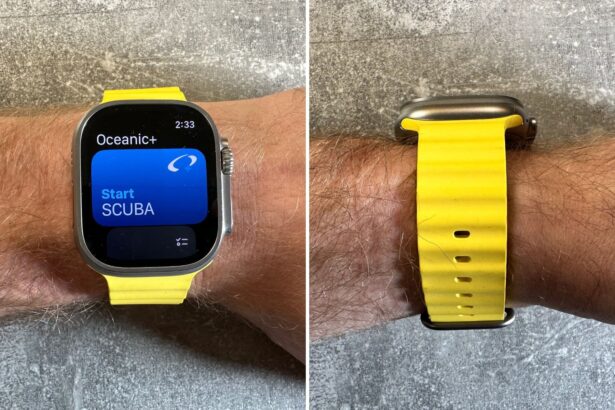
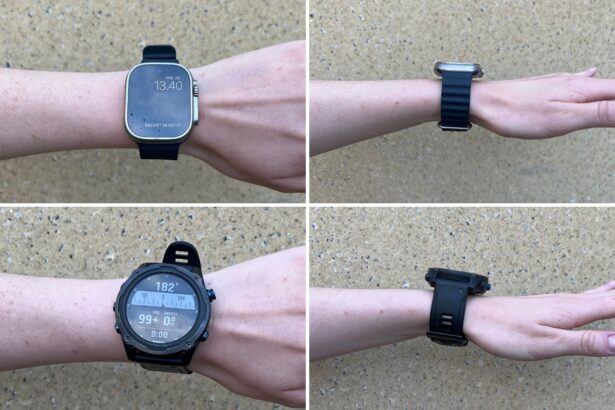
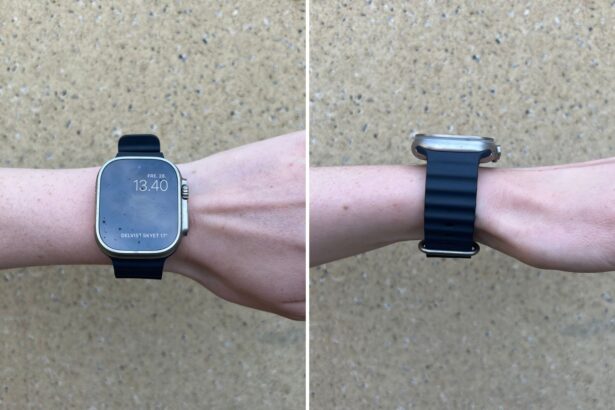
If you’re a recreational diver who’s already got an Apple Watch Ultra, adding the Oceanic+ app is the easiest way to get a capable, color-coded dive computer with smart planning, GPS entry/exit pins, and automatic log syncing.
You get nitrox support, haptic and color alerts for NDL, ascent, depth, and stops, a fast NDL planner, Dive Location and Weight planners, a responsive compass with set-and-follow heading, and a clean logbook that syncs to your phone. The watch auto-launches the dive screen at ~1 m and keeps the important numbers big and easy to read so you can focus on the dive.
Cressi Raffaello



Where to buy
We compare prices daily across all major online stores.
See all 5 pricesCressi Raffaello Dive Computer review
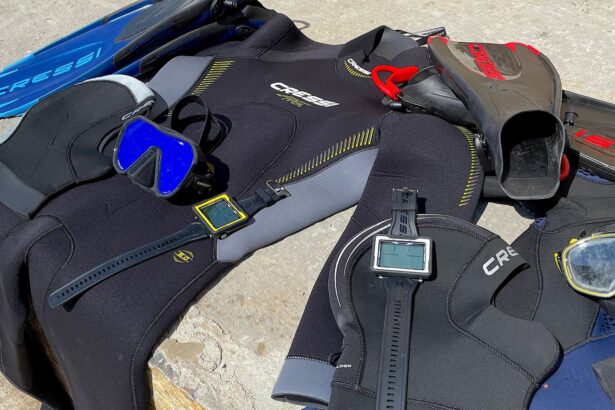
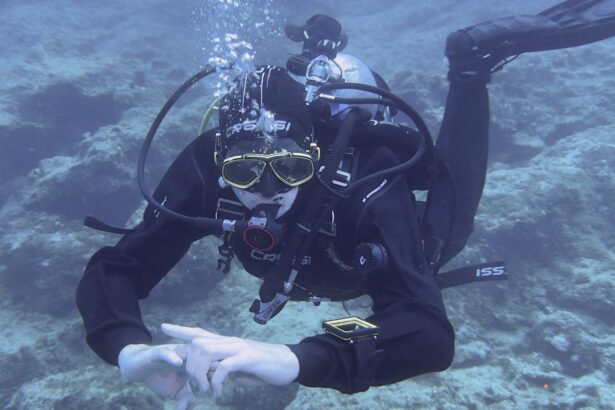
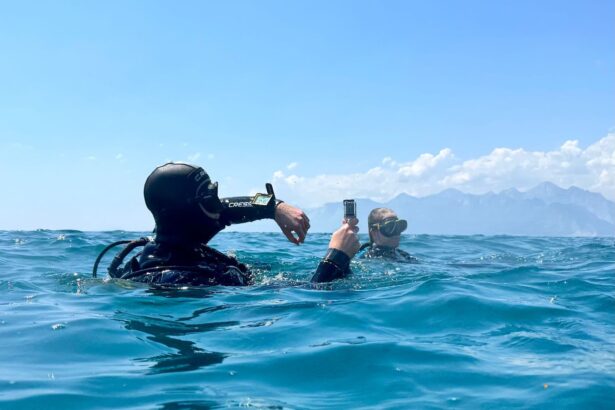
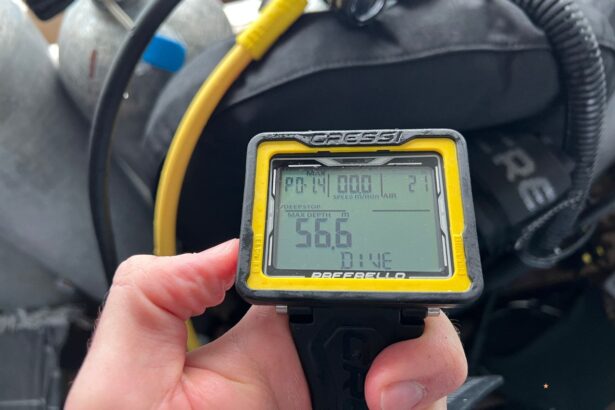
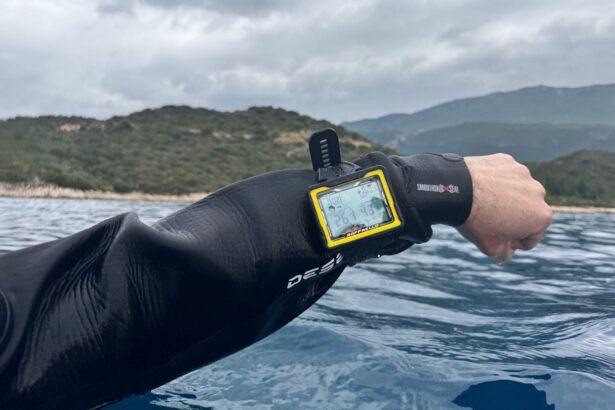
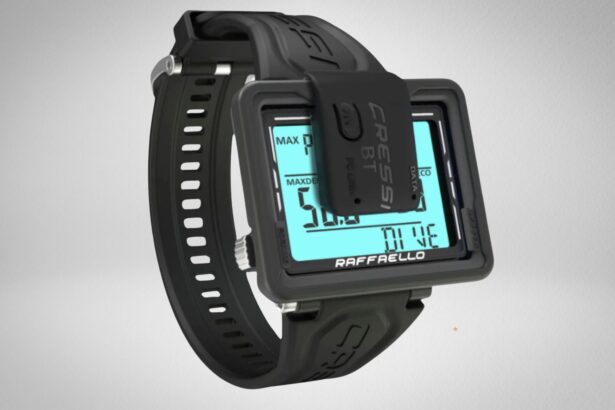
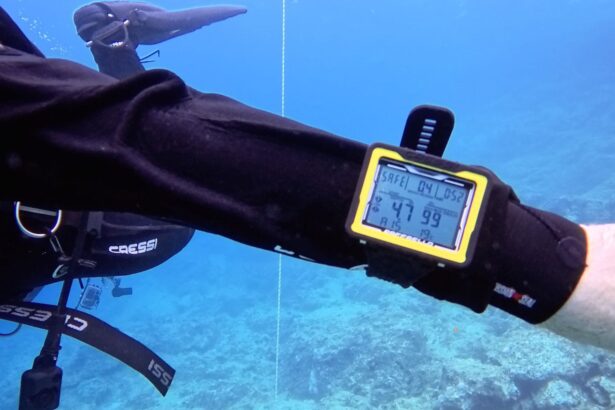
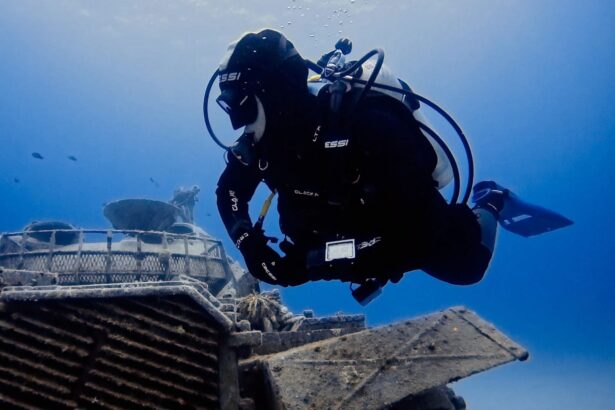
The Cressi Raffaello is a mid-range, wrist-mounted dive computer that combines a large, easy-to-read display with advanced multi-gas capabilities and even a digital compass.
Aimed at recreational and demanding divers alike, the Raffaello provides features often reserved for high-end dive computers—like nitrox support with up to 99% oxygen and freediving modes—at a more accessible price point.
Shearwater Tern/TX

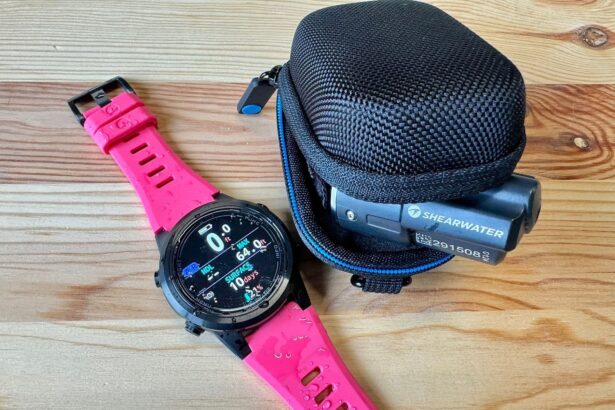
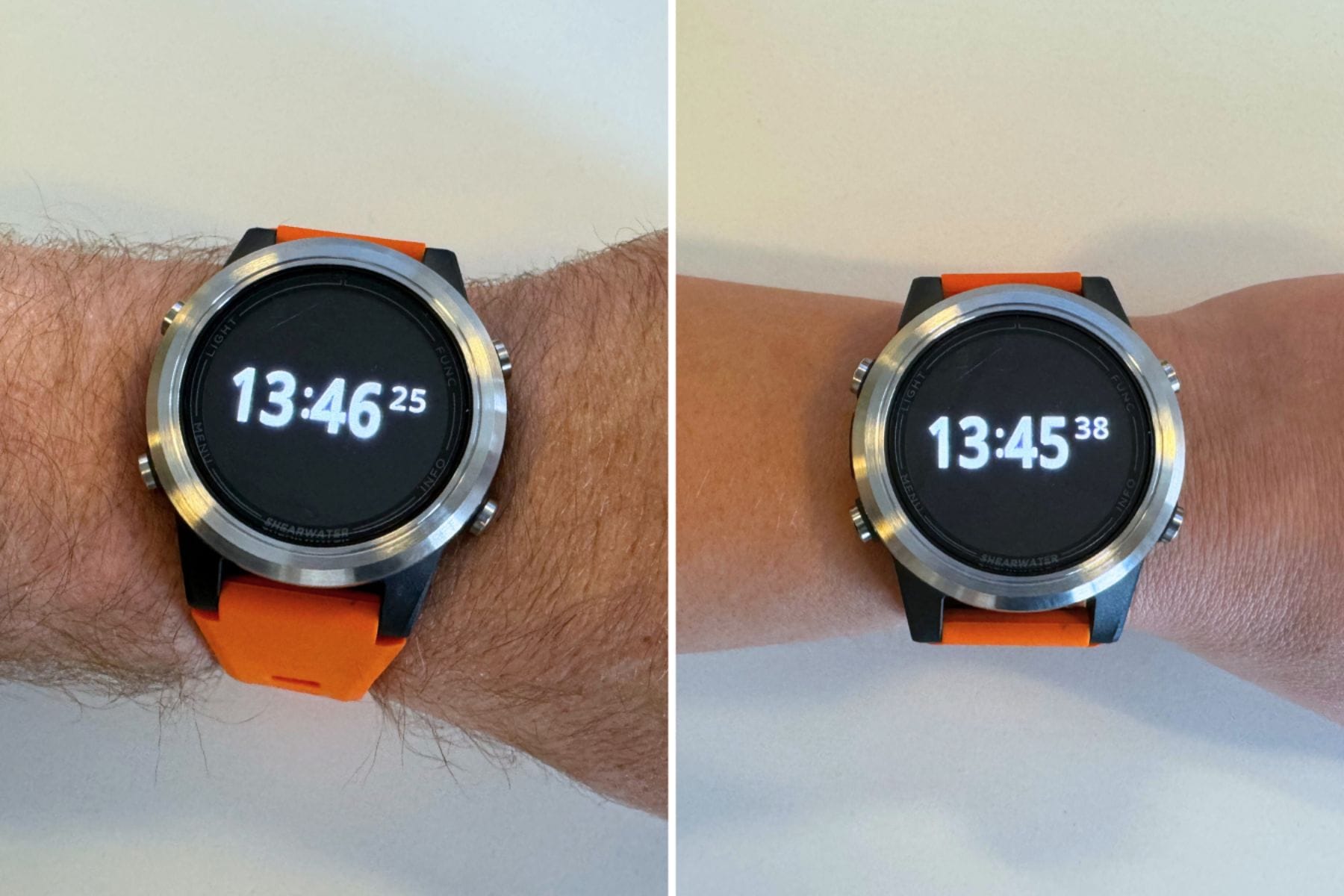
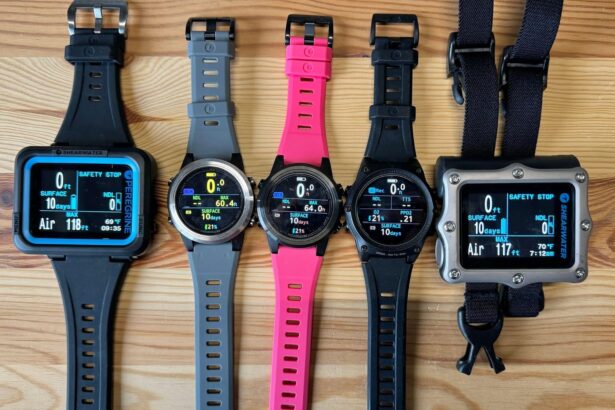




Shearwater Tern/TX Dive Computer review
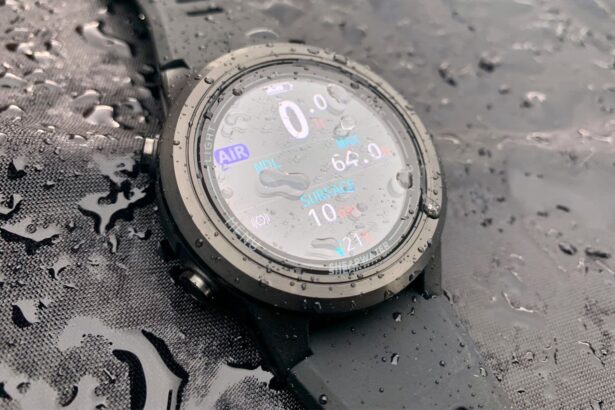
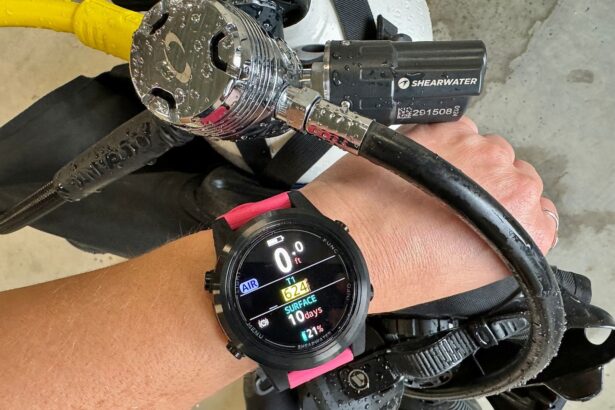
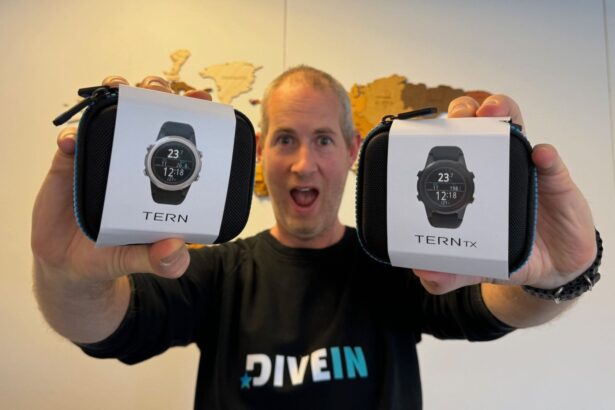
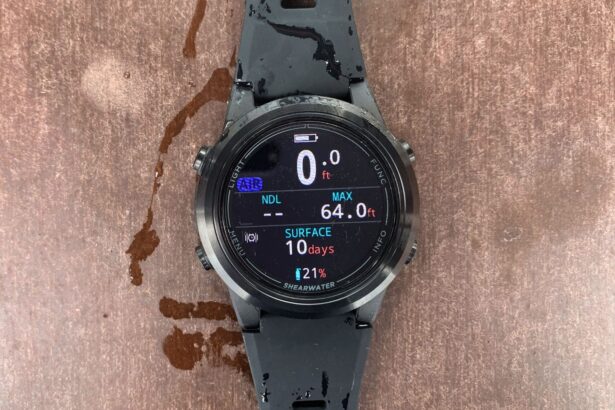
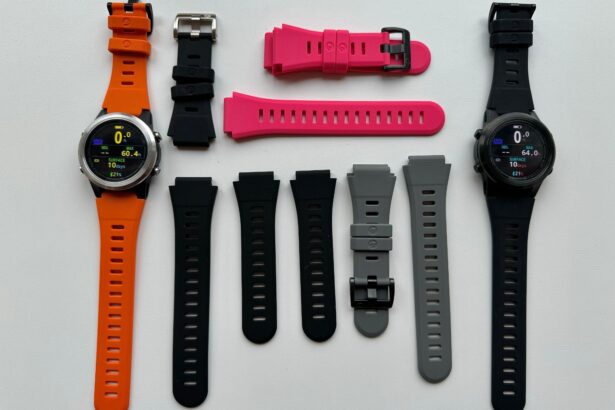
Introduced at the end of 2023, the eagerly anticipated Shearwater Tern and Tern TX began hitting shelves at the beginning of 2024. The Tern is a classic, watch-style dive computer, great for recreational divers who want their dive computer to double up as their everyday watch.
For a reasonable price, the Tern has several dive modes such as air, nitrox, 3-gas nitrox, gauge, and freedive, while leaving out the tech gas features. With the Tern TX, divers can link up to four Swift transmitters, and the TX also includes an integrated digital compass. Both models feature crystal-clear AMOLED displays and rechargeable Li-ion batteries.
As the only brand that only produces dive computers, Shearwater is unsurprisingly at the top of the game when it comes to dive computer technology and usability, consistently vying with Garmin and Suunto for the top spot.
Garmin Descent Mk3/Mk3i


Where to buy
We compare prices daily across all major online stores.
See all 7 pricesGarmin Descent Mk3/Mk3i Dive Computer review
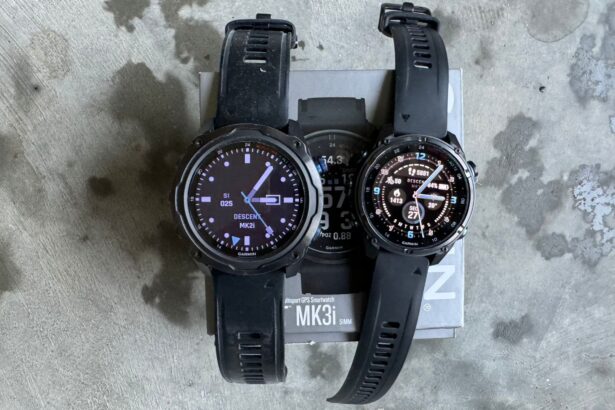
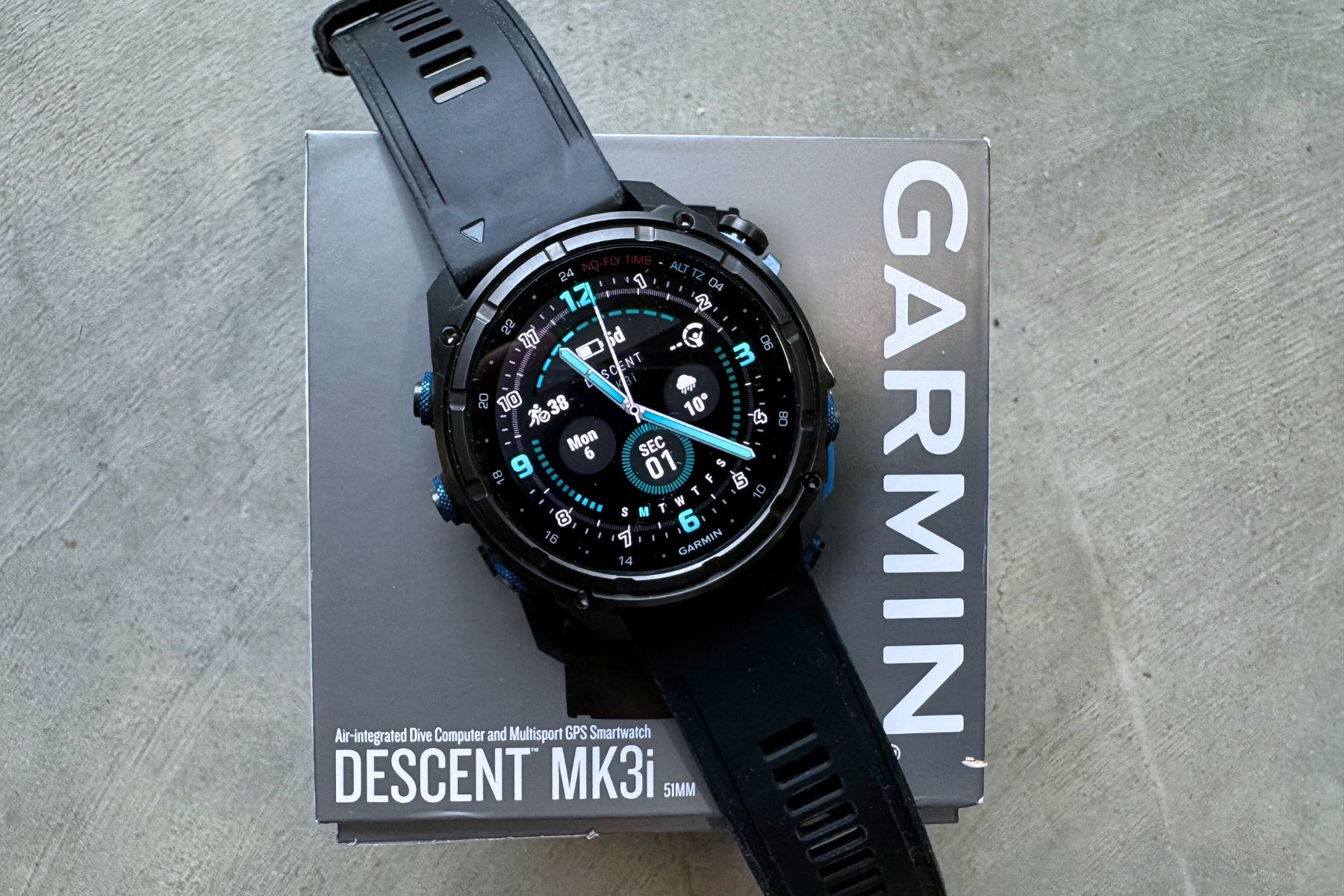
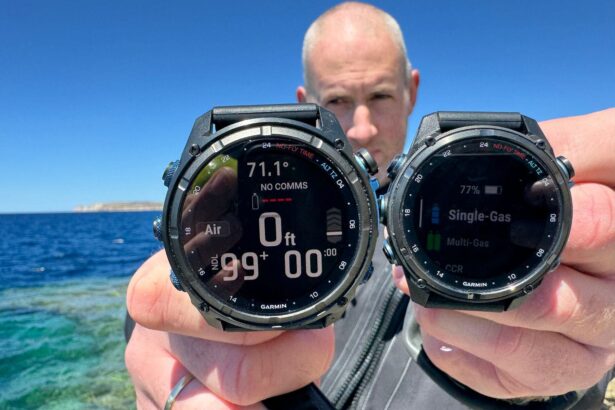
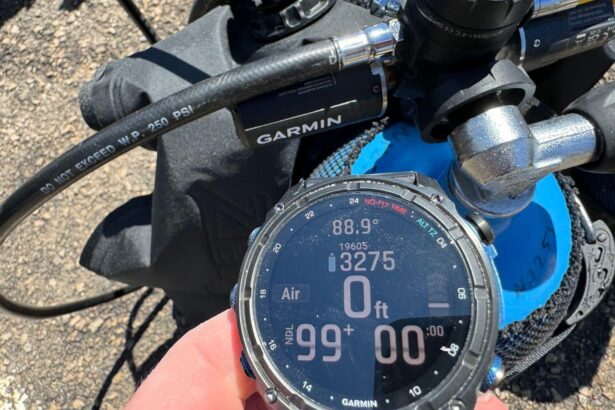
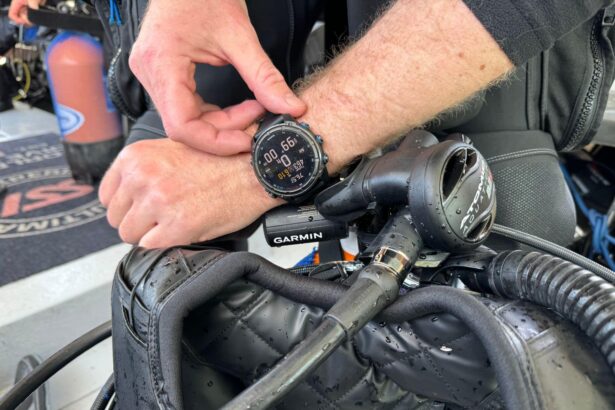
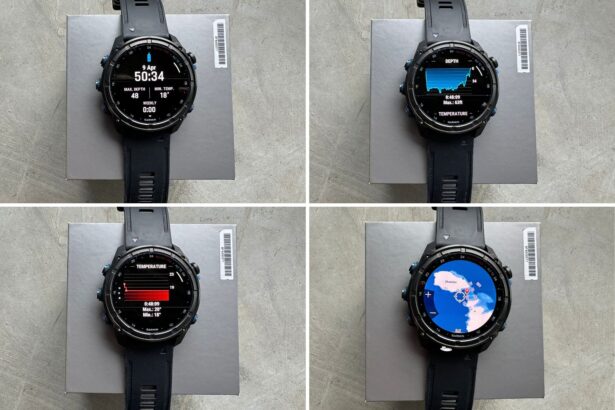
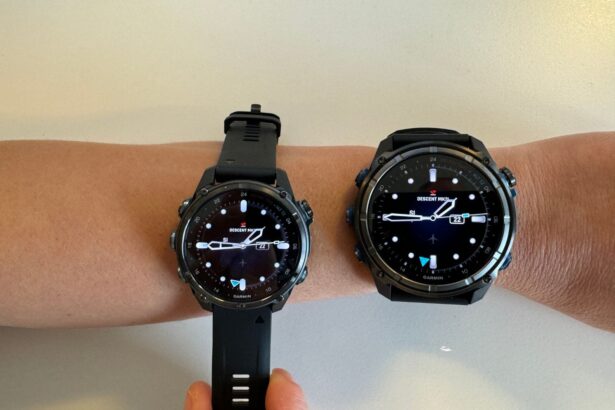
The Garmin Descent Mk3i is the best fitness watch and dive computer we’ve ever tried. The Mk3i is an extremely sophisticated dive computer that can go to 660 feet (200 m), has technical dive modes, connects with eight other T1 or T2 transmitters, sends messages, and so much more.
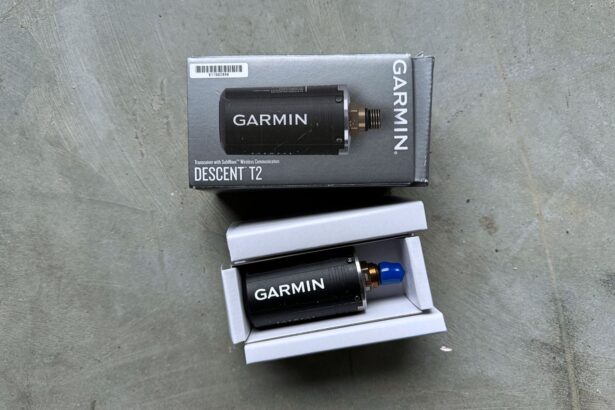
And as a bonus, the Mk3i is a fully functional fitness watch for everyday use, so you never have to take it off. All this magical technology comes with a high price tag, plus if you want the perk of sending underwater messages, don’t forget the extra $500 for the T2 transmitter.
That said, if you’re a serious diver looking for a do-it-all computer and smartwatch, then you won’t do better than the Garmin Mk3i. However, if it’s simply the look of a wristwatch dive computer that appeals to you, consider the Shearwater Tern or Teric.
Suunto Ocean


Where to buy
We compare prices daily across all major online stores.
See all 6 pricesSuunto Ocean Dive Computer review
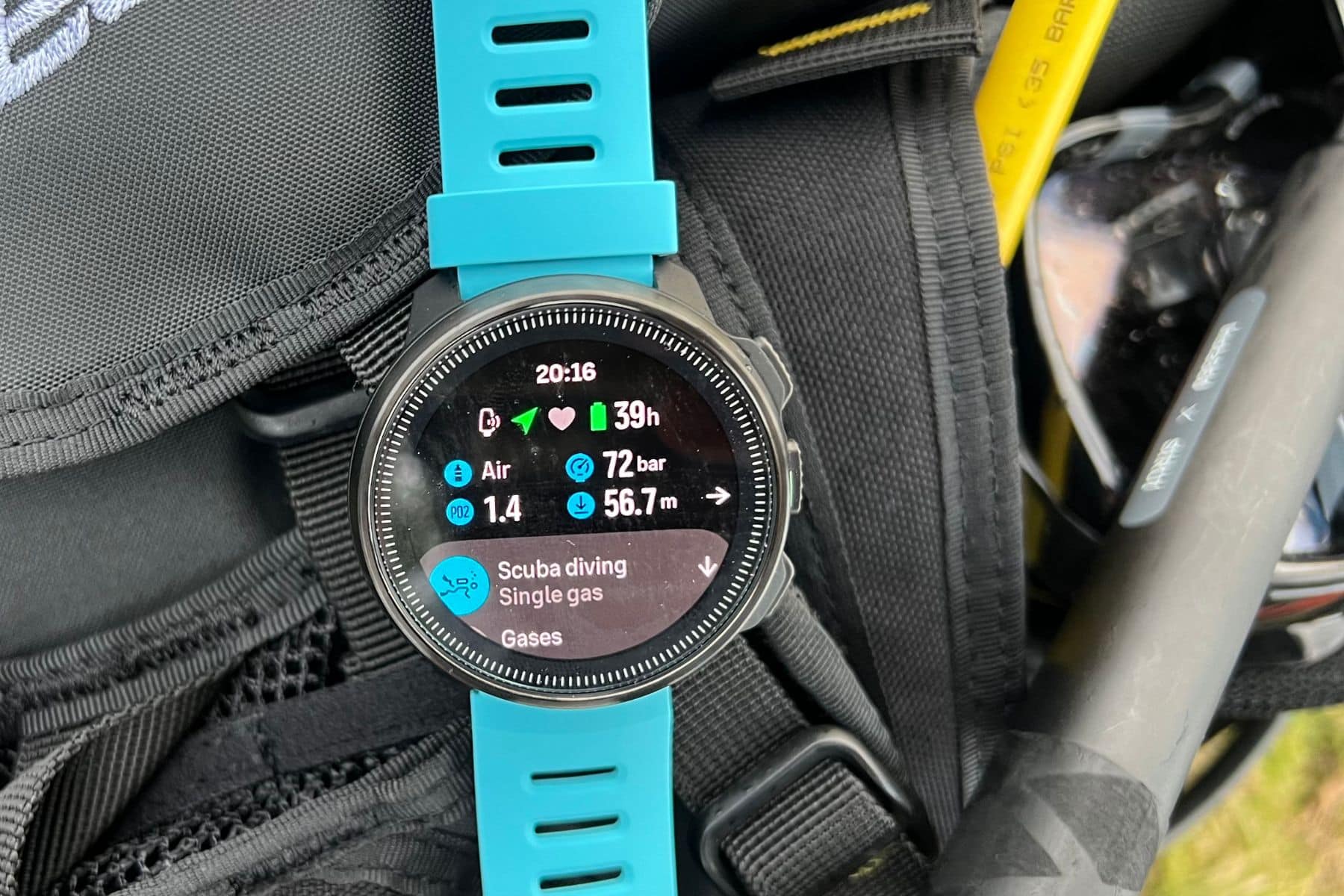
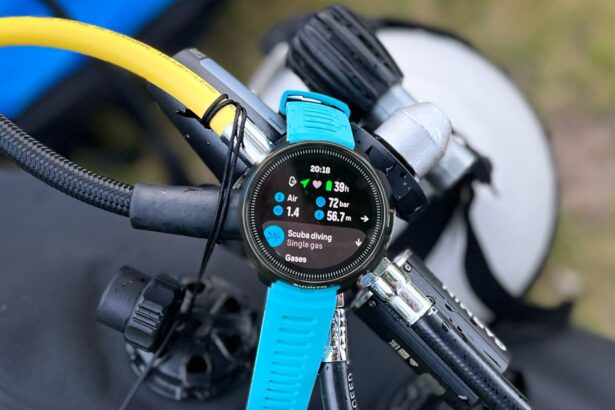
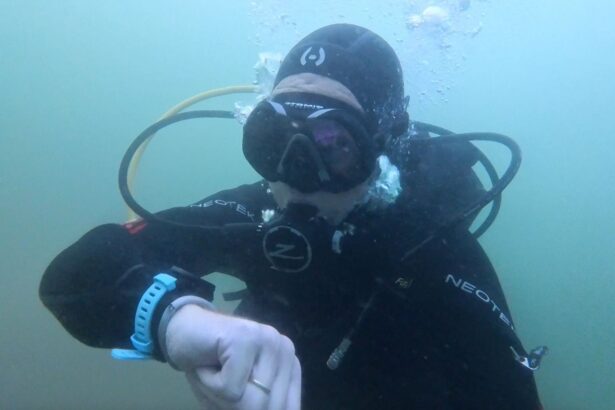
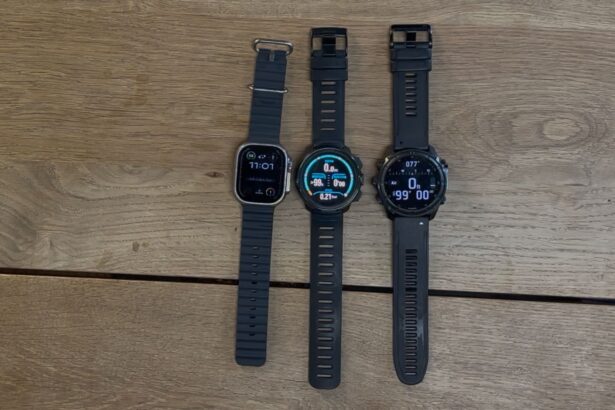
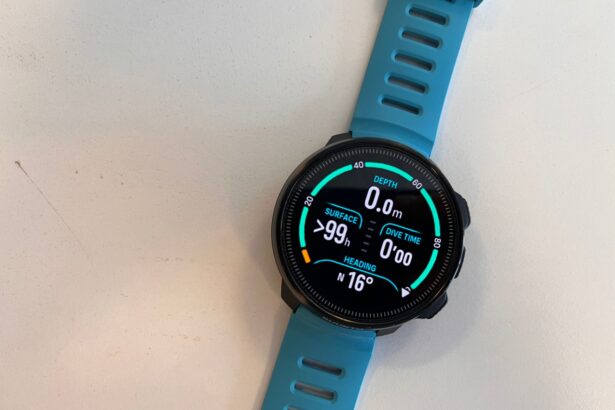
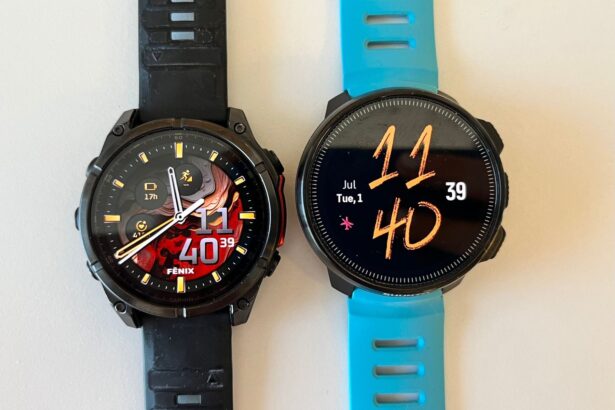
The Suunto Ocean, at $899, delivers a premium diving experience with an elegant balance of functionality and user-friendly design. Featuring a bright AMOLED display protected by sapphire crystal, this dive-computer-meets-sports-watch has a dive-depth rating to 197 feet. It supports scuba, nitrox, multi-gas, and apnea modes, with optional wireless tank pressure monitoring via Suunto Tank POD.
What sets the Ocean apart is its exceptional user experience in terms of both the watch interface and graphically rich companion app with free maps and social sharing.
While some advanced features require a subscription and it lacks the extensive activity ecosystem of competitors like Garmin, the Ocean represents an excellent mid-range option for divers prioritizing intuitive operation and visual appeal over extensive technical capabilities.
Shearwater Peregrine




Where to buy
We compare prices daily across all major online stores.
See all 3 pricesShearwater Peregrine Dive Computer review
Introduced in 2020, the Shearwater Peregrine is ideal for recreational divers. Featuring the same intuitive, easy-to-read menu as the much-loved Shearwater Perdix, the Peregrine has stripped away that computer’s more-advanced technical and dive modes. It does, however, feature great battery life and a bright, customizable display. Divers can pay a little more for the Peregrine TX to get air integration and a compass.
If you’re a casual vacation diver looking to start climbing the Shearwater ladder—and won’t miss the compass and air integration—the Shearwater Peregrine is an excellent choice. And, best of all, it’s half the price of the Perdix.
Garmin fēnix 8




Where to buy
We compare prices daily across all major online stores.
See all 8 pricesGarmin fēnix 8 Dive Computer review
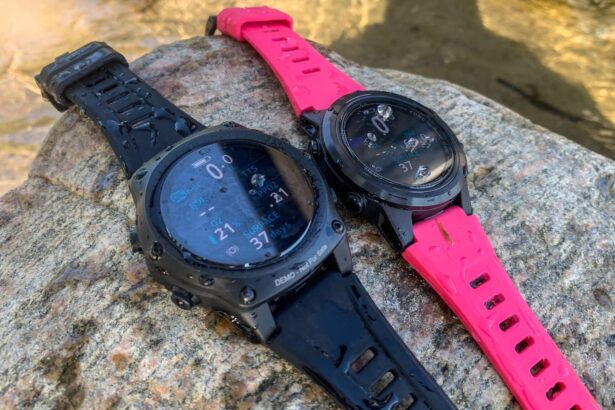
The Garmin fēnix 8 is a premium fitness and smartwatch that doubles as a capable recreational dive computer, rated to 130 feet (40 m) with single-gas and apnea mode.
Its brilliant AMOLED display, titanium construction options, and up to 29-day battery life make it an attractive choice for active divers who want competent fitness tracking alongside basic diving functionality.
While it lacks air integration and multi-gas capabilities, the fēnix 8 excels as an everyday watch that can handle your underwater adventures.
Garmin Descent G1



Where to buy
We compare prices daily across all major online stores.
See all 3 pricesGarmin Descent G1 Dive Computer review
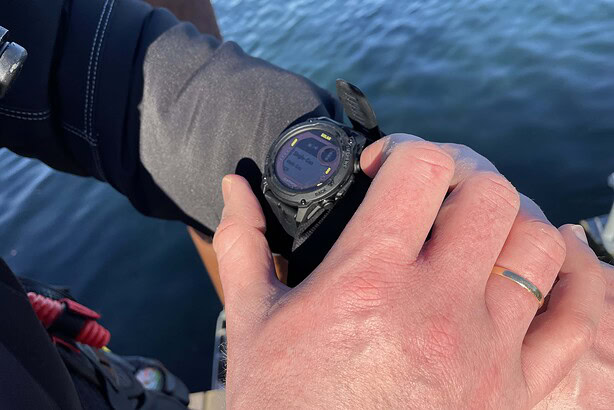
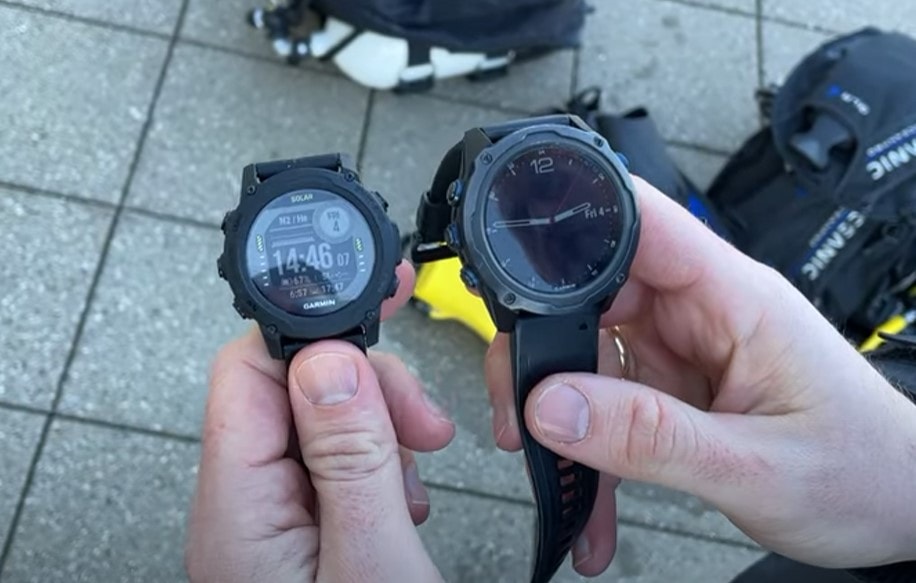
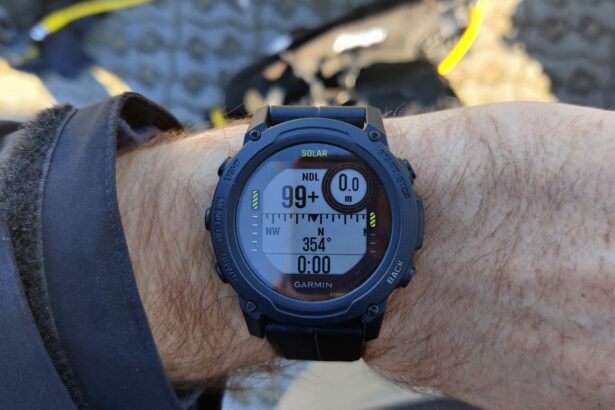
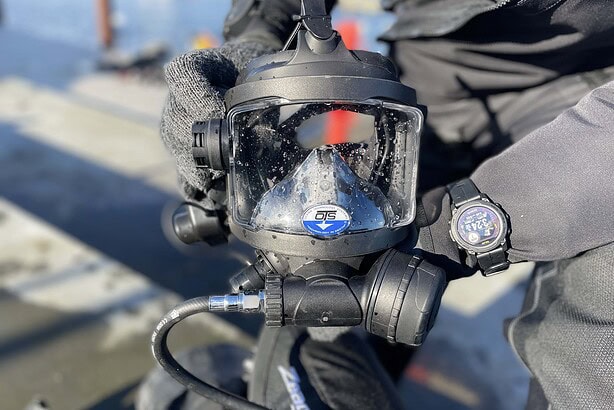
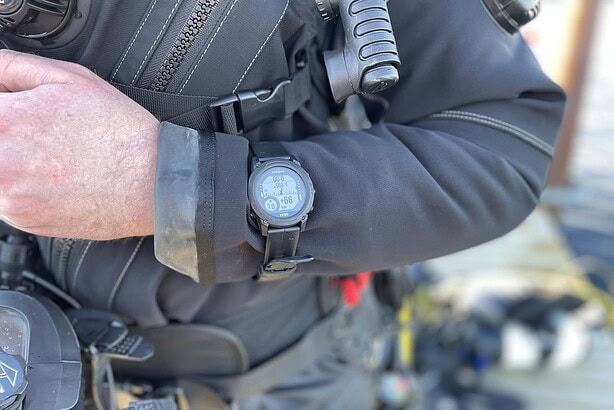
If you like the appeal of a fitness smartwatch and a dive computer all-in-one, but the Garmin Mk3i is (understandably) way out of your price range, check out the Garmin Descent G1. This versatile dive computer is designed for both recreational and technical divers and supports multiple dive modes including single and multi-gas (air, nitrox, trimix), gauge, apnea, apnea hunt, and closed circuit rebreather (CCR).
The battery life is substantial, with up to 25 hours in dive mode and 21 days in smartwatch mode. Advantages include its versatility, advanced features, and durability. However, its complexity may pose a learning curve for beginners since it’s aimed for technical divers, fitness enthusiasts, and outdoor adventurers who want a robust, feature-rich dive computer.
Shearwater Perdix 2




Where to buy
Track this priceShearwater Perdix 2 Dive Computer review
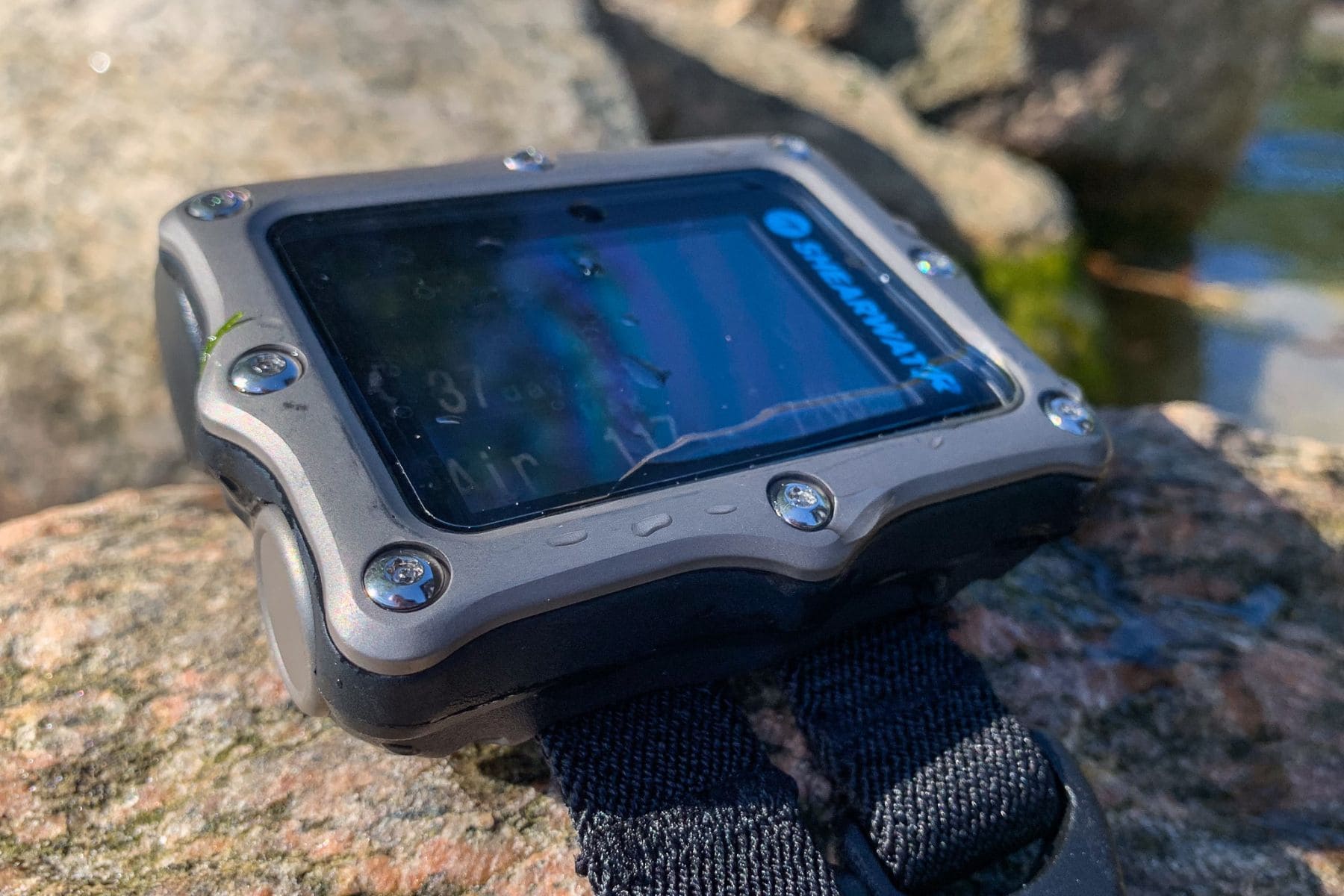
Widely acclaimed as one of the best tech dive computers available, the Shearwater Perdix 2 is highly versatile. An extremely capable instrument, it is compatible with four Swift transmitters and includes the dive modes air, nitrox, 3-gas nitrox, trimix, OC Tec, CC/BO, and gauge.
With a depth rating of 850 feet (260 m) and a fully tech-capable interface, it’s no surprise that it is worth its weight in gold. If you are into technical diving, or looking into it, you already know this is an expensive hobby, but at extreme depths you need a device you can trust with your life—and that is priceless. The Shearwater Perdix 2 is up to the job.
Halcyon Symbios


Where to buy
Halcyon Symbios Dive Computer review
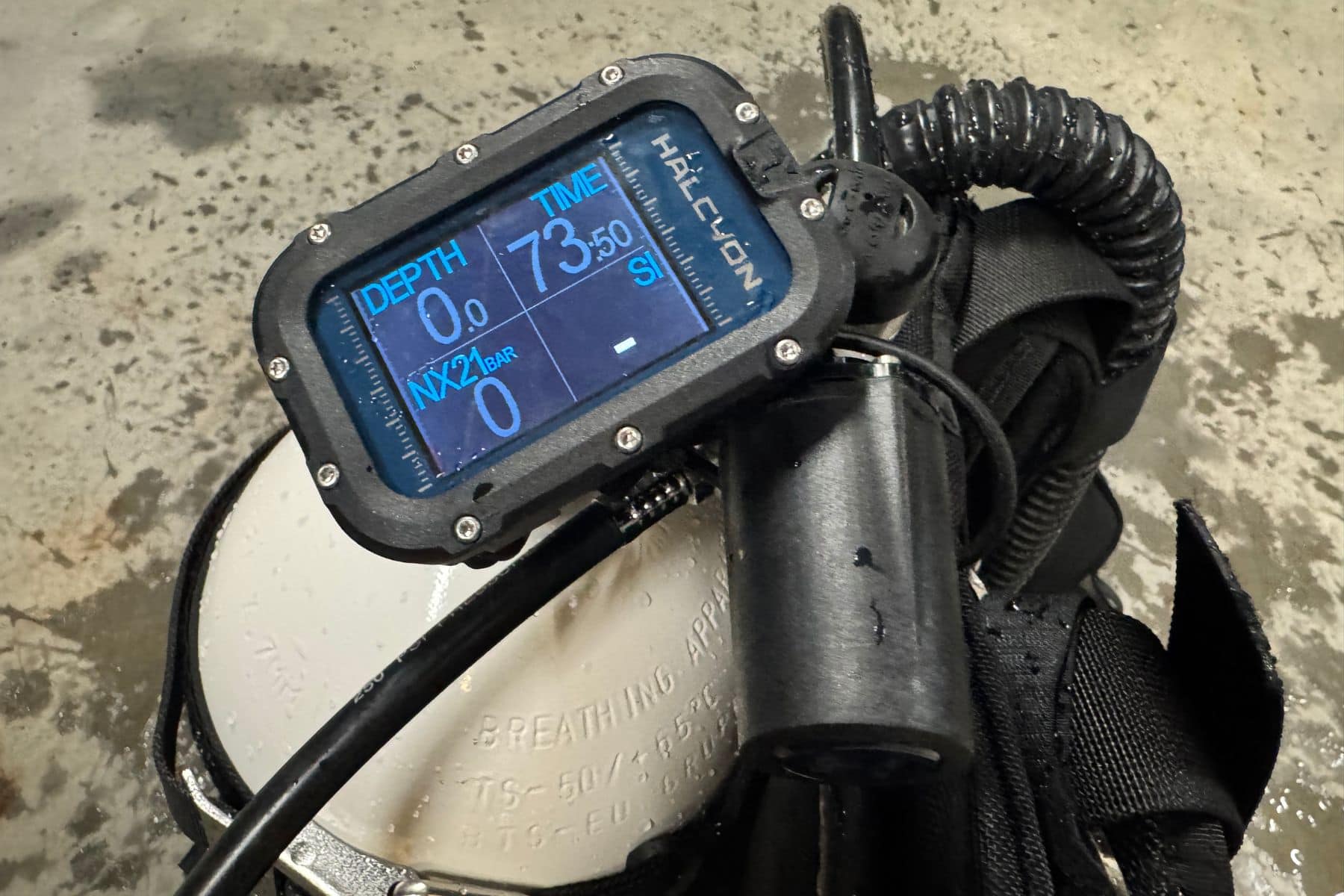
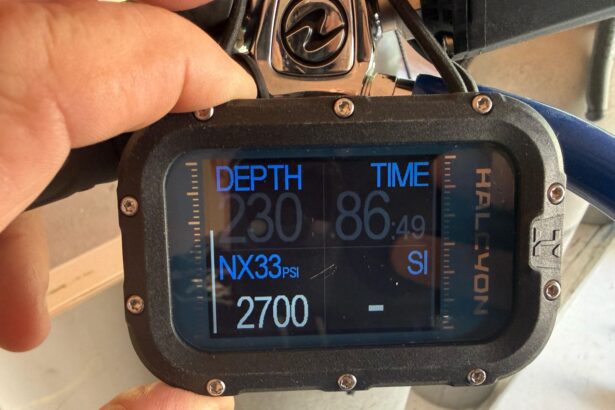
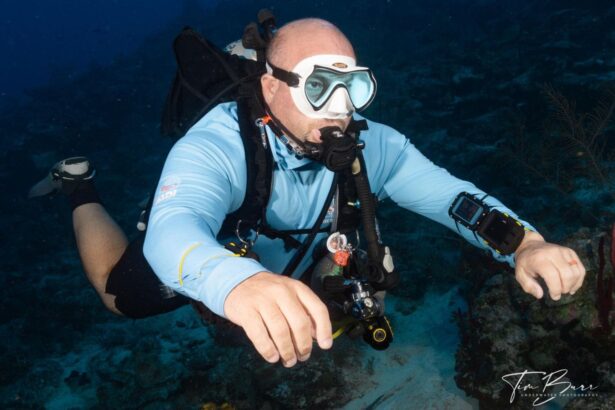
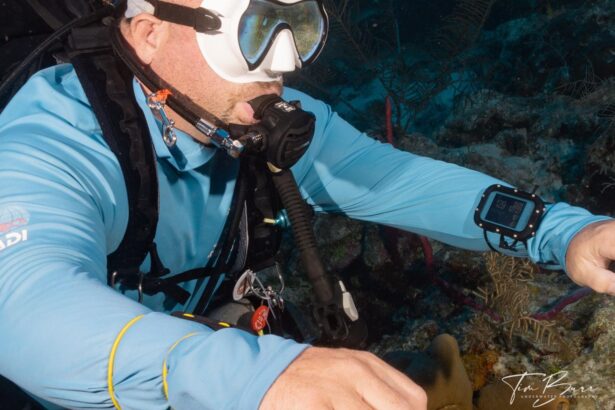
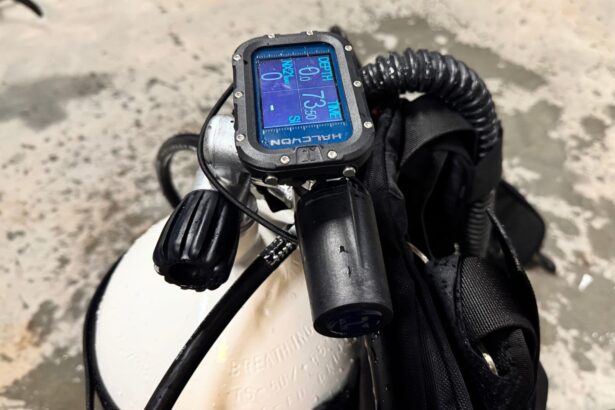
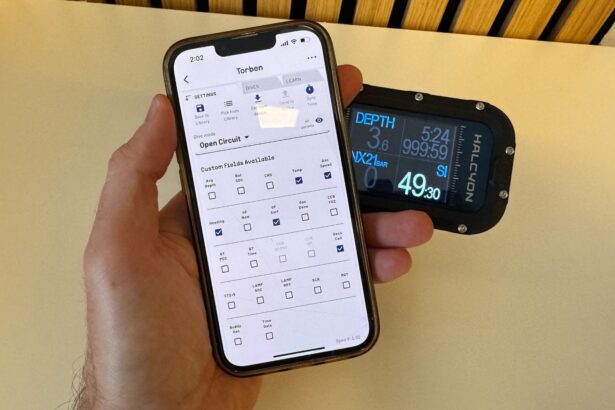
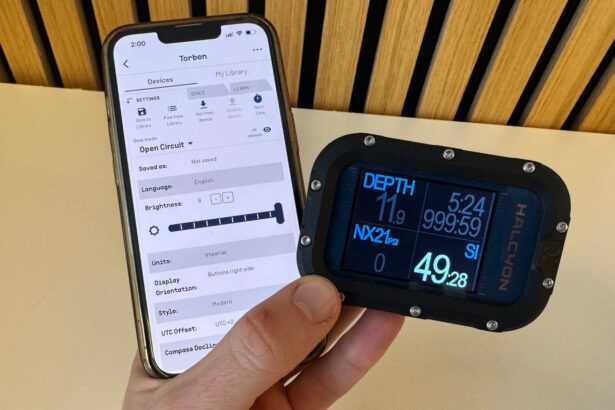
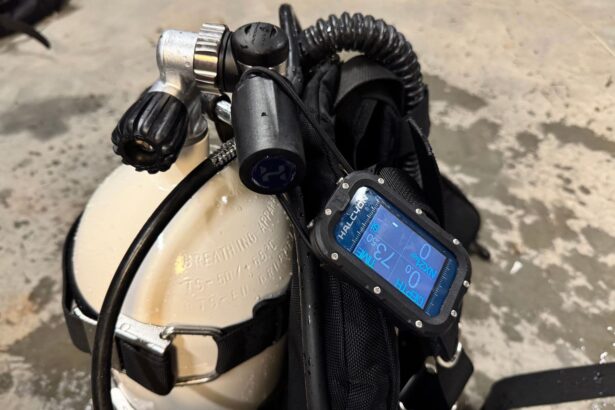
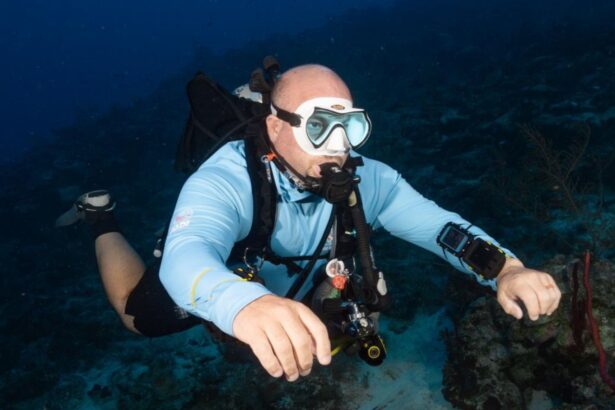
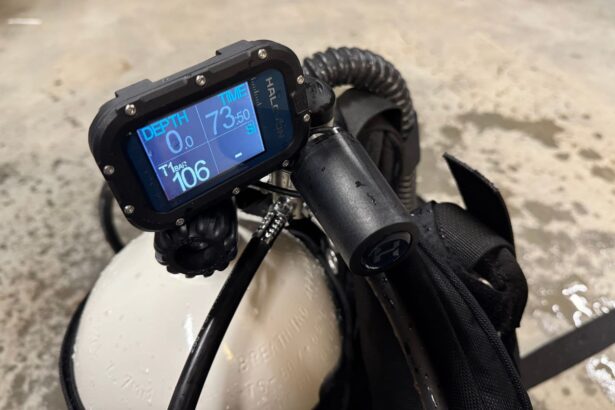
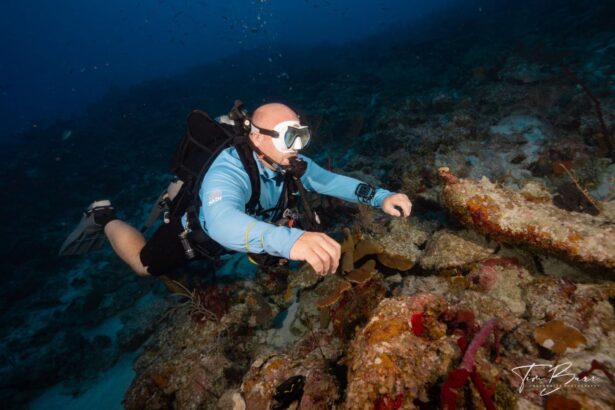
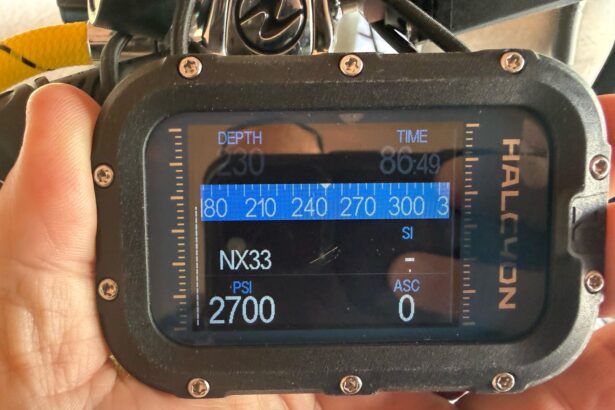
The Halcyon Symbios Handset Blue is a compact, grow-with-you dive computer for open-circuit divers. A bright 2.4″ transflective screen, glove-friendly two-button UI, and quick, no-nonsense compass keep data clear from sunny reefs to dim wrecks.
The standout is the app: build library profiles with gases and GFs on your phone and push them to the dive computer in seconds—true two-way syncing, plus responsive in-app support. Add the optional Tank Pod for air integration and unique trim coaching during dives. Battery life comfortably covers a typical week of boat diving.
If you want modern usability today with room to advance tomorrow, this one belongs on your shortlist.
Cressi Neon



Where to buy
We compare prices daily across all major online stores.
See all 5 pricesCressi Neon Dive Computer review
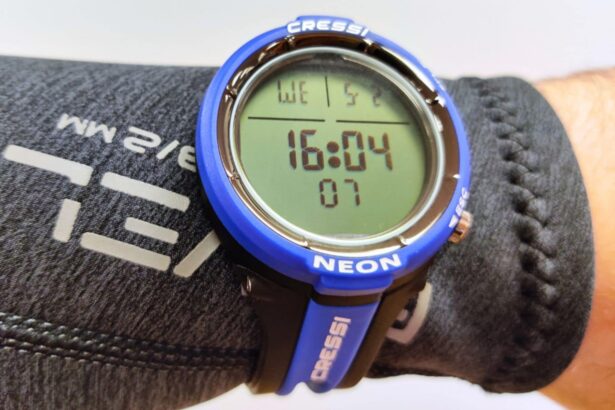
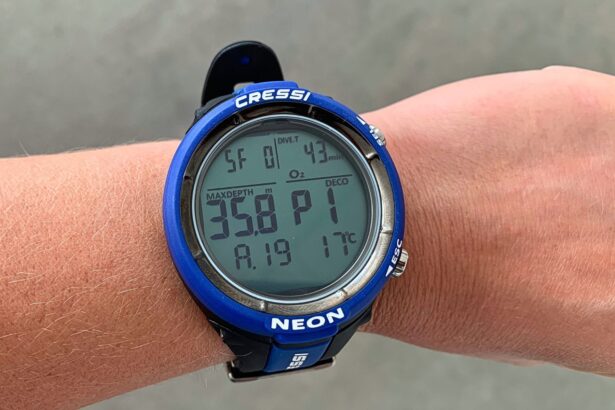
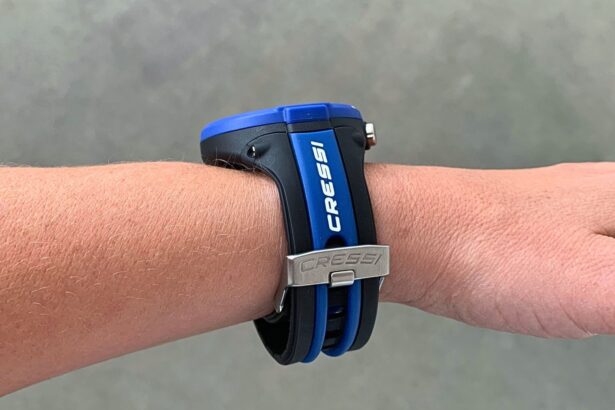
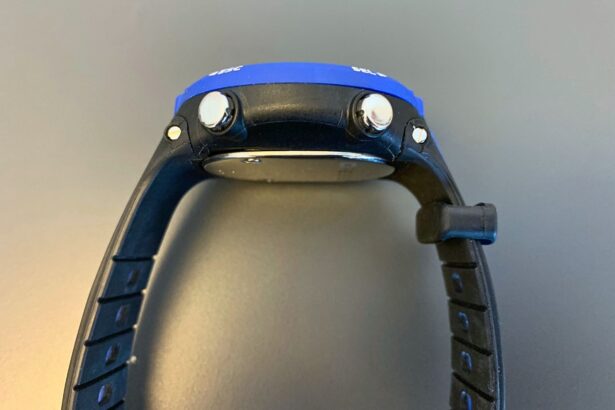
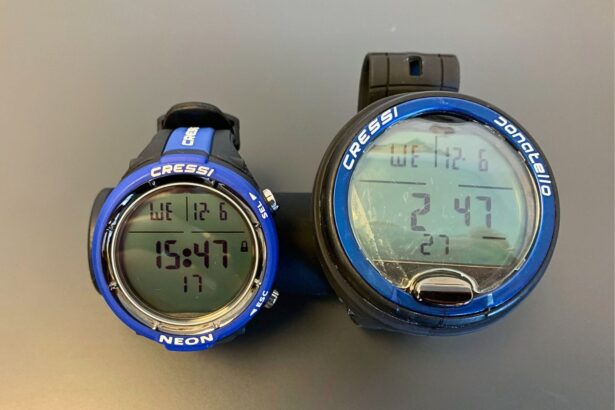
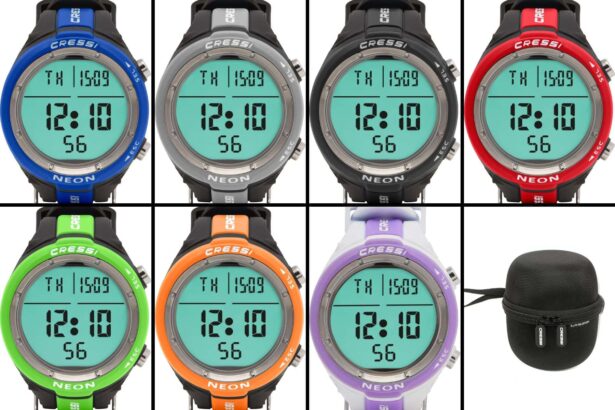
The Cressi Neon is a compact, wrist-style dive computer perfectly suited to the needs of recreational scuba divers and freedivers. The Neon features a user-friendly, two-button interface that’s easy to understand.
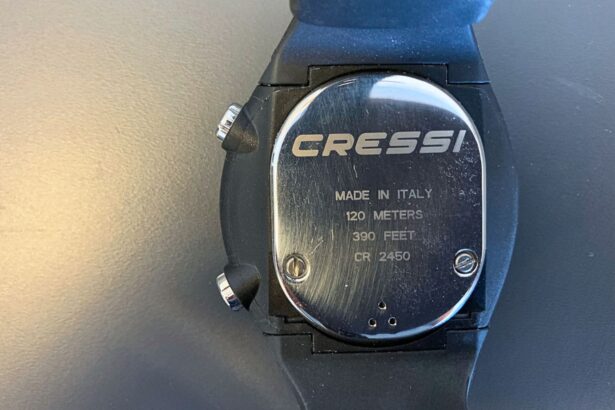
The display is a lesser monochrome but still high-resolution, clear, and crisp. It is powered by a user-replaceable battery that lasts up to three years. While it might not boast all the bells and whistles more expensive models do, the Neon is a solid, entry-level computer at a very wallet-friendly price.
Shearwater Teric





Where to buy
We compare prices daily across all major online stores.
See all 4 pricesShearwater Teric Dive Computer review
Smart and sleek wrist watch dive computers are becoming the new norm, with Garmin and Shearwater leading the way. Teric was the first wristwatch from Shearwater, featuring an identical brain to the legendary Perdix 2.
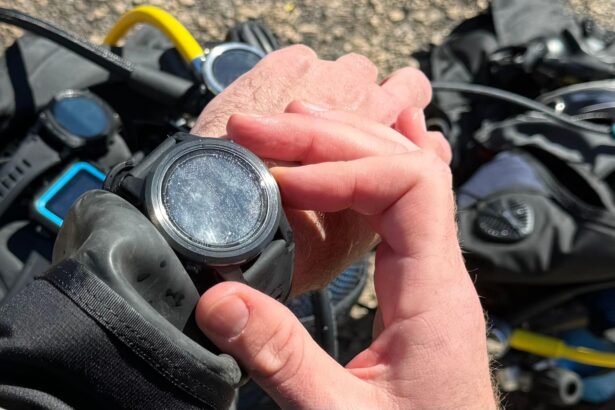
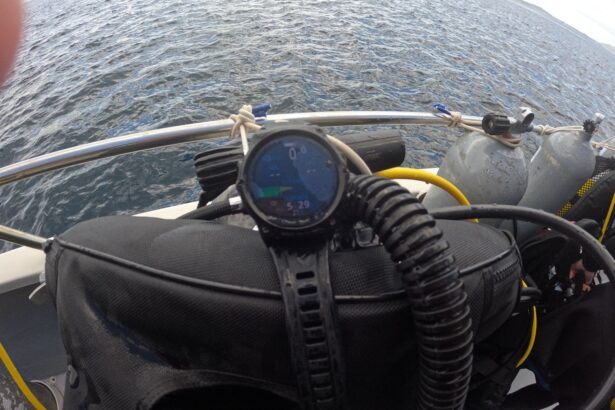
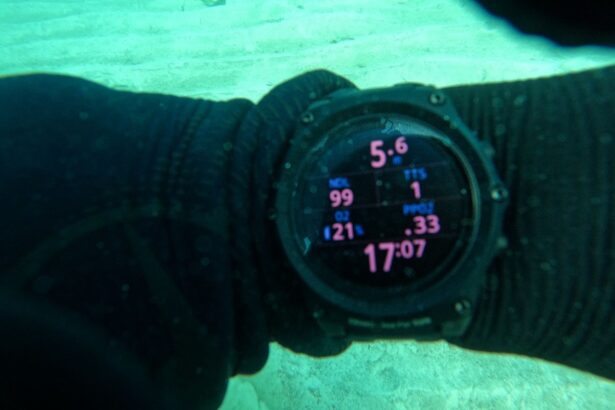
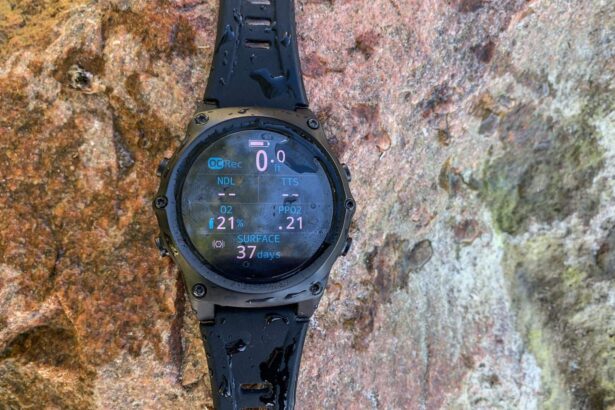
The Teric is focused on technical diving, with a depth rating of 660 feet (200 m), but it makes for a stellar recreational computer too. It wins high marks for a crystal-clear display, featuring a full-color AMOLED screen of 400 x 400 resolution. Scratch-proof sapphire crystal glass is the cherry on top. If you teach technical or dive technical very often and want a computer that is both superior and stylish, the Teric is definitely for you.
Cressi Donatello


Where to buy
We compare prices daily across all major online stores.
See all 4 pricesCressi Donatello Dive Computer review
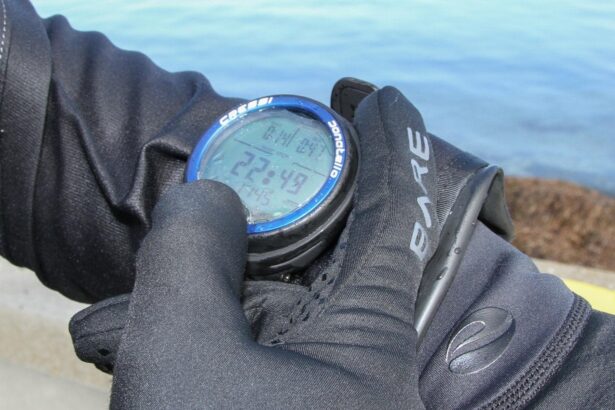
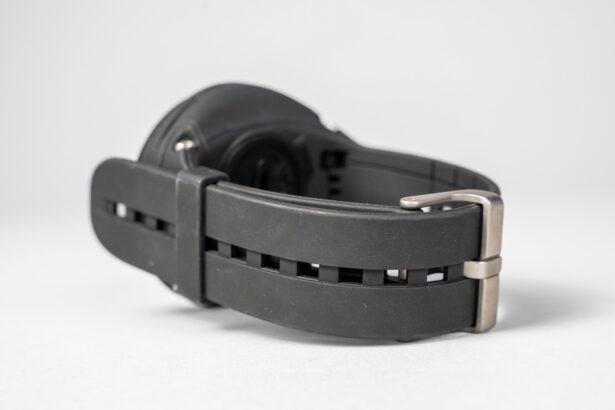
The Cressi Donatello is well known for its user-friendly design, featuring a high-contrast, large screen and a simple, single-button interface, making it ideal for beginners. Perhaps not the prettiest dive computer on the market, its robust design is built to last and it’s thus popular with dive centers as rental computers.
Users have access to multiple modes including air, nitrox, gauge, and free dive. There’s also a built-in dive planner. Detailed dive logs can be downloaded via Cressi’s software, and the user-replaceable battery is convenient. Overall, the Cressi Donatello combines reliability, simplicity, and comprehensive functionality, making it a dependable, budget-friendly dive computer.
Garmin Descent Mk2i


Where to buy
Track this priceGarmin Descent Mk2i Dive Computer review
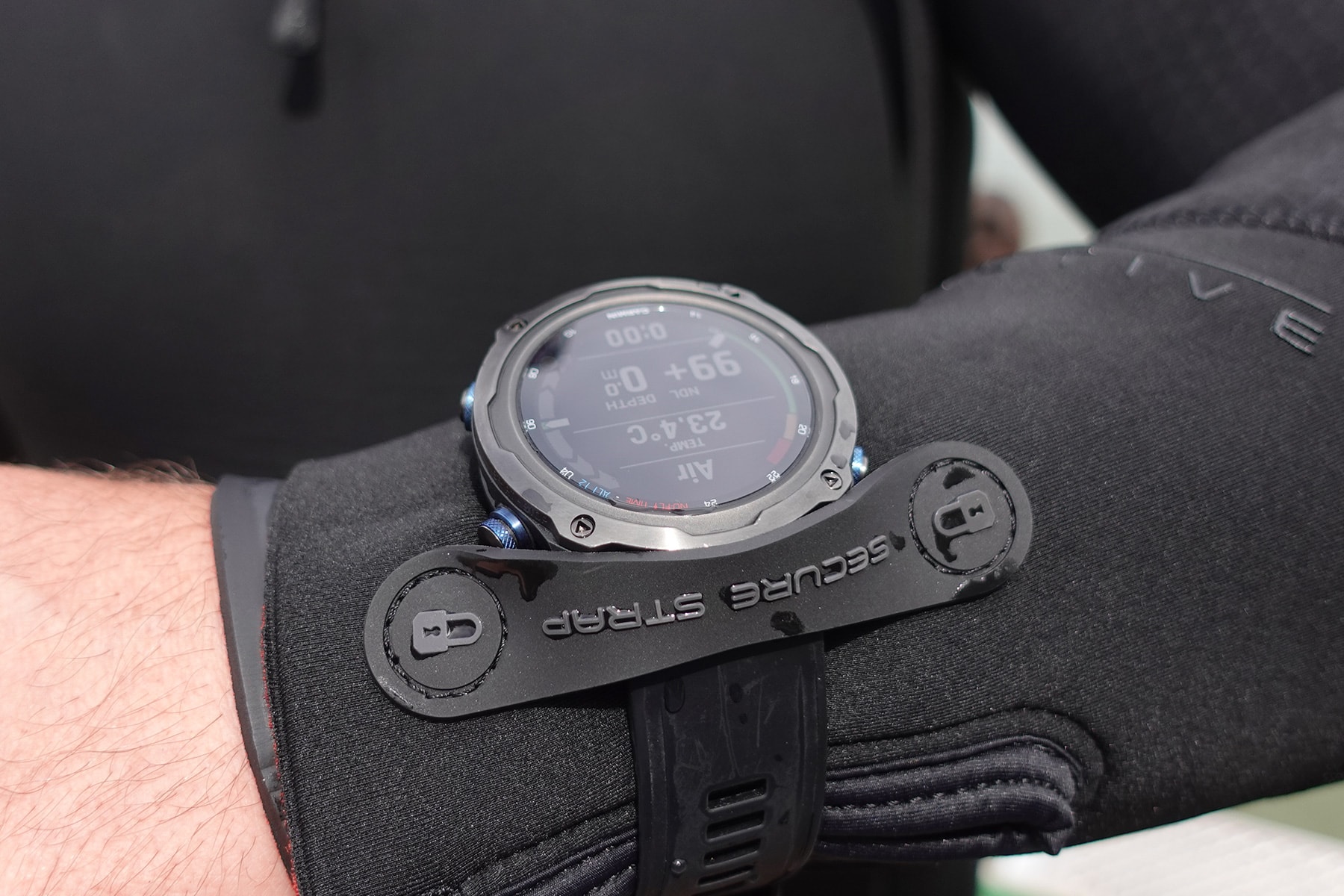
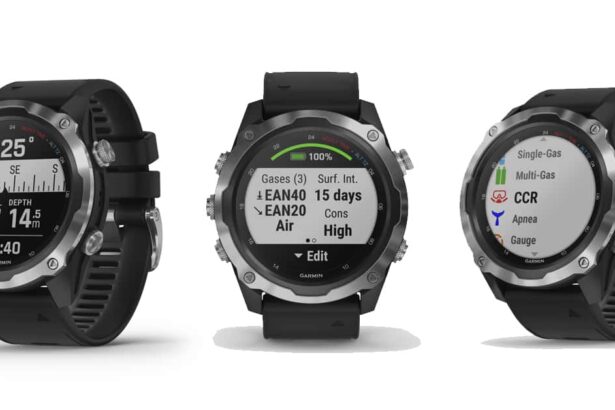
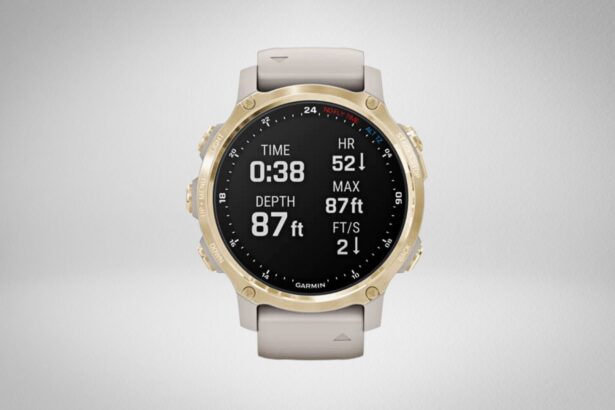
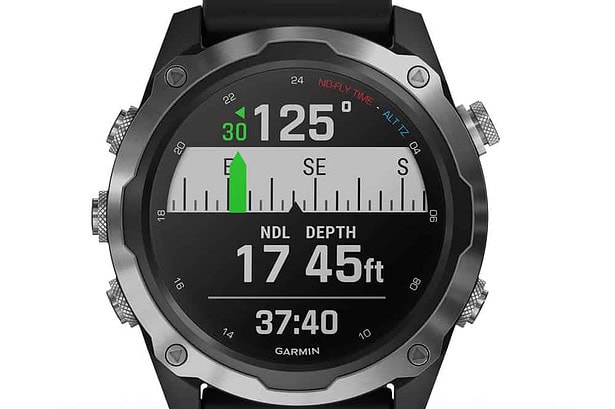
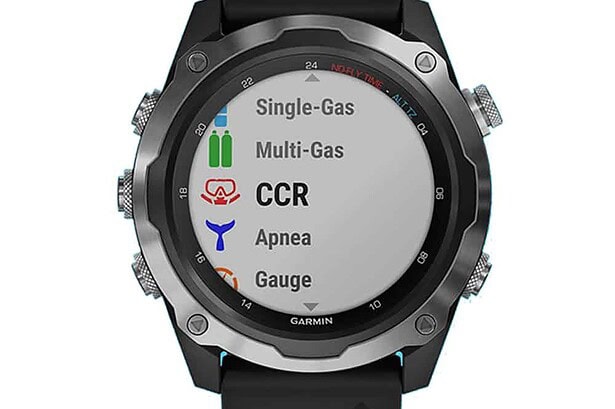
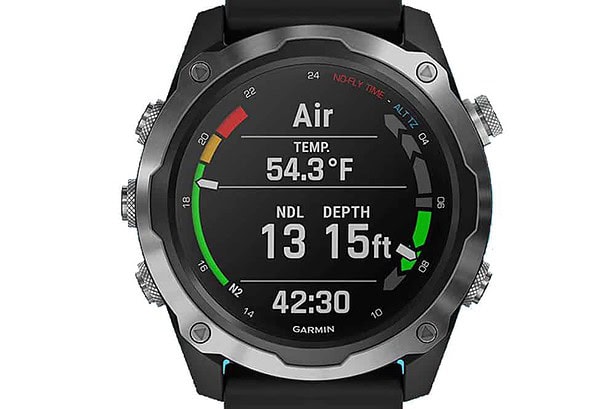
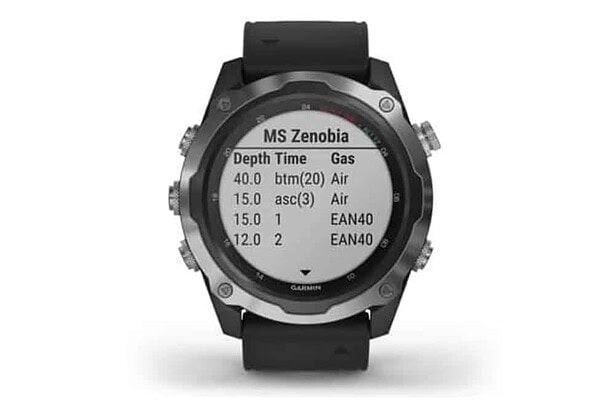
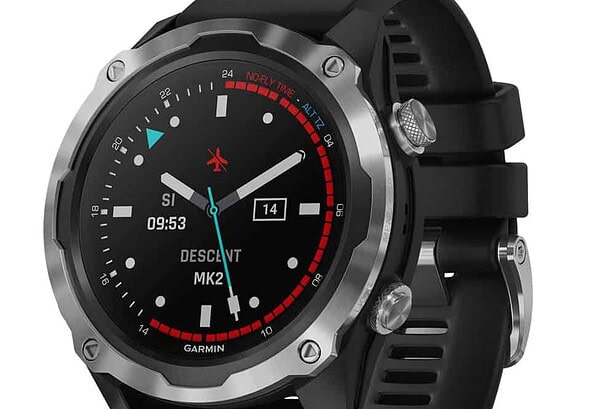
The Garmin Descent Mk2i is a high-end dive computer designed for recreational and technical divers. It supports multiple gas mixes, including nitrox and trimix, is compatible with closed-circuit rebreathers (CCR), and offers air integration with the Descent T1 and T2 transmitters.
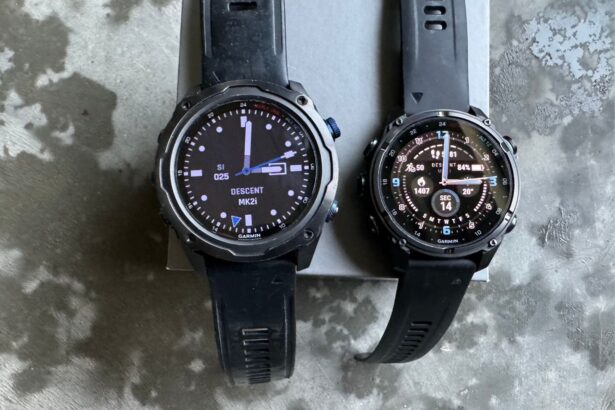
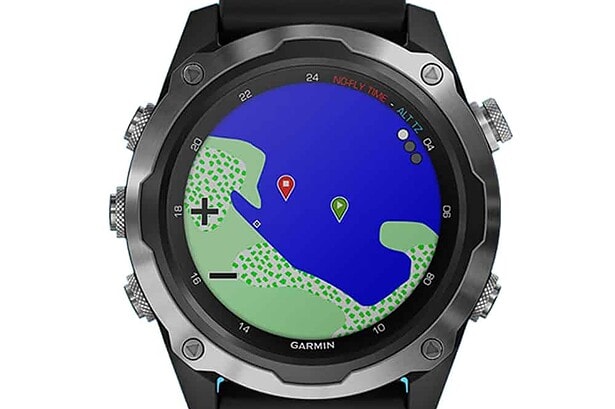
As a fitness watch, it includes activity tracking with 60-plus sports, sleep tracking, and smart notifications. With the release of the Garmin Mk3i, the Mk2i is “missing” some activities or features, such as diver messaging, color, and contoured dive maps. If you don’t need all the advanced Mk3i features and simply want a fitness watch and dive computer, choosing the Mk2i will save you a little bit of money.
Suunto Zoop Novo
Where to buy
We compare prices daily across all major online stores.
See all 3 pricesSuunto Zoop Novo Dive Computer review
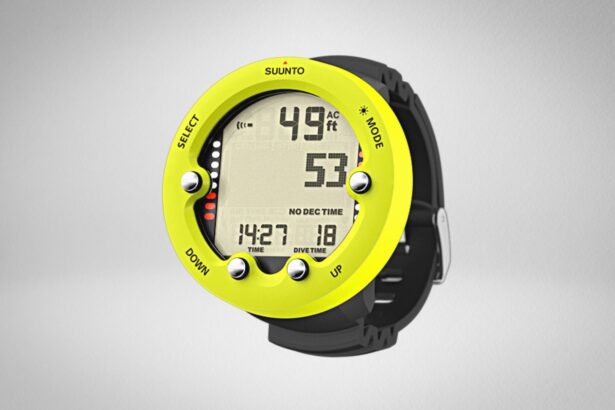
The Suunto Zoop Novo is ideal for beginners or students. It features a large, easy-to-read display with a backlight and a user-friendly four-button interface. The device logs up to 140 hours, and the battery will last up to two years. Divers can buy an optional USB cable to download all their dives and use Suunto software for detailed dive analysis.
Key advantages of the Zoop Novo include its affordability, simplicity, and robust design, making it a great dive computer for students, new divers, or divemasters-in-training who need a reasonably priced entry-level dive computer.
Garmin Descent G2





Where to buy
We compare prices daily across all major online stores.
See all 7 pricesGarmin Descent G2 Dive Computer review
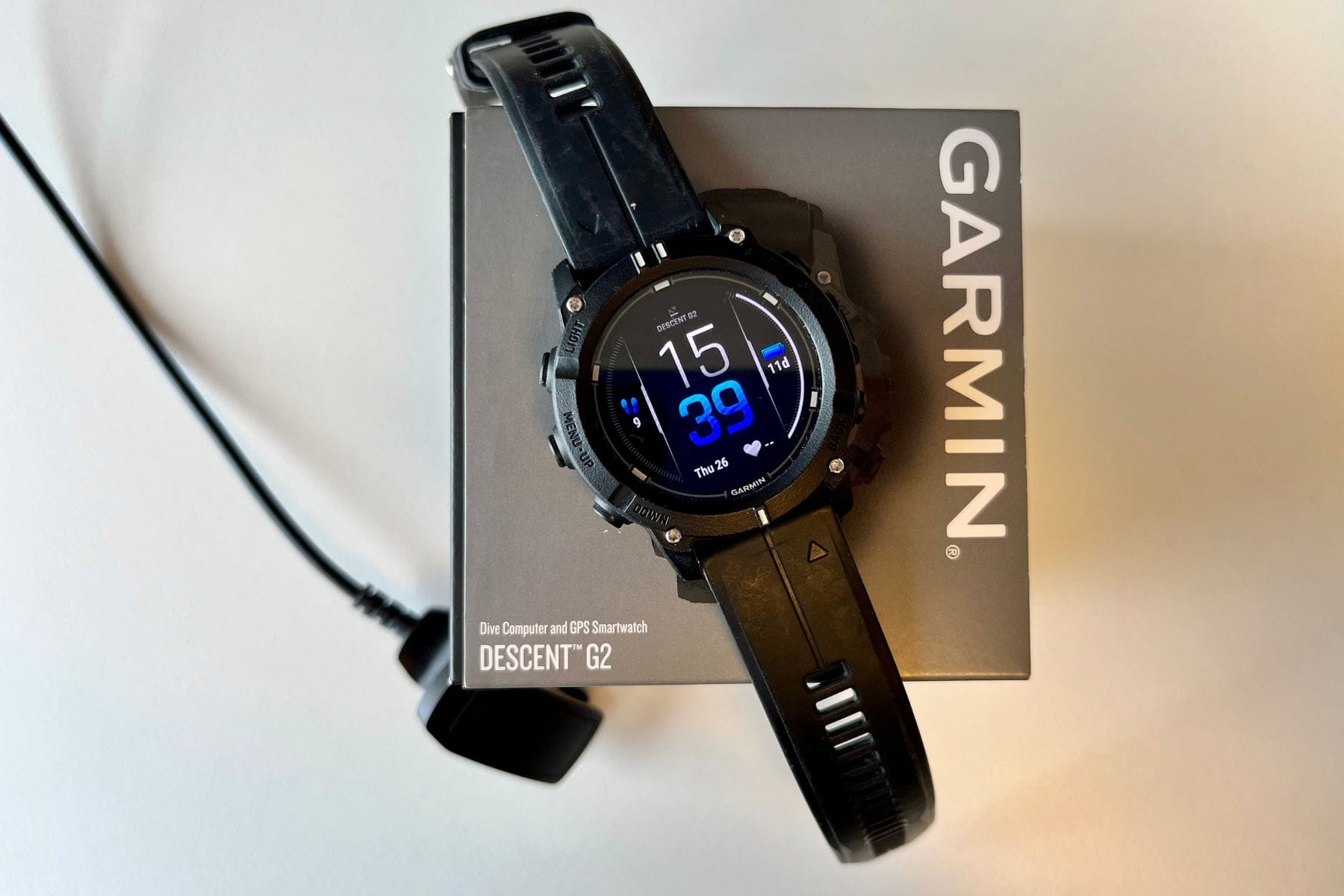
The Garmin G2 is a serious technical dive computer that doubles as a comprehensive fitness smartwatch, rated to 330 feet (100 m) with support for up to 11 gases, CCR, and trimix modes. Its bright AMOLED display, 27-hour dive battery life, and full Garmin Connect ecosystem make it an excellent choice for intermediate to advanced divers who want advanced diving capabilities alongside comprehensive fitness tracking. In short, the G2 delivers exceptional value in Garmin’s dive computer lineup.
Oceanic Geo Air



Where to buy
We compare prices daily across all major online stores.
See all 4 pricesOceanic Geo Air Dive Computer review
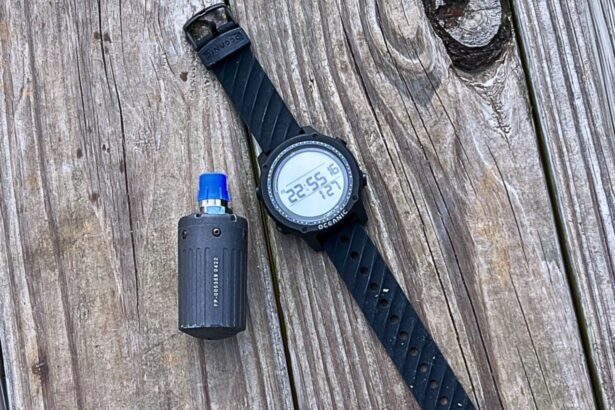
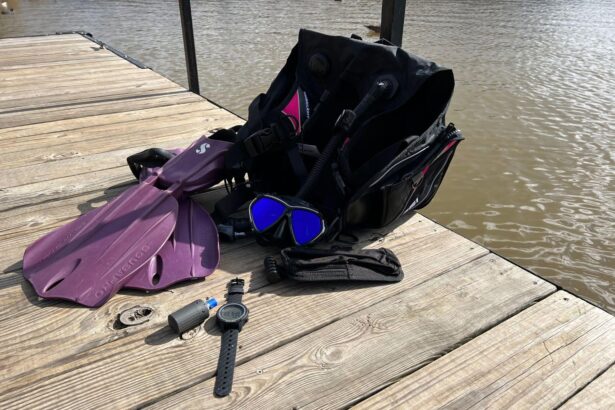
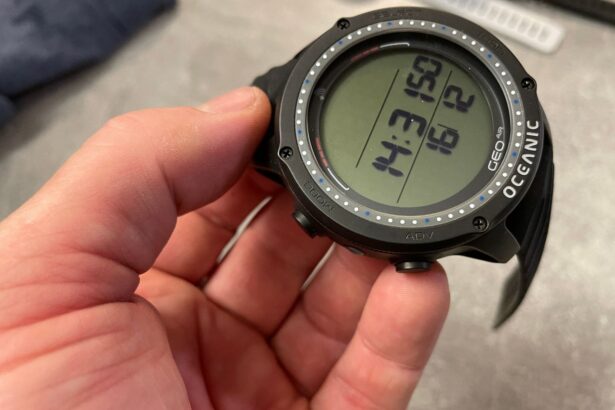
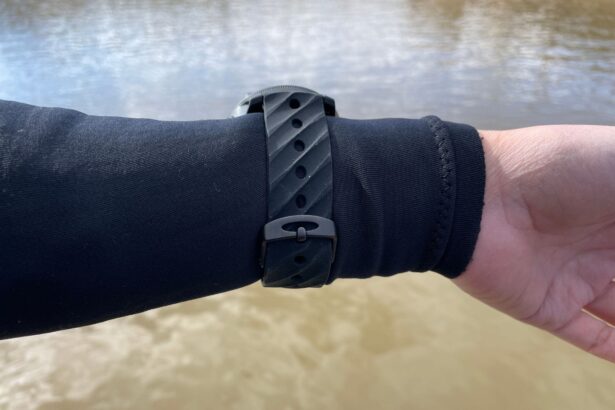
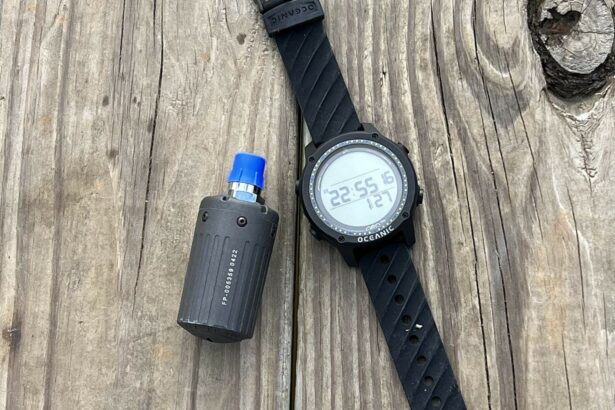
The Oceanic Geo Air wrist computer is a versatile instrument with air integration for real-time monitoring of tank pressure of up to three tanks. With a depth rating of 330 feet (100 m) and offering multiple modes—air, nitrox, gauge, and freedive—the Oceanic Geo Air is a great computer to grow into as you become a more experienced diver.
It is a little expensive compared to similar dive computers such as the Shearwater Peregrine or the Garmin G1, which have a much bigger and brighter display or smartwatch features. However, Oceanic Geo Air’s smaller screen demands much less energy and the battery lasts 300 hours—which can be years for vacation divers. The Oceanic Geo Air can also be used with multiple transmitters, something many recreational diver computers lack.
Aqualung i300C
Where to buy
We compare prices daily across all major online stores.
See all 4 pricesAqualung i300C Dive Computer review
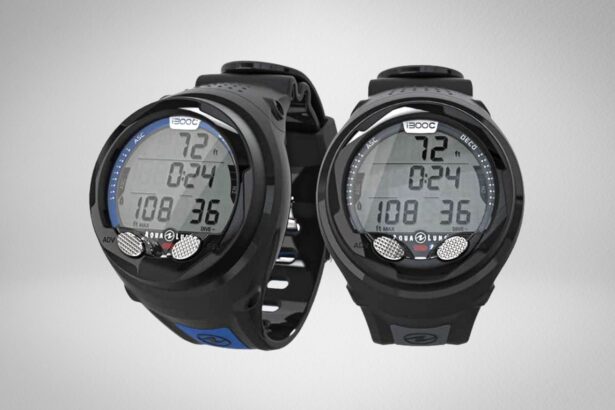
The Aqualung i300C is an uncomplicated and affordable dive computer ideal for students, beginners, and intermediate divers. It supports four dive modes: air, nitrox up to 100%, freedive, and gauge. The i300C can also support three switchable gasses, attractive for those wanting to dip their toes just over the recreational limit of 130 feet (40 m).
The “C” in i300C stands for connectivity, referring to its Bluetooth capabilities. Owners can wirelessly sync dive data with the DiverLog+ app, a platform for easy logging and sharing of dive information. So, even though the computer only holds 24 dives, it’s easy to transfer dives to a smart device.
Although the Aqualung i300C has a small and simple display, it is still a good intermediate and good-value dive computer. With its 3-gas mode and up to 100% nitrox, the i300C will last many divers throughout their underwater life.
Cressi Leonardo 2.0




Where to buy
We compare prices daily across all major online stores.
See all 3 pricesCressi Leonardo 2.0 Dive Computer review
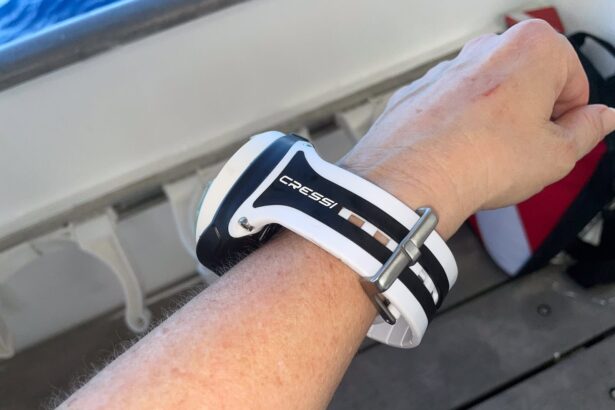
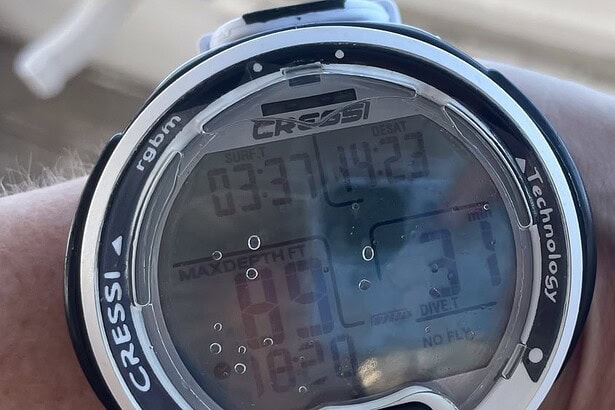
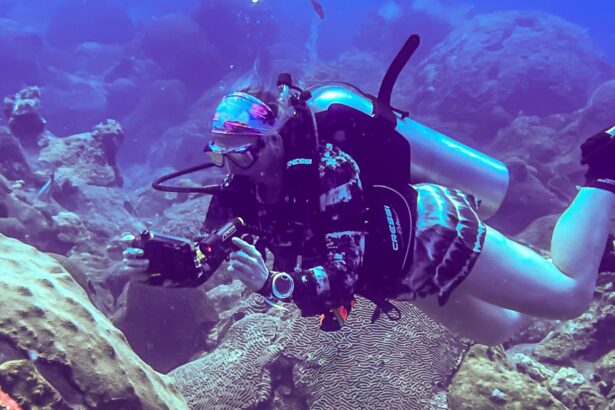
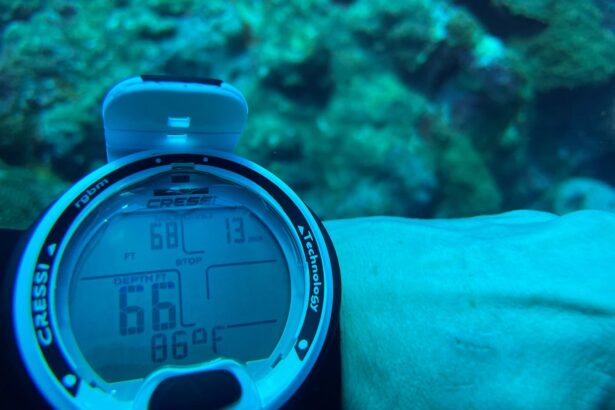
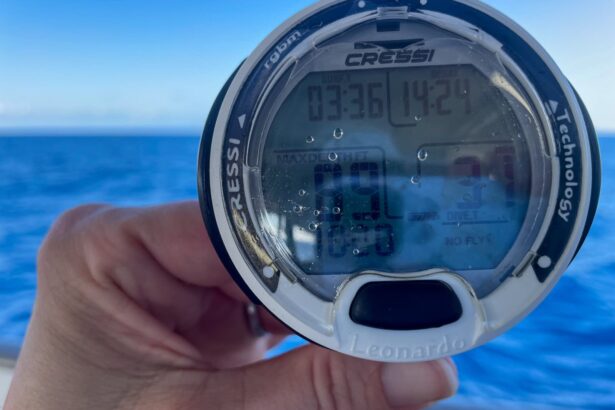
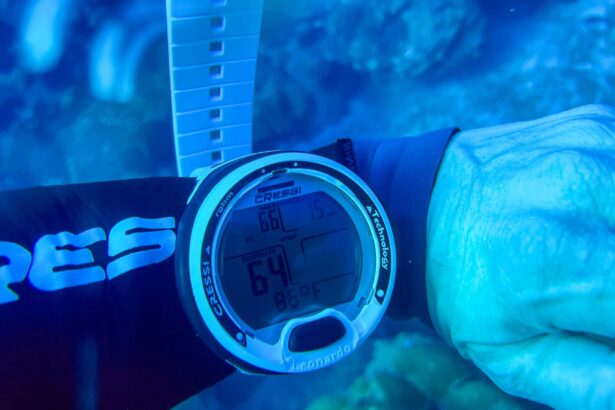
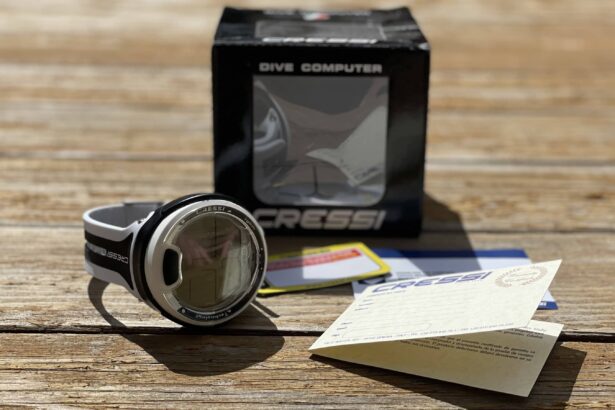
The Cressi Leonardo 2.0 is an updated, user-friendly dive computer, ideal for beginner or student divers. Similar to its Donatello brother, the Leonardo 2.0 features one-button navigation and has a monochrome, high-contrast screen. The Leonardo 2.0 supports air, nitrox (up to 50%), and gauge modes. It lacks freedive mode, making it slightly cheaper than the Donatello.
The Leonardo 2.0 is the simplest computer in this guide, both in terms of looks and capabilities. However, its less-is-more approach means divers can expect the battery to last years and it makes a good backup or beginner computer. Overall, the Cressi Leonardo 2.0 combines essential features with ease of use, reliability, and safety, making it a dependable tool for divers.
Cressi Da Vinci


Where to buy
We compare prices daily across all major online stores.
See all 4 pricesCressi Da Vinci Dive Computer review
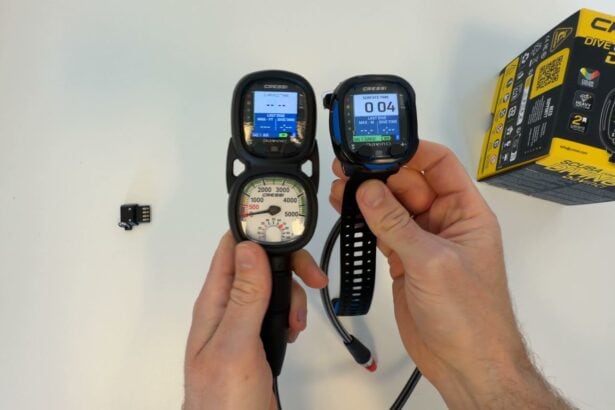
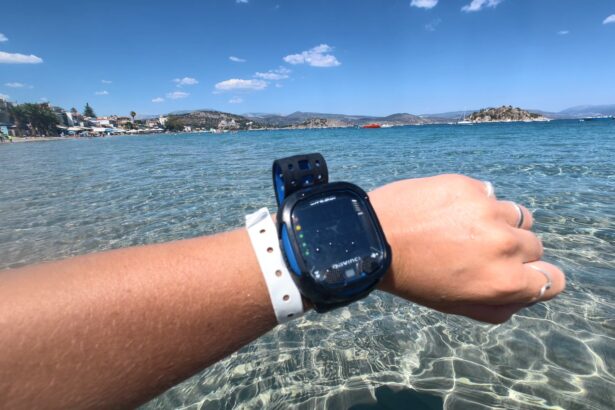
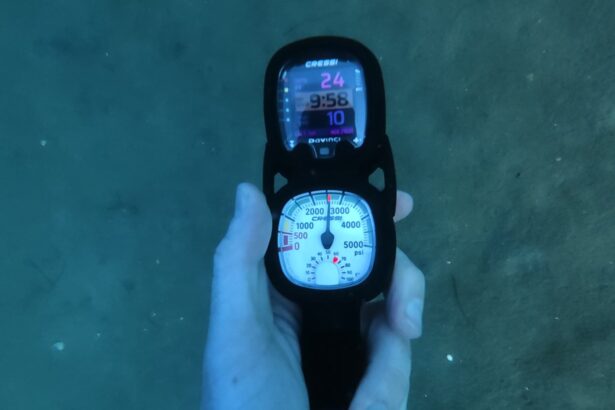
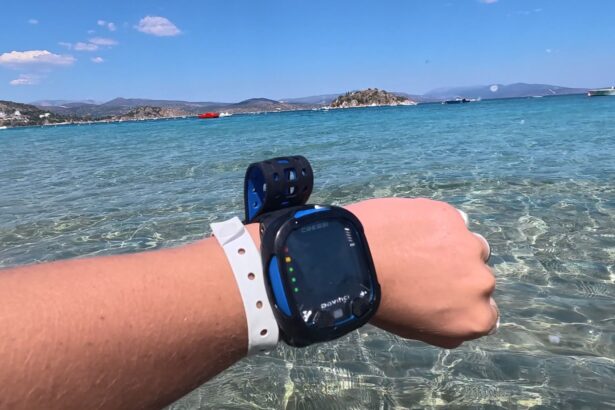
A mid-range color-screen computer that keeps diving simple: two buttons, clear menus, and nitrox set in seconds. Best for divers stepping up from a basic unit.


How We Test: Dive Computers
Why trust us
Since DIVEIN began 15 years ago, we have tried and tested dozens of dive computers from all the major players—Shearwater, Cressi, Suunto, Garmin, Oceanic—in all shapes and sizes. Some dive computers we purchase ourselves and some are submitted for review, but we are never paid to write a falsely glowing review of a product.
All of our reviews are unbiased and our selections are the result of thorough testing and our dive team’s knowledge from a combined 50 years of diving experience. We have curated a list of the top dive computers according to different wants, needs, and budgets, so no matter what kind of diver you are, we are sure there is one for you.
How we tested

All the dive computers in this guide have been tested to the same metrics to ensure level testing across the board. We perform a range of quantitative and qualitative tests which helps us, and ultimately you, to make an informed decision about how a specific dive computer ranks, especially against its competitors.
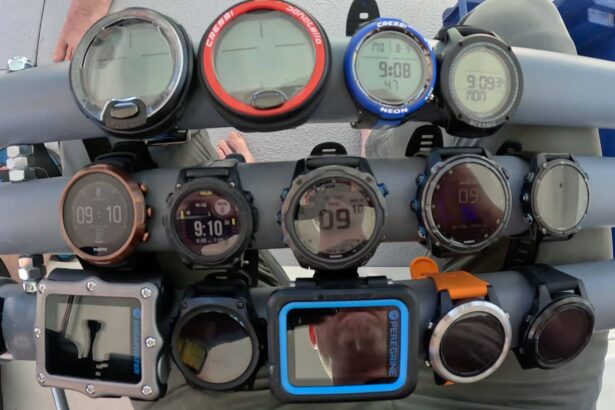
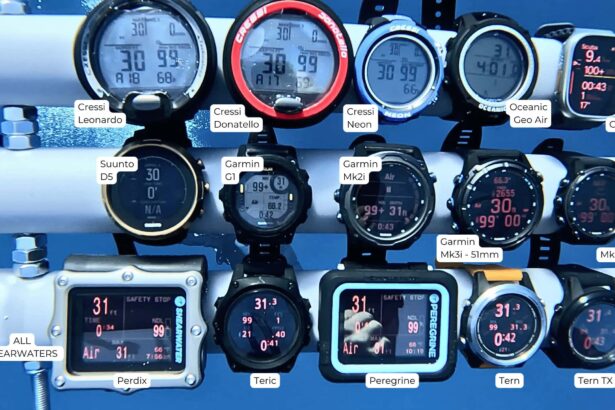
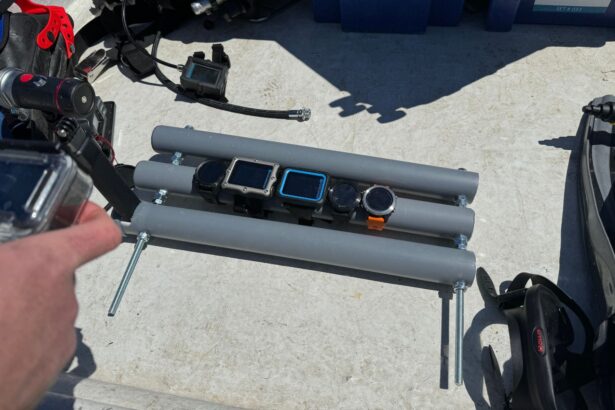
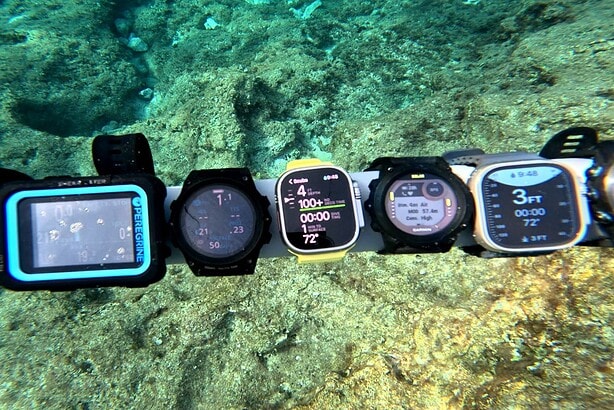
While all these dive computers support recreational diving to a limit of 130 feet (40 m), many can go beyond that and support technical diving. To judge aesthetic characteristics such as data display or brightness, we placed all the computers on a rack, so that they were subjected to the same dive and compared against each other.
We also considered each computer’s hardware and software capabilities, and how they contributed to the success of the computer.
Hardware metrics we considered were:
- Depth rating (case material)
- Battery life and recharging/replacement options
- Display
Software metrics we considered were:
- Dive modes
- Air integration
- Other features, including smartwatch capabilities, a digital compass, etc.
Hardware Metrics
Depth Rating

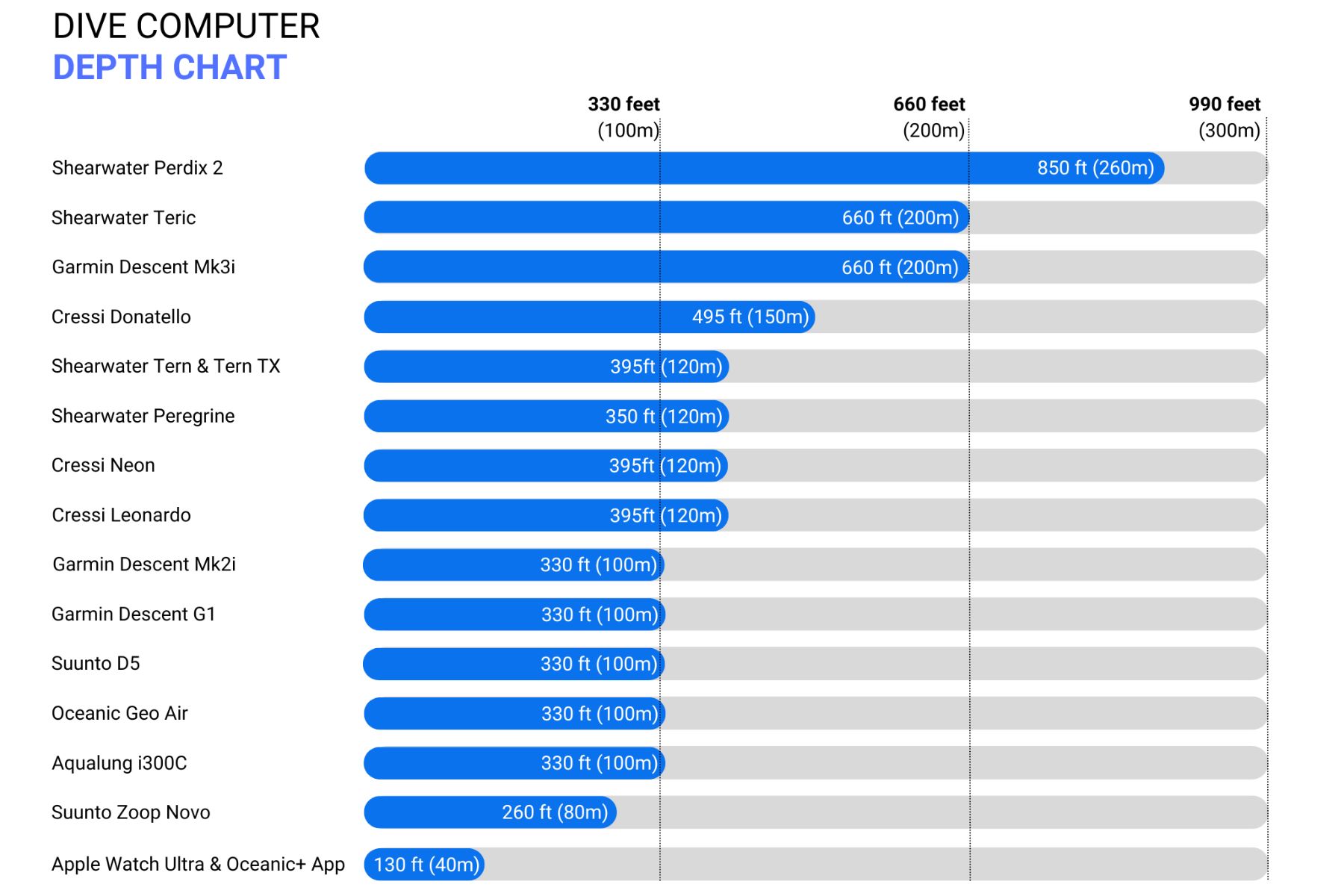
One of the defining characteristics of a dive computer is its depth rating. All dive computers, including those not reviewed here, can dive to the minimum recreational limit of 130 feet (40 m) and most can physically handle the pressure of greater depths.
Testing
Here at DIVEIN we do have a mini pressure chamber where we can place a few dive computers. The pressure limit of that tank is 260 feet (80 m) so we were unable to check the ultimate depth limits of these computers. However, since this guide does not have a technical focus, we were not interested in that.
We tested all dive computers simultaneously and separately underwater, to an approximate depth of 100 to 115 feet (30 to 35 m). All dive computers were placed on a rack together to ensure that they were measured at the same exact depth. All dive computers in this guide were shown to measure depth correctly to the recreational limit of 130 feet (40m).
However the Apple Watch Ultra Oceanic+ does have a limit of 130 feet (40 m), so we were curious to see what would happen if we went beyond that limit. The Oceanic+ is an additional app on the Apple Watch Ultra, and it is the depth sensors on the Ultra that are limited to 130 feet (40 m). The Ultra has a 330-foot (100 m) depth rating, so going beyond the diving limit does not harm the integrity of the smartwatch.
After 137- 140 feet (42m) the Oceanic+ app stops tracking dive data. Coming up shallower the dive computer will continue the dive but not taking into consideration the missing deep data. We only recommend the Apple Watch Ultra Oceanic+ for divers who know they will not dive beyond 130 feet (40m) or do not use it as their primary.
This test was performed inside the pressure chamber and not during an actual dive.
Takeaway
How deep you want your dive computer to go primarily depends on the type of diver you are and any training you wish to do in the future. Deeper depths mean technical dive training, so it is more important to consider the dive modes and the depth rating combined for any future computer purchase.
For example, the Suunto Zoop Novo can withstand pressures of 260 feet (80 m) and will recommend deep stops should you accidentally go beyond 130 feet (40 m). However, the software is only compatible with air and nitrox diving and cannot be used for technical deep diving. If you wish to go beyond 130 feet (40 m), you must have a dive computer that safely supports deep diving with additional dive modes such as multiple deco gasses or trimix.
Battery Life
Testing
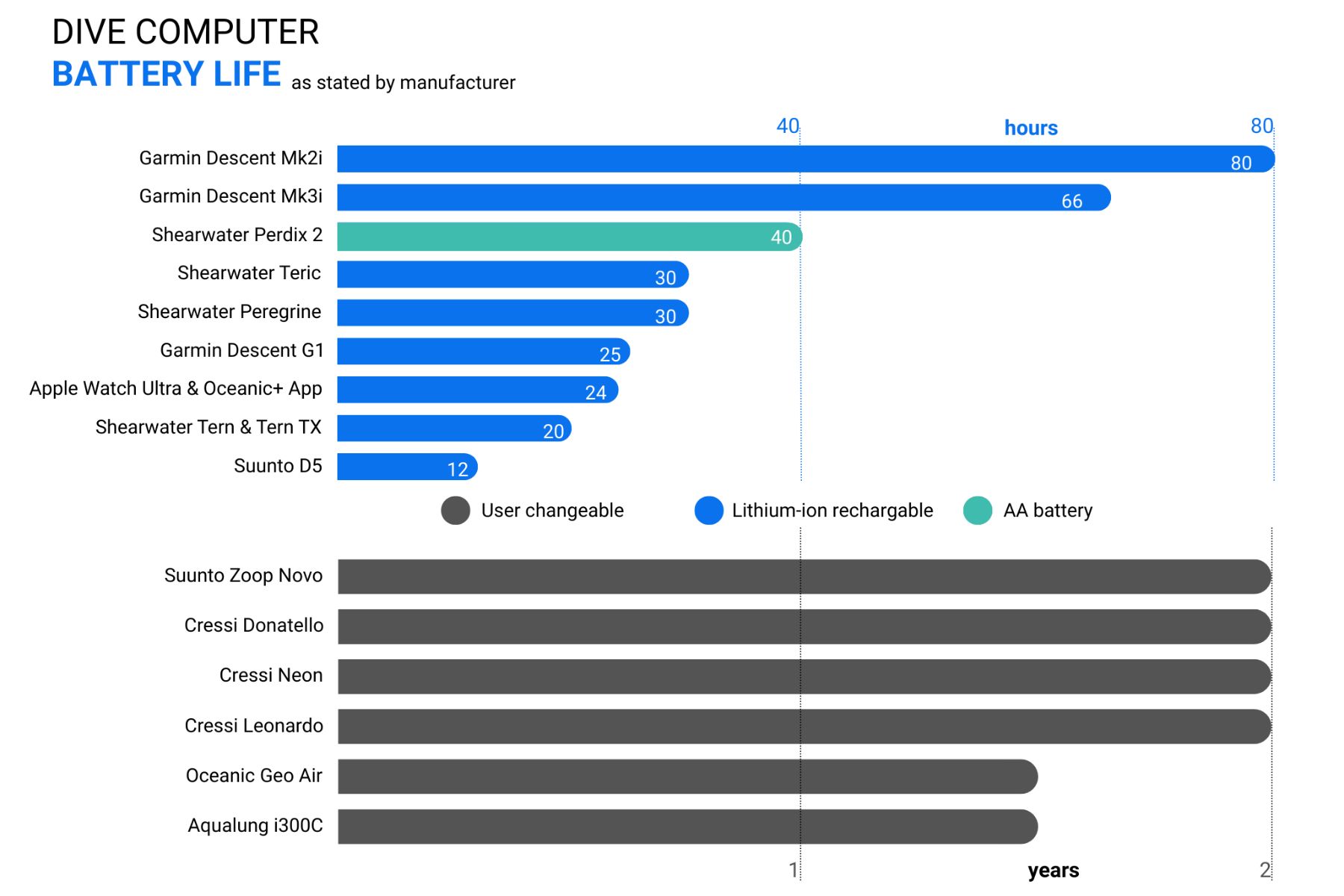
Dive computers offer either rechargeable batteries or user-replaceable ones. We performed several tests with the rechargeable dive computers to determine if the battery life stated by the manufacturers was correct. The criteria for the test was:
- Put the computer underwater in a pressure tank to a “depth” of 15 feet (5 m)
- Continuous diving until the battery ran out
- All dive computers’ displays were set to maximum brightness
- No transmitters were used and the AI mode was off
- All were set to standard air
- All started with 100% battery
- All started with completely unsaturated tissues
We found that reducing the brightness will extend the battery life, whereas using AI or cold-water diving can shorten it. We tested all the rechargeable lithium-ion dive computers with our in-house mini-pressure chamber. Twenty hours in, and the Tern TX, Peregrine and Teric are still going.

Since the longer-lasting, user-changeable batteries usually last approximately two years, we were not able to test their battery life within the confines of this guide.
Takeaway
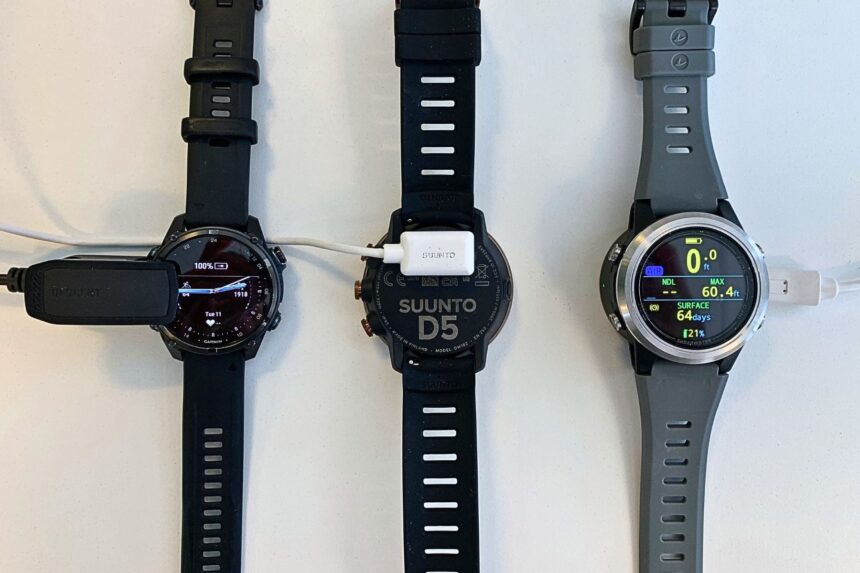
Rechargeable lithium-ion batteries are convenient but require frequent recharging, sometimes as much as every day when diving. Lithium batteries are found in the more stylish wristwatches, such as Garmin Mk3i, Shearwater Tern, or Suunto D5. These computers have the best displays plus great software, such as smart- and fitness-watch capabilities. The lifespan of lithium-ion batteries will lessen over time, and after some years it’ll burn out. After that it isn’t user-replaceable.
Many less power-hungry dive computers run on a user-changeable CR 2430 battery (or something similar), that will last years. Since the output of these batteries can’t compete with the lithium batteries, you’ll find them in dive computers with more basic displays, such as the Cressi Donatello or Oceanic Geo Air.
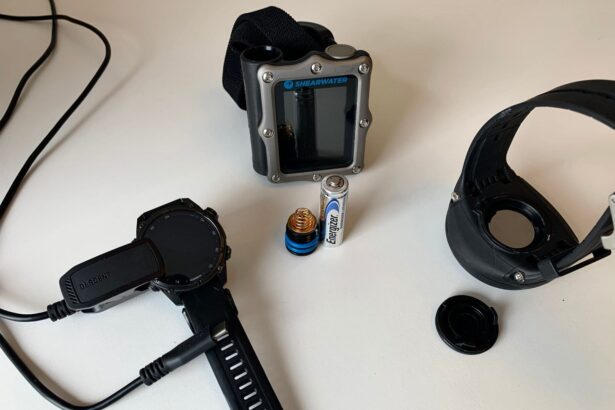
The Shearwater Perdix 2 has gone back to basics with an AA single battery. Their less-is-more approach means you can always ensure you have a fresh battery inside, indefinitely extending the computer’s working life.
Display
Display type is crucial for readability and ease of use underwater. Although all computers have set resolutions and different technologies, saying which is best is something we cannot quantifiably test.
Testing
To test the dive computer displays, we placed all of them on a rack to take on a dive. Since they were all under the same lighting conditions, we made qualitative and formed comparable opinions on their displays, layout, and brightness.
As we mentioned, the display is partially a result of more qualitative judging, so you might disagree with how we ranked the dive computers.
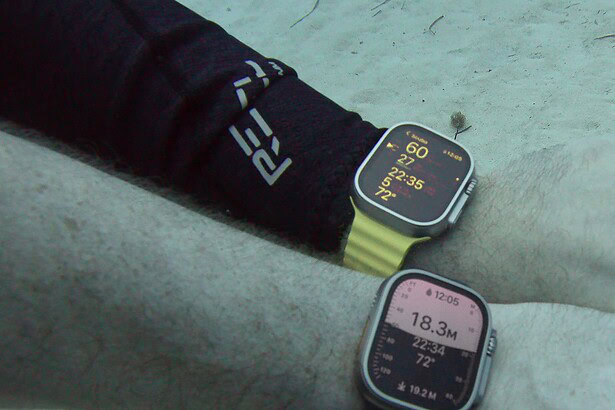
After several dives with all the computers observed together underwater, the order of best display is as follows:
- Garmin Descent Mk3i
- Apple Watch Ultra
- Shearwater Teric
- Shearwater Perdix 2
- Shearwater Tern & Tern TX
- Shearwater Peregrine
- Garmin Descent Mk2i
- Suunto D5
- Cressi Neon
- Garmin Descent G1
- Cressi Leonardo
- Cressi Donatello
- Oceanic Geo Air
The Garmin Descent Mk3i did have the best resolution and the sharpest colors. However, we felt the usability and display design of the dive data on the Shearwaters could arguably mean they had the best displays. All the Shearwaters were all equally readable and bright underwater.
Takeaway
There is no doubt that the computers with an AMOLED dive display are the most impressive. All are high resolution, very crisp, and offer both a clean edge around the digits and great readability in all light conditions. AMOLED dive computers from this guide include the Garmin Descent Mk3i, Shearwater Tern/TX, and Shearwater Teric. This exquisite color contrast, clarity, and color range does of course bump up the price.
In a close second are LCD or memory in pixels (MIP) displays. These are also very bright and offer good contrast between colors. These computers include Shearwater Peregrine, Shearwater Perdix 2, Apple Watch Ultra, Suunto D5, and Garmin Descent Mk2i. If AMOLED is a little out of your budget, opting for a slightly lesser display can save you money and battery.
The final group of dive computers includes those with a monochrome display. Although basic in style, the less-is-more approach still provides good contrast, uses little battery, and is often coupled with larger screens, offering good readability underwater. The main drawback is that they are not color-customizable. That includes the Suunto Zoop Novo, Cressi Donatello, Cressi Leonardo, Cressi Neon, Oceanic Geo Air, and Aqualung i300C.
Software Metrics
Dive modes
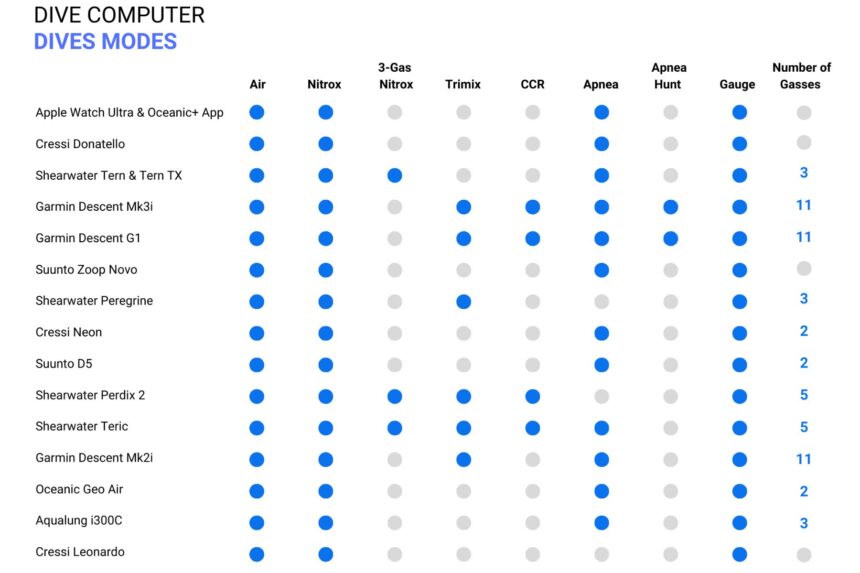
The No. 1 thing to consider when buying your next dive computer is how capable it is underwater. In terms of dive modes, most computers include air, nitrox, gauge (depth gauge and timer), and freedive/apnea. More advanced technical diving models will also include trimix, closed-circuit rebreather (CCR) diving, and will support gas switching.
If you are a newly certified diver, a beginner dive computer such as Cressi Neon or Suunto Zoop Novo is a good match. For more experienced recreational divers and/or those curious about exploring technical diving, all Shearwater computers are great to grow into. Top of the range computers include the Garmin Descent Mk3i and Shearwater Perdix 2, both of which can handle extreme technical diving.
There is no point paying an extreme price for an extreme Perdix 2, however, if you only vacation dive to a maximum of 80 feet (25 m). The Perdix 2 will, of course, serve you very well, but you’re essentially paying extra for features you don’t need. Most importantly, you want to invest in a computer that supports both your current and future diving, so you can use it as you advance your skills.
Air integration

Generally reserved for mid- to high-range dive computers, air integration (AI) is when the dive computer syncs to a transmitter connected to the regulator’s first stage. In this way, divers can—in real-time—monitor tank pressure, air consumption rate, and their remaining gas on the dive computer.*
In this guide, approximately 50% of the dive computers are transmitter-compatible. For all those air-integrated computers, we did have the corresponding transmitter and were able to check the connectivity and data displayed.
Those computers are:
- Shearwater Tern TX
- Garmin Descent Mk3i
- Suunto D5
- Garmin Descent Mk2i
- Oceanic Geo Air
- Shearwater Perdix 2
- Shearwater Teric

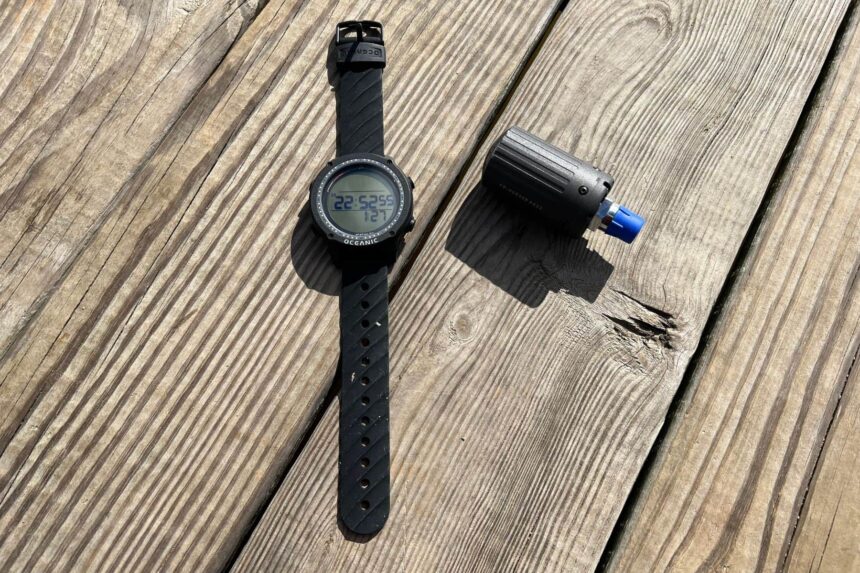


For the most part, the AI dive computers and their corresponding transmitters offer similar results, displaying the same or comparable information, which included pressure, either PSI or bar, gas time remaining (GTR), and air consumption rate.
For those able to connect to multiple transmitters, such as Garmin or Shearwater, we were able to give the transmitters unique names, labeled according to the mixture or a buddy’s name.
Air-integrated computers are more expensive, plus the additional cost of the transmitter. For beginners, air integration is perhaps not necessary, and it is an effective way to save money when first buying scuba gear. Before you buy, consider if this added level of monitoring is beneficial for your diving style and whether you’re prepared for the additional cost.
*We should note that you should always dive with an SPG. A transmitter is an add-on, not a replacement.
Extra Features
Digital Compass
Although not an essential piece of gear for casual divers, a compass is always good to have. Unlike traditional compasses, a digital one integrated into your dive computer can offer 3D-tilt compensation, giving accurate readings even when it isn’t perfectly level.
A digital compass can be quite useful for divers who frequently navigate unfamiliar sites, conduct underwater mapping, or need precise orientation.
Smartwatch
Dive computers are, of course, meant for diving, but because many have a wristwatch design, they can be worn out of the water. However, apart from telling the time, they aren’t much use on land—except for Garmin and Apple.
Garmin, at its heart, is a fitness watch. Thus, any of its dive computers are also fully functional smart- and fitness watches. This means you can track your health and activities, such as heart rate, sleep, and sports.
A little more smart and a little less fitness is the Apple Watch Ultra. It does offer health tracking, but it doesn’t feature as many sports as the Garmin Descent Mk3i. However, there are nearly infinite apps available from the App Store to supplement the rest of your needs.
If you love the idea of having a watch that really does it all, then a smart dive watch is the right choice. Of course, all these extra features and capabilities do come with a high price tag, but buying what you really want right out of the gate could save you some money in the long run.
You don’t need your own dive computer to get started, but it’s a smart investment if you plan to dive regularly. Using the same computer on every dive builds familiarity with its alerts and behavior, which improves safety and consistency compared to rentals.
The best dive computer for beginners is one that’s simple, reliable, and easy to read underwater. Look for a clear display and intuitive controls rather than advanced features, so you can focus on learning the basics of diving.
Dive computers under $500 offer everything most recreational divers need, including nitrox support and dependable algorithms. The best option is one that’s durable, easy to use, and from a trusted brand, even if it skips premium features.
Air integration connects your dive computer to your tank to display pressure and air consumption in real time. It’s a useful upgrade, but not essential. Many divers stick with a traditional pressure gauge without any issues.
Wrist dive computers are worn like a watch, making them easier to check and more convenient for travel. Console computers are built into a gauge setup, which is bulkier but keeps your instruments together in one place.
Most dive computers use either Bühlmann or RGBM algorithms to calculate limits. Bühlmann is widely used and often adjustable, while RGBM tends to be more conservative, especially on repetitive dives. Both are safe when used correctly.
Some smartwatches can function as dive computers, but only if they’re specifically designed and rated for scuba diving. Dedicated dive computers are still the more reliable and purpose-built option for most divers.
Technical diving requires advanced features like multiple gas support, trimix capability, and customizable algorithms. Most tech divers choose high-end, purpose-built computers designed for complex dive profiles.
Battery life varies by model. Replaceable batteries typically last 1–3 years, while rechargeable computers can last several dive days per charge but need regular charging.
An expensive dive computer isn’t inherently safer, it just adds features. Entry-level models from reputable brands use the same core safety principles, so proper use matters more than price.
Many modern dive computers include a freediving mode for tracking depth and time without scuba calculations. If you plan to freedive regularly, make sure your computer specifically supports it.
 Take a moment to look at this.


I’m an Advanced diver with over 1,000 dives in my log. I’ve been using the Apple Watch Ultra here in Cozumel for the past two weeks doing 2-4 dives a day with 20 dives completed. I also have a Suunto Eon Core which I’ve used for nearly 1,000 dives. I’ve been comparing them, with one on each wrist. I’m extremely impressed with the Ultra thus far.
First off, as for power consumption. On a 2 tank dive I had more than 72% power remaining on the watch. And, with a 4 tank dive I had 56% (I know… proportional). So, starting at 6am off the charger and finishing at 6pm I still had plenty of charge for the evening, after a two or four tank day, before putting it back on the charger.
My Suunto obviously has more functionality including tri-mix and a tank pressure option by buying the tank transmitter. The tank transmitter is a $400+ cost and I’ve read that barely 20% of the dive computer users have spent the extra hundreds of dollars for that functionality. The Ultra is not intended for that segment of the market. It’s for recreational divers who don’t exceed the 134 foot limit and the vast majority of them just use a mechanical console showing their pressure. Maybe Apple will add that as a feature or in next iteration of the watch.
Having said that, the Apple Ultra is much easier to use, is brighter and does everything needed by a recreational diver. The Eon Core has a very intuitive user interface but Apple has it beat on ease of use and brightness. I use it in both the Air and Nitrox settings. Switching to the Nitrox setting is easy on the Eon Core and even easier on the Ultra and much easier than many other dive computer I’ve used.
There have been negative comments about the subscription service partnered with Oceanic. I think there is a misunderstanding about the Oceanic subscription. Some people seem to think that you need it to buy it in order to use the watch as a dive computer. That is not correct, You don’t. The subscription application gives you a pre-dive planner and log to off-load your dive computer information to your iPhone, iPad or computer.
That’s a nice to have, but not something I absolutely have to have and definitely not a deal breaker as far as I’m concerned. But, while here in Cozumel, out of curiosity, I signed up for one month of subscription, for $9.99, and promptly cancelled it so it will expire just after I leave. The data will stay in the log and be viewable. When I go on another dive trip, I will possibly pay $10 for 2-3 weeks of diving (probably 20-30 dives) and then cancel again. To me, that is well worth the nominal subscription price. The question I’d have someone ask themselves is, how many dive trips do I take each year? If it’s like many divers who maybe do two or three trips a year, then paying $9.99 per trip for as many dives as they do during that trip is pretty inexpensive for the planner/log. If you live near a dive area and dive every weekend or more, then $79 for a year doesn’t seem like a big expense to me. Certainly, it’s cheaper than renting a dive computer. And, it’s all in one device.
I bought the Ultra because I was already interested in buying a new Apple Watch and for a few hundred extra dollars I got a dive computer as well. Keep in mind, the Ultra uses a titanium case, instead of aluminum or stainless steel, has a sapphire crystal instead of Gorilla Glass as in the regular Apple watches, and has cellular built in (which I use independently from my iPhone). So, the extra cost is partly offset by the upgraded materials and cellular.
If you’re in the market for a new Apple Watch and you also need a dive computer, you can have it in one device. I highly recommend getting the Ultra so that you only have one device to wear and keep track of.
I trust this helps those considering the Apple Ultra watch.
Enjoy
Gary
Hi Gary,
Thank you for your comment and sharing your insights. I agree with you about the two computers and how they differs.
Important note, though: When using the Apple Watch Ultra you need an active subscription when diving, otherwise it’ll only be in snorkeling mode. Make sure to get it before going to the dive, so everything is ready.
Great summary, Torben. I find that a lot of companies today are targeting the multi-purpose/activity community. I like to keep my dive equipment separate as a dive computer is more than just tracking information. Based on your video, I’m leaning towards the Shearwater Tern or Peregrine Tx. Would you recommend these for someone who dives a week or two a year?
You’ll love it when diving, and if money is not the option, go for it.
Love the garmin mk3i, do you think it’s priced fairly though?
That’s a hard question. It’s priced high, but you’re also getting a dive computer that can do everything – except making you a coffee on a dive :)
So, although it’s expensive, you’re getting both a dive computer, a full technical dive computer, and a full-on sports tracking watch.
A better question: What do you need? This computer can do more than most divers need. If you’re using some or a lot of these features, then I’m sure you’ll love it. If not, I’m sure there are other computers that would work great as well.
Thanks for the reply. I’ve just started my diving adventure, and was looking into this watch because it’s so good. I want to possibly do tech diving in the future too. But I think for what I need now getting something more budget friendly is better. One could always upgrade to something better in the future.
I am also considering something like the Suunto ocean as my first dive computer, not sure if it’s a good first computer or should I go for something a bit simpler?
Have you tested out the Mk3i yet? Apparently youre going to be able to message underwater with a firmware update at some point in the not too distant future.
Hi Jonathan,
We haven’t tested it yet, but will do it in our next roundup. We did get an introduction to it at the DEMA show, and I’m very impressed with what I’ve seen so far.
Hi Jonathan,
No not yet, but we did get a demo of it at the DEMA show. It has an underwater messaging system. Sounds cool, and we can’t wait to test it ourselves. It’s part of the products we’ll be testing this year.
Hi!
I am about to buy my first dive computer. Will be doing my divemaster in Cozumel next month. Cannot really decide between Suunto D5 and Garmin Descent G1.
Which one would you recommend?
Hi Rocio,
I’d recommend you go with the Garmin Descent G1 – they are both good underwater, but the Descent G1 has a lot of features you can use above water as well.
Hands down G1 descent, been using it over a year as a dive instructor and its been just fantastic. tons of features apart from diving as well
If you’re looking for smaller options it’ll be watch size. perhaps the Oceanic Geo or Cressi NEON would fit both budget and needs.
HI Max,
Thanks for your comments. Did they solve the issue yet?
Mine does signal and shows bottom time and Safety stops, so it’s not an issue I can replicate.
Hi,
Any advice on a wrist worn dive computer for an 11 year old girl?
The Cressi Donatello looks good but I think it is way too big.
I bought MK2i computer. Unfortunately, as a diving gear it is completely useless. It does not signal the safety stop, bottom time, decompression stops. I reported it to GARMIN, and they thought it might be defective. The new one unfortunately did not show those functions either. I think it’s a bug in the software. I do not recommend it – you can get yourself in trouble diving with this device and relying on its indications. Eventually I returned it to the seller and I am waiting for a refund. I will never trust GARMIN again.
Hi Jamie,
No, we don’t, sorry.
Do you have a listing si militar to this but console? Not wrist mount? Pls?
Hi Karen,
As I remember the Sea and sea Dive computer 1000 is from the start of 2000? If this is correct, I don’t think it has that much value as a dive computer. It might have value from people that gather old dive gear, but I don’t know.
I am in possession of a Sea & Sea Diving Computer Profile 1000.
Item is new in box. Can anyone tell me the dollar value?
The button of the Zoop are way too hard to push. They have some at the club. No thanks.
For the moment, i’m waiting to see the Aqualung i330R. And also, i will try to print a grid with a 3D printer to break the sunlight reflection.
Nothing really new since 2018. I know it’s covid19 era. But … scubapro & suunto have a lot to fix on their actual merchandise. It’s weird to see than we didn’t have a new dive computer from them since 2018.
The last dive computer is Peregrine from Shearwater. And the Aqualung i330R not yet release.
Am looking to give this to my daughter as a gift, likely will never exceed 120′. Possible Nitrox in the future. Features interested in: Wireless transmitter, compass, larger vs smaller display, RBT, rechargeable, comp access via cable or BT. Please advise your opinions as to which unit Thank you
I love the Guide I have been looking at the Oceanic OCI to track both my sons and my air. How does this one rate compare to the others on the list?
Hi, I’m looking for my first dive computer. Currently looking at Mares Smart and Seac Action. Both are similarly priced and offer similar features. Any advise?
Hi Sam,
Yes, the Oceanic Pro Plus 4.0 is a great computer.
I am currently looking to get the Oceanic Pro Plus 4.0. Simply because it is a gauge, dive computer and compass all-in-one. Is this something you would recommend?
Hello im buying a diving computer and im comparing 3 models aqualung i450t suunto d4i novo and mares matrix.. need ro know which better and why and if there is any problems with any.. no matter the money difference.. im a recrtional diver and dive more than once per day .. thank you
Hi Georgios,
We haven’t tested the Cressi Goa at the moment, so I’m not completely sure how they differ, but from what I can see on the Specs it’s very much the same. The NEON is never and has some better specs, but booth computers will be a great purchase. I can recommend the Cressi NEON, that one we have tested, and it’s a great option. Small in size, but still good for reading underwater.
Hi ! I am looking for my 1st diving computer and my dilemma is Cressi Goa or Cressi Neon?
I would be grateful for any tips, because it looks like both of them are sharing almost the same pros.
Thanks
Bought a sheerwater petrel 4 years ago. It leaked sent it to sheerwater in the UK they wanted £350 to repair. I sold it for scrap on eBay
I am an infrequent diver (every couple of years), I have a hose mounted US Diver computer only from 1995 and a Citizen Promaster Hyper Graph. Love the watch, but looking to upgrade the computer to allow for the full features available today (logging and better dive mgmt). My local Dive Shop carries the Aqua Lung I770r with Air integration and a few Cressi and Suunto models. But in most reviews I do not see the i770r listed. What is your take on that particular Dive watch/computer?
Bought my Puck Pro about 1.5 years ago and have twenty dives on it. It’s my first computer, so I have nothing to compare it with. For me, the large size readout is a major plus. While dealing with the single button can be a pain (relearning the menu sequence prior to each trip), that’s the only negative for my current style of diving. Good value and features for the $$.
A major plus is the “Dive Organizer” software Mares provides free (provided you buy the optional computer interface device). It was easy to download, and it’s easy to upload my dives from the computer. Two nits with the “Dive Organizer” program. First, I couldn’t find a decent manual to get the most out of it; after a year, I’m still discovering capabilities I didn’t know it had. Second, I can’t figure out how to log dives made w/o the computer. The graphic presentation has let me critique my dives; I discovered I really needed work on my hover skills. That’s important to me as my plans include moving beyond NDL in the future. I like the 150 M max depth rating, although I’ll never go that deep. It tells me it’s well-made.
Your full review was spot-on. Thanks.
Hi Kim,
I think the one you’re referring to is the Oceanic BUD – It’s currently not part of our test, but it’s a good back up dive computer.
Greetings,
I’m a Master diver with close to 300 dives (so actually.. still a baby in the sport :-) )
I have a great dive computer that I love (Sunto.. now 13 years old.. but still going strong) .. On one of my last trips, the battery failed on me with two dives left to go.. our location was not conducive to getting a new battery.. thankfully a friend had a backup computer and so I was able to complete the trip without issue.. (I have tables too, obviously.. but prefer the computers as I am able to dive with my buddies more easily who are also on computer.. )
That experience solidified my desire to carry a second/backup computer.. so I’m on a hunt for a good/ easy to use/small profile computer .. (my friends was actually attached to her BC.. so not even watch type..Im open to either type as my main computer is only gauges ) I do dive nitrox occasionally.. so would like that flexibility too. I’m also not especially tech savvy (the TV remote control is confusing :-) ) so would prefer a computer that is very intuitive/user friendly.
Do you have any particular suggestions?
Thanks for your help!
Hi Torben, thanks for your guide. What do you think about the Cressi Neon? I am a recreational diver who will be doing more liveaboard diving in the near future, so lots of dives over short spans of time. I am not sure how much I care about wireless capability – am on the fence about that. Was considering the Oceanic Geo2 (no air integration) and Geo4 (possibly poorly made with leak problems), Cressi Geo, AquaLungi300c (not air integrated and its wireless function seems to be a pain in the butt), but am thinking I may go with the Neon. Thanks!
Thanks! I was looking at the sunto d4, fits a small wrist nicely.
d4i or d4i novo.
Hi Dee,
That a bit too fast to break, but great to hear that you got a refund. In my opinion, that might also make the Mares Puck Pro worth a second try – I’m thinking that this could happen to any computer, and since they are replacing it, there’s no real risk.
That said, you could also go for Oceanic Geo 2.0, Aqualung i300c or the Suunto D4.
Hi Torben. I have around 80 dives and am advanced diver. I was using a Mares Puck Pro but the buckle broke during a dive and I was lucky to save the computer. It was within 12 months warranty so am getting a refund as the watch was too big on my wrist anyway. I loved the simplicity of this computer but need something that won’t break so quickly, is small around a little wrist and is easy to use.. any recommendations? Cheers, Dee
I bought cressi neon and it works really great, i can read it under water and i can uset it daily
Hi Blanka,
That doesn’t seem right. Did you try contacting Oceanic?
I have Oceanic Geo 2, it always showed 2*C less than anyone else’s computers, and got rusty on the inside after about 230 dives in 3,5-4 years (difference between last dive and noticing). Very stylish and great for not needing two watches on vacations, but this was very disappointing.
I think I am looking for an advanced (but not tech) dive computer but I can’t find anything with all the features I want.
Battery: rechargeable or user changeable
Bluetooth
watch sized, prefer if it can also work as a watch!
Nitrox capable – wireless
Integrated digital compass
Does this elusive dive computer exist? :) I cannot find one with all of these features!
Any suggestions?
Thanks!
hi , Iam choosing between the mares puck pro & Suunto zoop novo !
Could i use some help ?
Hi Raj,
All of the watch-sized dive computers in this guide will work great for any beginner. Do you have any special needs, other than it needs to be a beginner computer?
Hi, I’m a beginner in diving world and I’m looking forward to find a good watch-sized dive computer that is sufficient for a beginner diver. Can you suggest any?
Seconds would be useful to me as I am new to free style diving, helping me with my development (to get better).
As I remember it only counts minutes. Why would you use seconds?
does cressi leonardo watch counts seconds in a dive? Or only minutes ?
HI Sheryn,
Not odd at all, we’re all build different :) Go for one of the watch size computers, and on all, it’s possible to change the wrist band to one that fits.
I am looking for an entry level dive computer watch that has blue tooth connectivity. Could you please make a recommendation?
Thank you.
Hi, thus nnay sound odd but i have tiny wrists and would need a smaller ladies size computer, any suggestions please
Hi William,
We haven’t tested the Atomic Aquatics Cobalt, so I really don’t know much about it or the algorithm it runs. Sorry, but can’t be of much help here.
I want a backup computer for my Atomic Aquatics Cobalt air integrated. I know I must use the same algorithm. What do you recommend. I don’t need to spend a lot of money.
Hi Liam,
What’s your budget? The Oceanic VTX has a compass, or the Suunto D6i has a compass and the possibility to show tank pressure with a transmitter.
Hi
gday mate!
Down in NZ where we live it is bright sun in summer. dived heaps using my zoop but would like to ditch the console with Compass and contents (pressure gauge . We chase a lot of crayfish in amongst underwater boulders so want to go down to 1 reg and wristmount computer with built in pressure gauge and compass to be nice and streamlined .
Need a good quick and easy compass.. Any suggestions please?
Cheers
Liam
I have and really like the Oceanic Atomic 3.1, with AI. it is not expensive, and does it all, and when I go on a dive vacation, it doubles as a great wristwatch when I’m not diving. I think that you can get the watch and transmitter for around $600. On the other hand, I just purchased a Shearwater Teric for my with and when it came, it was so cool that I had to buy one for myself. Those are $1,095 but the coolness factor, with the color AMOLED display is worth the extra money! We use a dive computer for a long time, so the extra money is worth it to me, especially considering how critical a dive computer is to safe diving, especially when I dive 5 tanks a day for 7-12 days when on vacation!
I’m a bit deaf and need a dive computer that either has a volume control for its warnings or is very loud, what would you recommend please?
I bought the oceanic VTX two years ago. Works fine unless your in light! You can’t read anything above water. Did your test screen the computers for above water readability?
Hi Tim,
Unless you’re doing technical diving I don’t really see a reason the switch between gasses while diving. Nitrox on a safety stop will of cause let you off-gas quicker, but why not just use nitrox on the whole dive?
If you’d like to go deeper that Nitrox allows, and you’ll then bring one air and once nitrox, you’ll be diving with a tank of unbreathable gas as some point of the dive. And you’re therefore no longer doing recreational diving.
please note, that getting a switch wrong and going onto the wrong gas is still one of the leading causes of death for tech divers.
Let’s get back to the computer. If you’re looking for a tech computer that will allow you to do in water switches, look at the Shearwater Perdix AI Dive Computer.
Hi Venus,
Look at the top recommendations in the guide. All will do great when looking for a good dive computer. All of the above dive computers will fit a woman as well as a man. As far as I know, there’s no difference between how a man and a woman dives.
Hi Torben,
can you send me details/recommendation of the DIve computer that I can buy?
I just got my advance license and want to get the good computer this time.
I need a good one, which is user’s friendly for a woman.
what about the Underwater Camera? any recommendations ?
Hi, looking to upgrade my computer. Want to be able to switch gasses (air to nitrox) during a dive. Potentially going for tri-mix at some point. Best recommendation for this?
Hi Steve,
I’ve never heard of any dive computer with a loud beep or big flashing screen. So I did some research and can see that there’s plenty of divers with this issue. Even because of hearing loss or wearing hoods and they aren’t able to hear the alarms.
The new Suunto D5 has a vibrator, so this might solve your issue.
Can someone recommend a medium cost dive computer that is good for those hard of hearing? (for me, it’s hard to hear the warning beeps that DCs emit underwater). I would like to see a DC that has bright LED rings around the outside of the watch that light up (yellow or red) for underwater warnings instead of beeps. OR even better, the watch vibrates once for a warning, or multiple times for a serious error. Anything?
I am a new diver interested in finding a wrist dive computer with air integration, with out spending an arm and leg?
Please help. I am attempting to purchase a Dive Computer Wrist Watch for my husband but I do not know where to begin. I am not a diver and need a solid recommendation on a good product. He is Advanced Open Water, completes about 25 dives per year w/ my teenage son, dives w/ Nitrox, has a main computer which he will continue to use, NEVER logs his dives in a timely manner so definitely needs something that will store a digital logbook that is easily accessible via an app or computer. I would also like it to have a compass and be upgradable. My budget is around $600. What is the recommendation?
Hi again France,
Yes, booth the suunto vyper novo and aqua lung i450 will meet your needs of 20-30 dives a year and no-tech diving. All well-established dive computer brands will work here. As for watch size and being able to change yourself, or recharge. Here are your options: Oceanic Geo 2.0, Cosmiq+(rechargeable), Oceanic VTX Dive, or the Mares Matrix.
That said, if you’d like one of the other models you’ve been looking at, it’s not that big a deal to send it in for a battery change.
Hi there. So this might sound a little crazy, but in 3 weeks I’ll be traveling to Utila to go from open water through dive master. I’ve spent a couple of years working as a kayak guide and free diver on Maui, but never got around to getting into scuba. That being said, I’m really not sure what I should spend on a computer since I don’t really know what I’ll prefer. Any advice? Is it better to buy something mid range or just spring for the more expensive computer since I’ll be spending so much time diving?
Good morning
My budget for the dive computer is up to 1200$ (it’s a gift so it’s nice that I can choose). I will never do tech diving. I dive about 20-30 times a year. I really liked the Shearwater Teric but after contacting the company, they said when you change the battery (roughly every 5 years) it cost about 75 to 100$ + shipping. That’s annoying. Obviously there are many functions in the teric I would never use but it seems to meet my needs. The Suunto D4i novo and D6i seem very good as well but neither of them we can change the battery. The suunto vyper novo and aqua lung i450 seem to both meet my criteria.. Should I get over the fact that the computer will need to be sent in for battery change? Or go with my two last choice? Suggestions?
I like a watch size computer or wrist computer but dont want the bigger one like the Shearwater Perdix.
Any input would help!
Thanks
France
well, I belive that most depends on where you dive.
I’ve not used it for long time, following the D .Master, 2m shallower. With just a waterproof clock to counting down the safety stop looking to the console if needed to split the group. This is very common in some very turistic, areas and yes, somehow it works. Here probably only 20/30% of divers has his own computer, or rent it. But max 5 dives in 2 days. then back home.
I bought one just because I found a good offer. Some friend told me it was useless. well, I finally knew exactly what I was doing, how conservative was the master. I got a feeling on what was happening.
And finally, I’ve been in a dive cruise, 4/5 dives per day, 4 days, where dives were alone just with your buddy. In this case, no way I would do it without the computer.
You may you tables, but the freedom and safety you got with it really makes the difference. here just one counterpart. Someone, sometime, may trust too much on it and give less importance to dive plan.
Hi France,
Well the ZOOP is great, and make good sense that it has served you well for many years.
The Shearwater Teric is a great dive computer with plenty of features to meet your recreational dive needs for many years to come. The only minus is the price tag for now. It’s almost the double of the Suunto D6i which can do much of the same as the Teric.
I have been diving 10 years, average 10 to 20 dives a year. I ‘ve been using the Suunto ZOOP and was looking to upgrade because it was offered to me as a gift. I just want a dive computer that can continue “growing ” with me although I can’t say I feel limited with my zoop. I do recreational diving and don’t expect to ever do technical diving. I was looking for a computer with a compass, good visibility under water and easy to navigate . One of my dive master recommended the Shearwater teric. It seems like a nice computer, lots of bells and whistle . Biggest disadvantage is that you have to send it in to change the battery. Is it too complex for a recreational diver? Any other suggestions?
i have Mares Mares Quad Wrist Dive computer. new to diving but would like to know the best air integrated console dive computer the more i dive the more i like not having nothing on my wrist. any feed back would be great.
Hi Edmond,
Thank you for your feedback to our list and way of reviewing. We’ll definitely take this into consideration for next time we review the guide and update with more reviews.
I still hope you were able to find a computer that suited your needs. If not, shoot me a message here and I’d love to help you out!
All the best
Torben
Hi Craig,
Welcome to the dark side of diving. From here on out, it’ll only go downhill :) Joke aside. I agree it’s a great computer that’s reliable and easy to use.
23 years without a computer, I always had a waterproof watch and used the physics of diving just like my dad.
But now it’s the worlds laziest hobby and commercial divers are out-numbered by the all the gear and no idea brigade.
Been using the Suunto zoop, it’s cheap, cheerful, easy to use and read, too big to wear outside the water but you can read it in any condition.
Hi Torben,
Many thanks indeed.
Regards,
Altan
Hi Altan,
Nice, it’s the best course of them all. It’s so fun, and you’ll really see your skills develop afterward.
As for a computer, I’m guessing you’re into scuba diving for some time and planning on sticking to it. Therefore, skip all the beginner once. You need quality and comfort: A new one is the Cosmiq+, it’s nice and the cost is fair.
that said, I’ve always been a fan of the Suunto D4-6 models. Good quality lasts for years(I still have my old Suunto with some 10+ years on it).
Hi Torben,
I will be starting my rescue diving in a few months. I have never bought a dive computer.
Always used dive centre’s computers.
What would you recommend for me please? Also what do you think about dive computers that have digital compass in ? Are they reliable ?
Thanks,
Altan
Take the computer outside the dive shop into the sun. If you have trouble reading it don’t buy it, I spent a lot on the Oceanic VTX. It’s useless if the sun is out. Trying to give your information on board a boat is very difficult. Also, when you’re at your safety stop it’s hard to read on sunny days. I spoke to a representative at Beneath the Sea Expo. He agreed that it was a problem and should upgrade. No thanks!
Hello from Guam! I appreciate the effort you guys made to come up with this list. But I am still confused as to what is the best option for myself. I am in the market for my first dive computer, looking for something best for someone between beginner to intermediate (ie with Nitrox capable) functions – In the event I continue my scuba education I don’t have to look for another computer.
Maybe a list of all the required or recommended functions and features to look for in a Beginner’s (ie PADI OWD certification) computer, functions for an Intermediate diver (ie PADI AOWD, Rescue) and Professional (ie Master Scuba upwards) level diver. I would like to see some sort of order and comparison chart for the functions and features with “o” and “x” denoting with and without.
The “Best for”, “Gases”, “User Changeable Battery” are all consistent, but the “Features”, “Pros” and “Cons” are confusing because if you mention for example, “easy to read even in low visibility”, do I assume all the other computers are difficult to read in low visibility? Or similarly, “The battery is standard AA”, does that mean the other computers use “AAA” batteries or some other battery size “C” or “D”?
So the pros and cons are not consistent to be able to compare. After your review of each computer, if you had it summarized in a chart/table with “o” and “x” for each function/capability and features, I think it would be easier to compare each computer with its pros and cons being obvious for each individual diver.
However, I like your “Best for”, “Gases”, “User Changeable Battery”. Very easy to compare between the computers and narrows down the choices.
All the reviews and comparable lists I found on the internet also do not make it easy to compare and decide what is best for myself. Just my two cents (or maybe a dollars worth? :) … Thanks again for helping me narrow it some, but still confused which functions and features are recommended for my diving level and which computer has those functions and features. I will still be scouring the internet…
Computers fail on a pretty regular basis it seems —- at least get a second computer so that you dive two. Know how to use them if issues. Love computers, but just a piece of equipment. I have been diving 50 years now .
Yeah, but that analogy is like trying to say only good engineers use slide rulers.
Or good drivers use a standard transmission vs automatic.
Can you do up to the minute calculations while underwater?
A dive computer can and it’s more accurate.
Especially if a diver becomes distracted by events/people/environment outside our dive plan.
Just like John Jerrehian pointed out. You build from the ground up!
It’s like learning to drive a car, any muppet can put “D” into dummy, very few (unless out of Europe) can actually *drive a car.
A agree with you for a great part, but I don’t understand why people can’t do both. And this is where training comes in. If you had good and thoroughly training, this won’t be a problem. Know your consuls, check depth, air, and your surroundings as often as you can.
Regarding tables, I really hear what you’re saying and see the issue. Knowing the basic is good, but how often have you used it? I have never had the use of tables on a fun dive(without guests).
A Bigger issue here, a lot of times divers go in a group lead by a dive guide/divemaster. And in the planning, the guide will say: “since I’m the only one with a dive computer we’ll just follow that, and you just stay above me at all times” – First off, at no time, will guests stay above the dive guide at all time. Second, what if someone gets the bend. This is where a dive plan comes in handy. The dive guide should do the plan following a table, maybe a multilevel table, and follow that or rent them a dive computer if they’re looking for more time/depth.
Thanks for starting an interesting discussion.
I understand what you are saying about a dive computer, (I spend a lot of money on two Atomic Cobalts).
However, I still feel new divers should learn from their existing SPG’s and understand the basics of planning a dive and diving the plan. Too many just rely on an electronic piece of equipment, (that may need a new battery at the wrong time or they forgot how to use it). Looking at your console to see one’s depth, direction, air is all predicated to ones’ training. If one begins to rely on a “beep” because they are too deep or low on air I see problems.
As much as I love my dive computer, I still feel the basic understanding and training of learning to look at one’s console at specific times and understand the diving dynamics of dive tables.
It reminds me a little of GPS’s. It tells you where to turn, etc. but is one really paying attention to where you are going? You didn’t have to get the map out and plan your trip. You don’t have to pay attention to certain land marks or street names as they are told to you. Go ahead and watch what happens when it stops working during a trip…
I agree
Hi James,
I agree, and as one that have tried the running out of battery on a small holiday island, I can say it’s a bummer. Still I was able to keep diving, once I got a holed of a dive table, and the holiday was saved.
-Torben
I have learned to live with the changes that have made a C card a ticket for a resort dive. One of the things i do not disagree with is the dive computer. With so little time in the water a new diver needs something to think for him/her.
Maybe an advanced class or a very good buddy will help that person learn to use tables.
Why? Go on a $5000 dive vacation to somewhere off the tourist trail and have your dive computer/battery fail. How can that diver be independent and responsible? How can he/she continue diving?
Computers are ubiquitous and will help the new generation of divers stay involved. So I am for them.
James Edwards
Ex-instructor and a diver for 49 years.
I agree! Completely agree!
Besides my mask and fins(which I bought before I was certified) the computer was my first, and it have saved my life. In a ripping downwards current the computer was a lifesaver.
I believe that a dive computer must be the first you buy of dive equipment. It is critical to be able to dive safe and you have every opportunity to calmly log your dives with the correct information after the dive
Wow 6years and no computer, impressive. Do you follow dive tables or buddy/guides computer?
I still don’t own a dive computer, after 6 years of diving. Of course, I have used one before, and I would definitely want one. It helps a lot and makes your dive more stress-free. But I do not see a rush in buying one. I still manage to cope without one, and will make thorough research before purchasing one.
It really does give some pease of mind, but it’s always good to be aware and able to finish the dive without a computer. Just incase of a male function – although I’ve never seen one, it does happen.
I just bought a dive computer and will be using it for the first time next week in the Philippines.
I have used a dive computer while doing the dives for my certification. At the time, having the computer was re-assuring. After that I never used a computer and always felt a bit uncomfortable.
Now, I hope that I can dive without the worry about fast ascents, bottom time and safety stops!
A few months after I started diving regularly I bought the Galileo Luna with air integration and I absolutely love it.
The constant RBT (Remaining Bottom Time) is all I really need and it’s the first thing I check when looking at the computer underwater. Bar is nice to know, but RBT is constantly calculated and takes into account the amount of air I prefer to have when surfacing (50 bar) and the time I am supposed to spend surfacing from the depth I’m at right now. It might be a very relaxed take on my air reserve but since I’m not doing deco dives or multiple gasses (yet) I prefer this way of diving. I dive for fun and this gives me time to experience the world underwater instead of focusing on “boring” stuff.
Like you I love the ascent alarm and quick access to a 3 minute timer. The compass, however, I find to be too slow – I prefer a non-digital.