




































Diving With the Osmo Action 6 and How We Tested
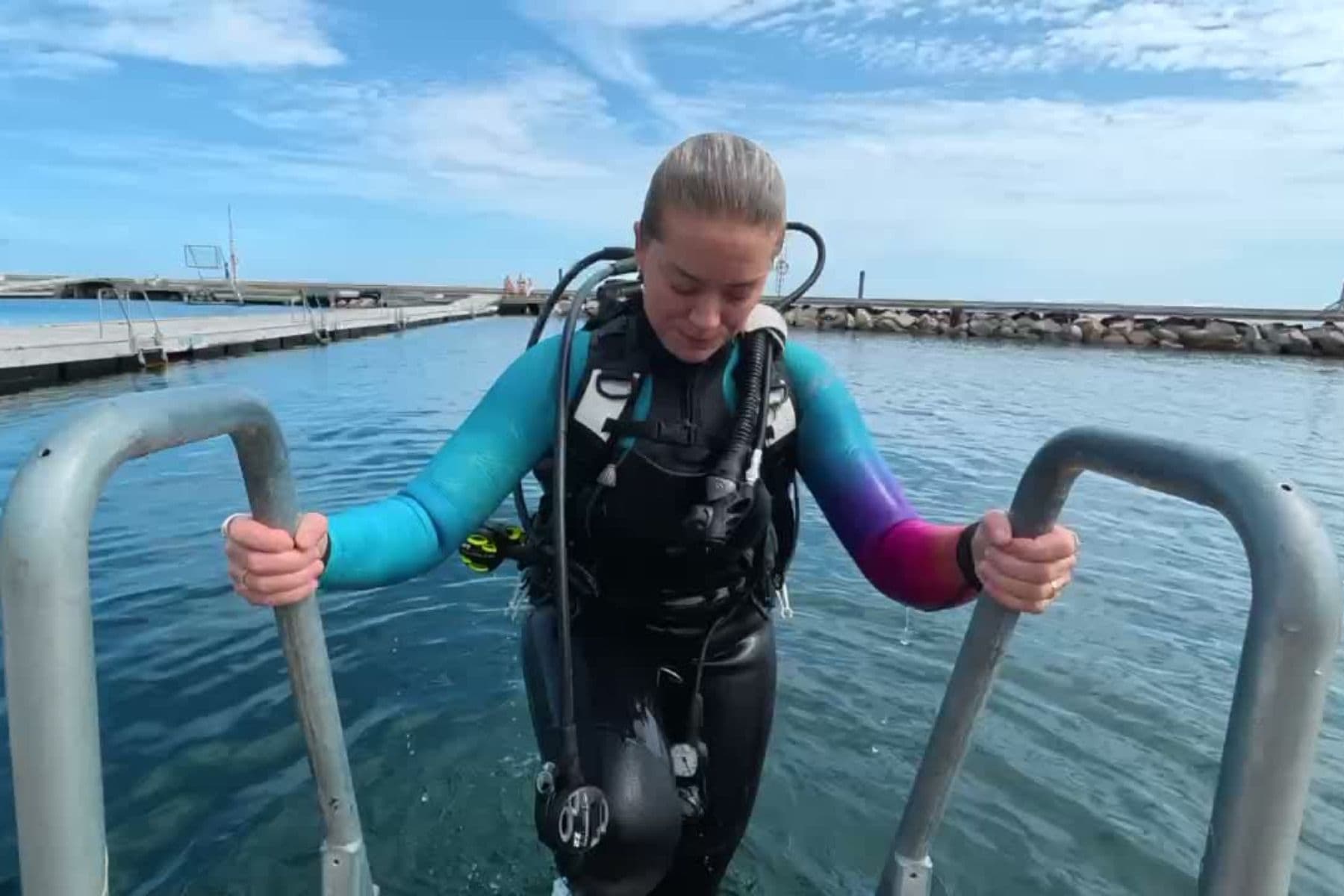
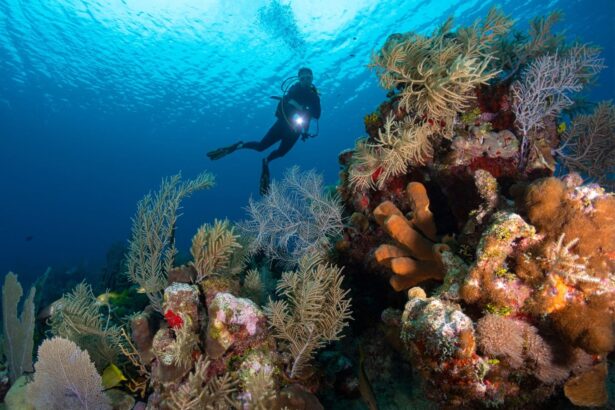
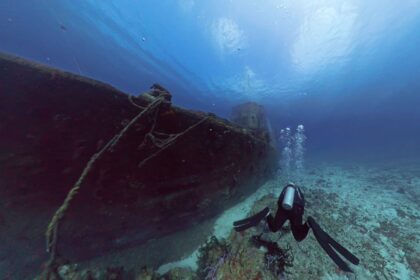
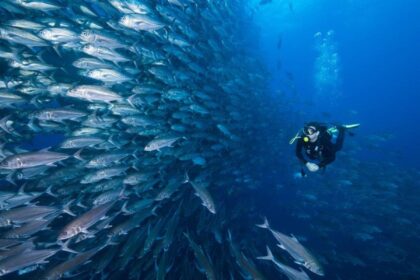
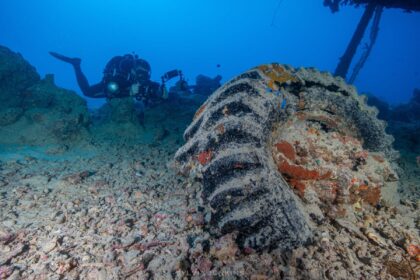
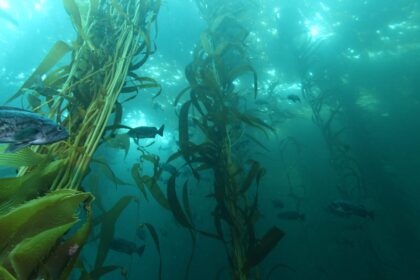
We dived the Action 6 for months, with and without the housing, everywhere from tropical walls in Indonesia to cold green water at home. On the cold dives our computers showed 41 to 46 degrees F (5 to 8 degrees C), cold enough to stress housing seals and battery performance.
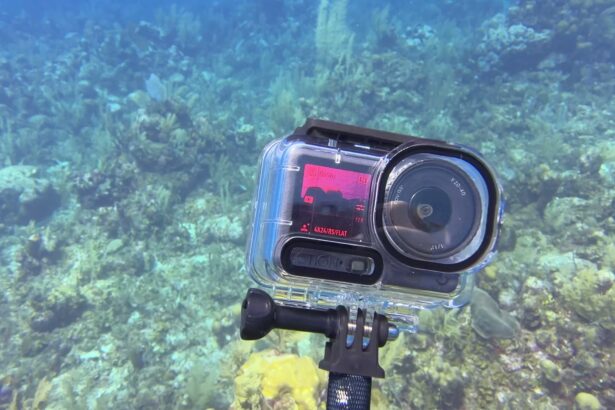
We dived it without a housing for shallower dives and inside the official Waterproof Case for anything deeper than 66 feet (20 m). A typical test dive lasted about 45 minutes. The camera sat on a selfie stick for most of it, and on the test dives we kept a wrist computer in frame, so those clips carry their own depth record.
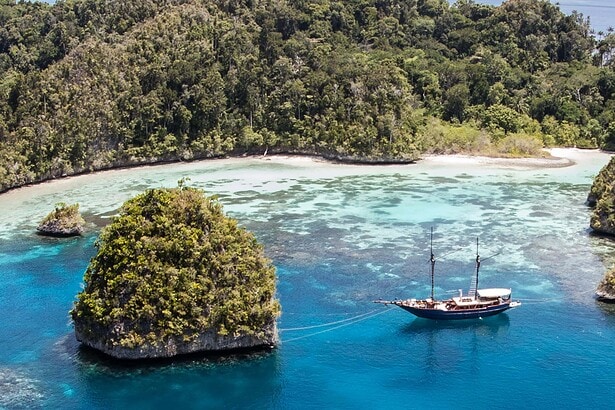
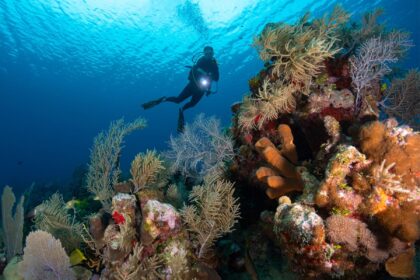
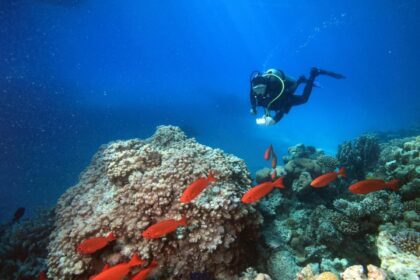
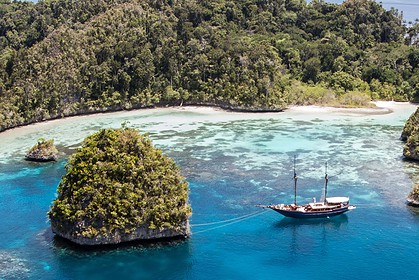
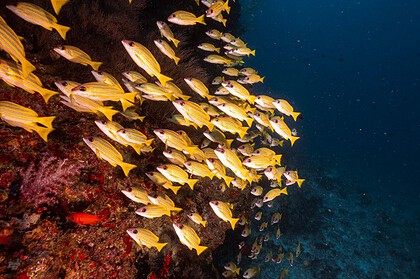
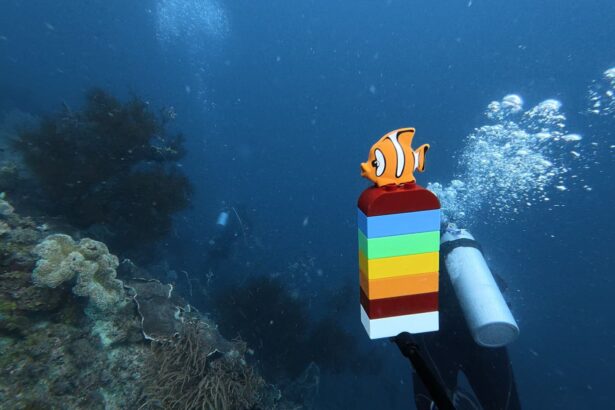
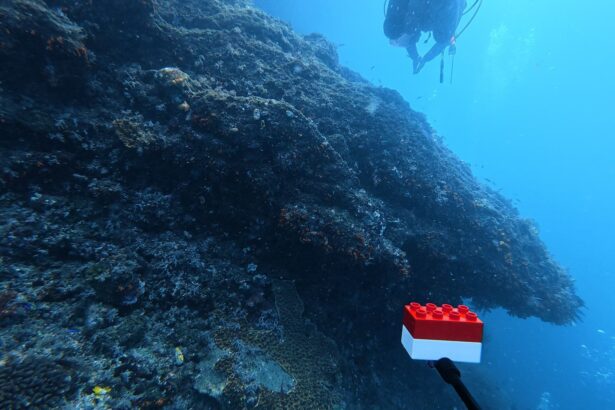
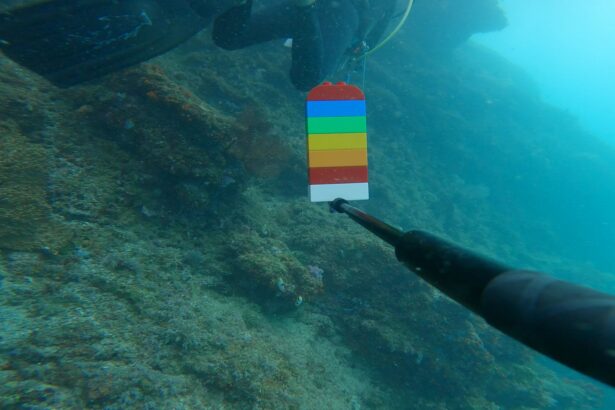
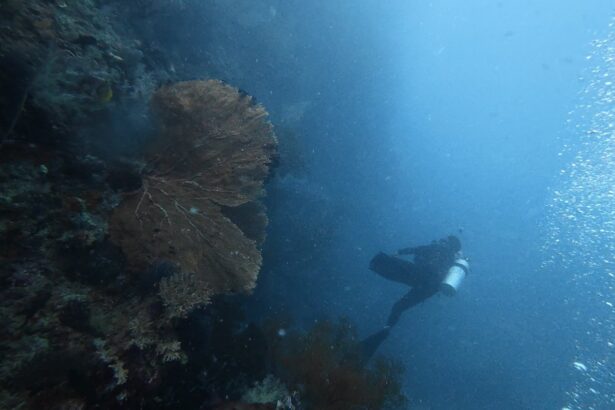
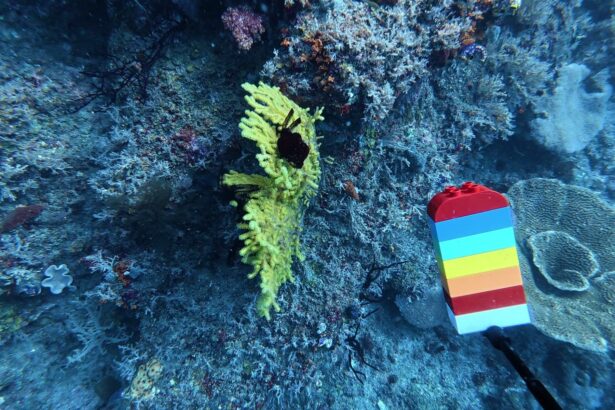
The core of the test was one side-by-side comparison dive. We took the Action 6 and three rival cameras down the same reef wall on the same morning. Every camera filmed a stick of rainbow-colored LEGO bricks at matched depths. Each one also shot the same corals, the same divers, and the same surfacing point by a limestone island. That gave us clips we could compare directly.
Between dives we edited the clips in the DJI Mimo app the way any diver would. We transferred the clips to the phone, applied the underwater filter, and exported. We also charged batteries between dives and used the charging case as a power bank.
Testing Areas for the DJI Osmo Action 6 Action Camera
Underwater Usability & Controls
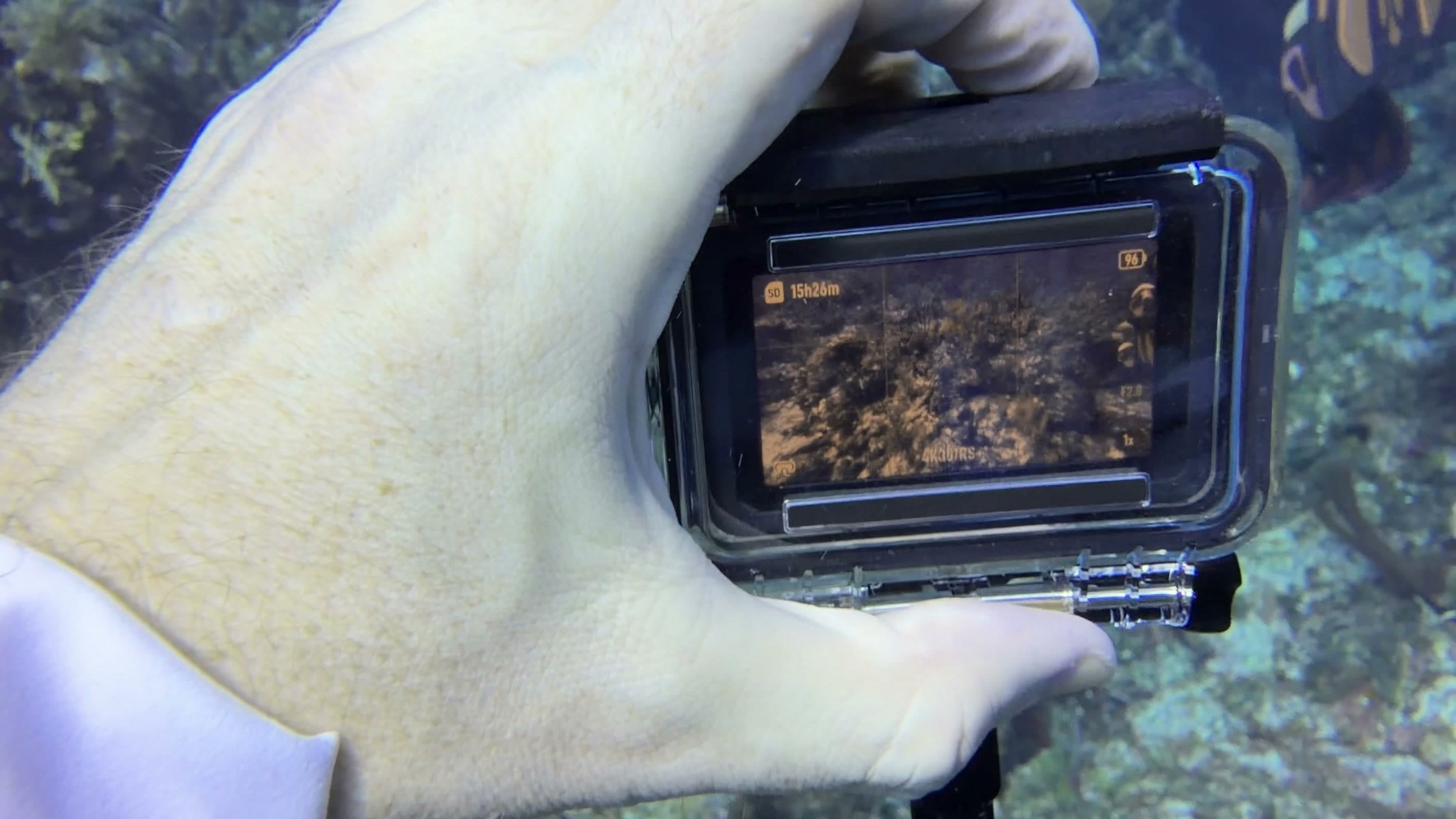
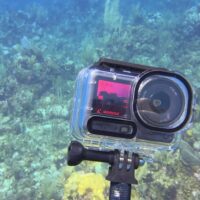
If you have used any action camera, you can use the Action 6 on your first dive. The side button powers it on and switches modes, and the top button starts and stops recording. You set or change settings easily on the touch screen. Do this before your dive: the touch screen only works when dry, and the housing covers it anyway.
Quick capture is a shortcut to recording: press record while the camera is off and it powers up, records, and shuts down again when you press record to stop.
The square front screen shows what you are filming, so you can check your framing when you turn the camera around to film yourself.
A few times at 33 to 39 feet (10 to 12 m) the camera decided we were too deep. The buttons stopped responding, and we were well inside its rating. On another dive, an accidental double-tap on the screen before entry locked the camera into a zoomed view. Nothing we pressed underwater would undo it, so a full dive came back zoomed and awkward to frame. Neither quirk ruins the camera for us, but they are a reminder to check settings on the surface.
Underwater Color & White Balance

Water strips red out of a scene as soon as you leave the surface. White balance is how a camera decides what color counts as neutral. In water, tracking it automatically keeps reds visible instead of letting everything turn blue or green. We filmed a stick of rainbow-colored LEGO bricks at a computer-verified 49 feet (15 m). The red bricks stayed red straight out of the camera, with natural skin tones beside them. Two of the other cameras turned the identical scene green or navy.
A front color sensor measures the light at depth and adjusts the picture as you descend. On our full ascent from the reef to the surface the correction tracked smoothly, with no visible jump as the water brightened. The official Waterproof Case leaves a clear view for the sensor. If you buy a third-party housing, check that nothing covers it.
If you film reefs and buddies and want to post clips the same evening, the front color sensor has already corrected the image underwater, and the Mimo app’s filter finishes the job on your phone. There is no external filter to buy or attach. Lights still improve any underwater shot, and below about 59 feet (18 m) in dim water the picture drifts toward blue like everything else.
Video & Image Quality
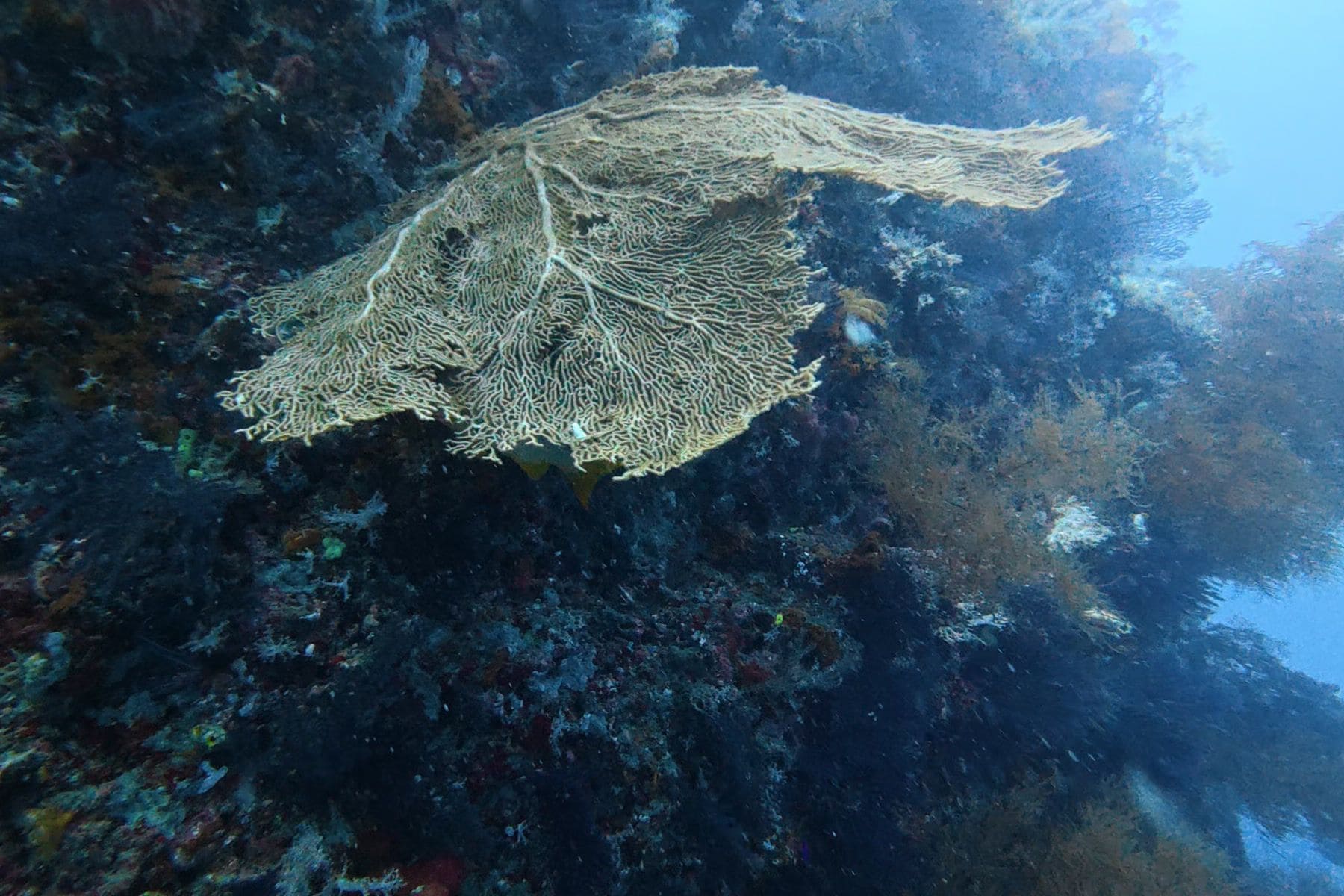
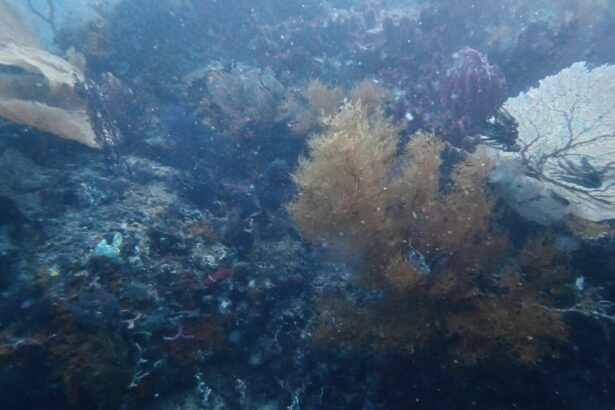
We shot the comparison dive in 4K at 50 frames per second, and the Osmo’s detail advantage over the cameras beside it showed when we zoomed in to 100%. A giant sea fan kept its fine mesh structure where the same wall on one of the other cameras came back milky and hazy. Suspended particles in the water stayed crisp instead of breaking down into the soft, patchy breakdown that heavy compression causes.
In one clip a videographer’s dive light caught a red soft coral in the middle of a scene bathed only in daylight. Neither end of the picture lost detail: the lit coral kept its color and the shadows kept their texture. Filming straight up toward the bright surface, we kept the surface glow and the dark wall in the same frame.

Low Light & Depth Performance
On the dim sections of our test wall the Action 6 exposed brighter and cleaner than the three other cameras. Backscatter showed as a fine grain with a little color mottling, and the reef detail under the backscatter stayed clear. The red torch lights other divers carried showed as clean red in our clips rather than washing out to white.
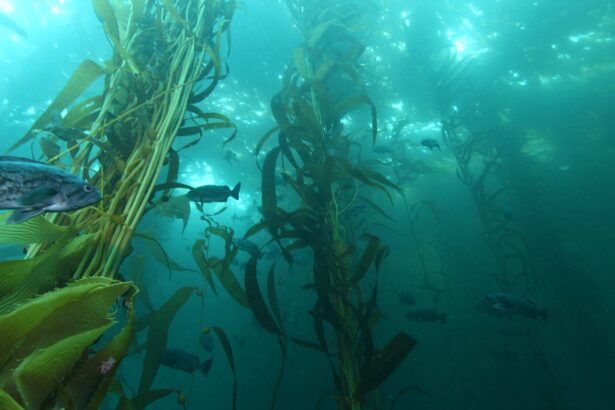
We also dived it in cold, murky green water at 36 to 39 feet (11 to 12 m), with no other camera alongside for comparison. Detail held up in water that green. DJI’s spec sheet also lists a dedicated night mode for the camera.
The Action 6 performs well on sunlit reefs and stronger still in dim water and poor visibility, where its low-light results clearly separated it from the other cameras we tested.
Footage Workflow & App
The camera pairs with the DJI Mimo app in a few clicks, and video or photos are transferred to the phone. You apply the underwater filter with one click on the screen and adjust it with a 0 to 100 strength slider. Green video from the dive becomes shareable in two clicks. We used it exactly that way after our dives.
About 50 GB of built-in storage means a forgotten SD card does not cost you the dive. Compared with the other apps we use, this one gives you its color tools with no subscription. The auto-edit features are more limited than what some rival apps offer.
Waterproofing & Housing
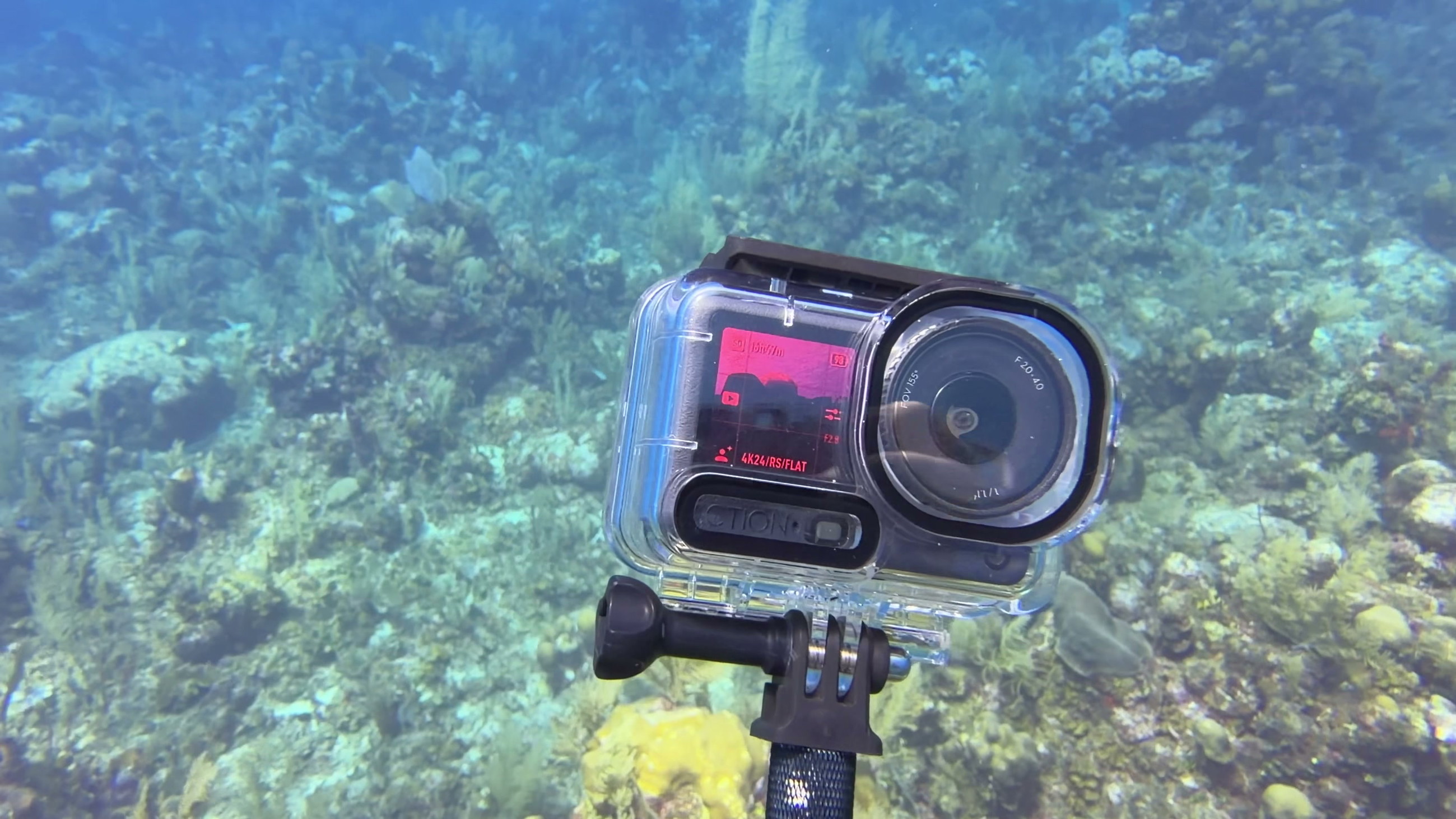
The DJI Osmo Action 6 is rated to 66 feet (20 m) without a housing and 197 feet (60 m) in the official Waterproof Case. We had zero leaks across months of use in salt water. The case closes with a lock pin plus a slide-down latch. That double lock saved one dive where the latch was not fully clicked, and the housing stayed dry anyway.
The camera warms up while it runs, and we kept desiccant inserts in the housing to prevent the lens window from fogging. The camera can also overlay depth and water temperature onto the video, but only without the housing. That puts the feature inside the 66-foot (20 m) depth limit when used without a housing. That overlay comes from the same depth sensor that occasionally misread and froze the buttons.
Battery Life & Thermal Behavior
One battery covered two to three dives per charge, even through long, continuous recordings. Two batteries covered a full boat day without needing a charger. DJI rates the battery at 240 minutes, measured at 1080p and 24 frames per second. We filmed at higher settings in shorter bursts, so dives per charge is the more useful number. Our kit included a spare battery and a charging case, and the case doubled as a power bank, charging a phone on a trip when we had not packed one.
The battery design carries over from the previous generation, so existing spares still fit. We never saw an overheating warning or a shutdown, in warm water or in cold. The camera body warms during long recordings, and underwater the water keeps it cool.
Stabilization

DJI’s RockSteady stabilization smooths the video by cropping in slightly and countering your movement. Swimming along the wall and using a one-handed stick, our clips came out level and watchable. There was no wobble at the edges of the frame and no smeared frames, and the horizon stayed put through the kick cycle.
At normal finning speed the other fixed-lens cameras held a level frame too. What set the Action 6 apart was how the picture looked while it was being stabilized: sharp and neutral rather than soft.
Field of View & Shooting Modes

At 155 degrees the field of view is wide enough to take in a reef wall or a buddy from close range. In limited visibility that matters: you can get within arm’s reach and still fit the subject in frame. Edge distortion is mild for a lens this wide. The rock face of the limestone island we surfaced by held its straight lines. Focus held on foreground subjects while the background stayed resolved, making a push from close to wide work inside a single clip.
We shot our dives in standard 16:9 4K. DJI’s spec sheet also lists 8K, slow motion up to 240 frames per second, and vertical reframing from the square sensor.
Mounting & Accessories Ecosystem
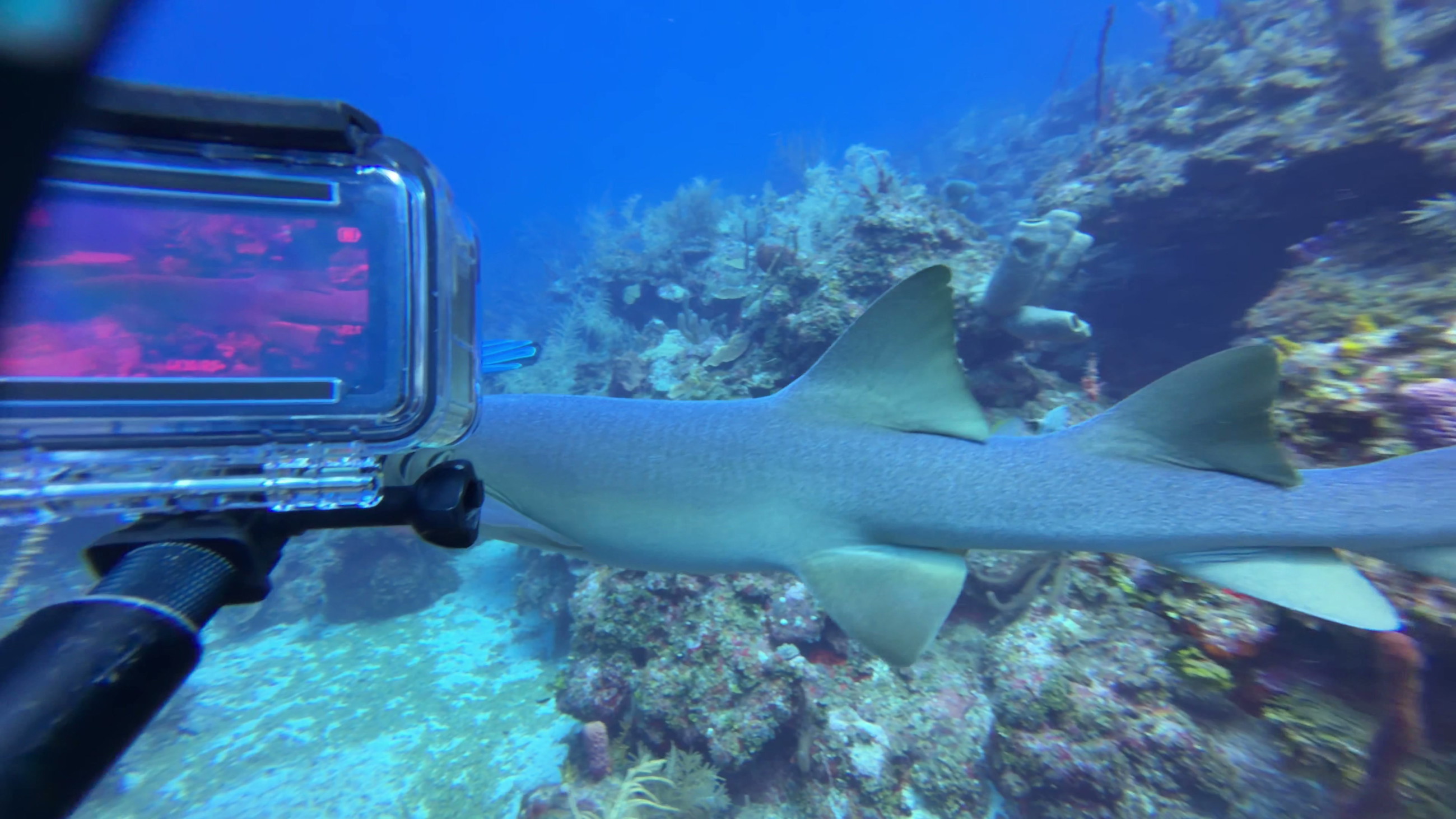
DJI’s quick-release clip held through months of dives without a single accidental release. Both the clip and the housing end in standard action-camera mounting fingers, the two-prong tabs that every tray and arm uses. Any tray, light rig, or handle you already own fits without adapters. The Action 6 works with other brands’ accessories.
For topside narration and briefing videos, DJI’s wireless microphone pairs with the camera in a few clicks. We have not found a red filter for the Action 6, and after the color results above we do not think one is needed.
Value for Money
You are paying for the 1/1.1-inch sensor and the front color sensor that adjusts the picture as you descend, and what you get back is dive video you don’t have to fix afterward. The DJI Osmo Action 6 does what cheaper cameras do not: its clips come back with accurate color instead of a green cast. The built-in storage and the carried-over battery design both save you buying something extra, and the color tools don’t require a subscription.
What you give up is that the dive housing and the spare-battery kit are add-ons. A dive-ready rig costs more than the camera alone, so budget extra for the housing. The unhoused rating covers shallower dives, and the housing covers the rest.
DJI Osmo Action 6 compared to others
Of the single-lens action cameras we have dived, the Action 6 gave us the most accurate color with the least post-processing. We dived it beside its closest rivals on the same reef on the same morning. A 360 camera such as the Insta360 X5 is a different category of camera. You get a full spherical view that you reframe in editing, but the video is softer than what a fixed lens produces, and close-up shots show that gap clearly.
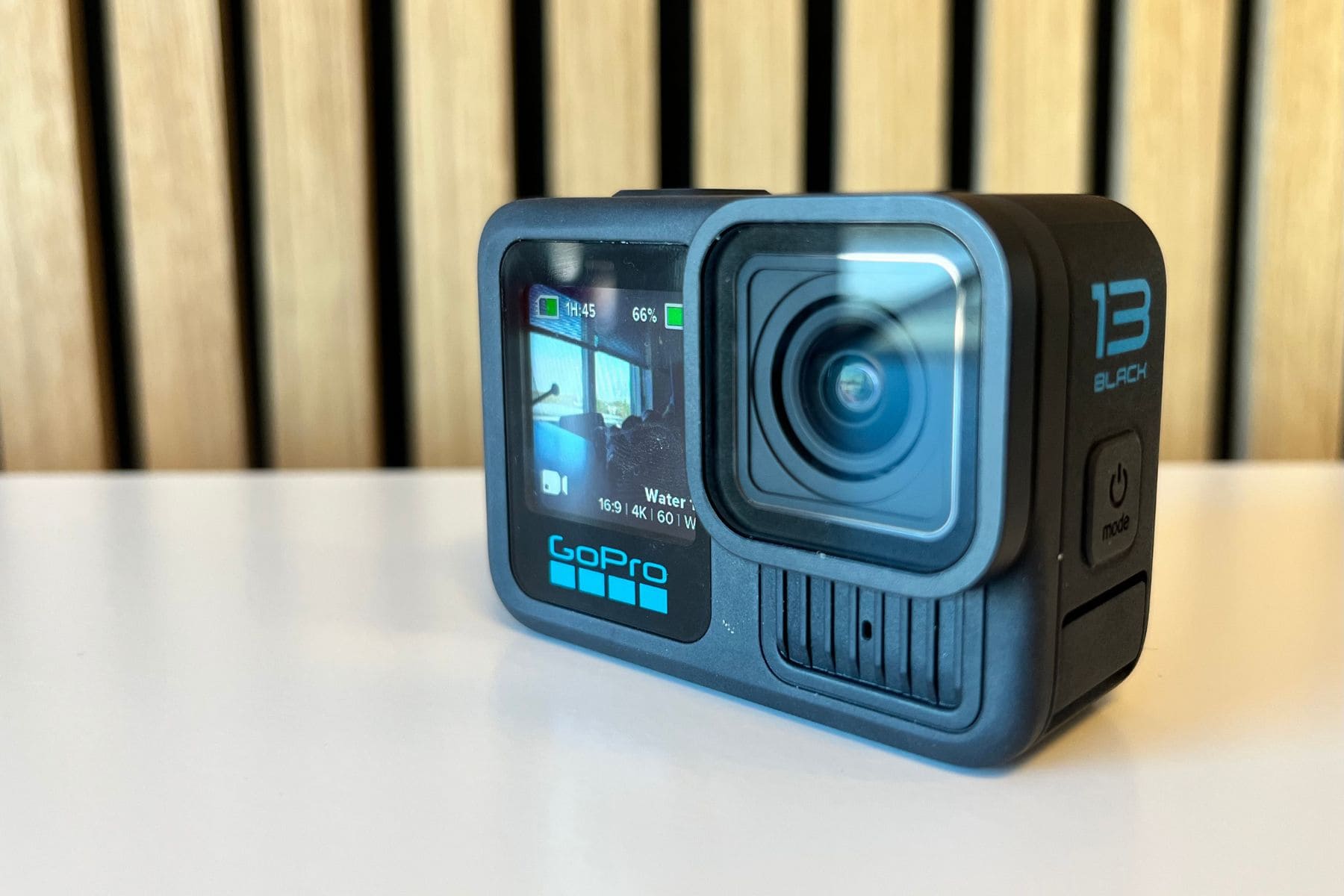
GoPro HERO13 Black vs. DJI Osmo Action 6
The HERO13 Black makes sense if you are already invested in GoPro batteries, mounts, and habits. Its stabilization held up frame for frame against the Action 6 on our comparison dive. Underwater video came out green-tinted and flat next to the Action 6.

Insta360 Ace Pro 2 vs. DJI Osmo Action 6
The Ace Pro 2 is the most comparable camera we tested. Both produced color-accurate video underwater. The Ace Pro 2 goes darker and more saturated; the Action 6 stays closer to daylight tones. The Ace Pro 2 editing app has better auto-edit tools, but its flip screen cannot be used in the water, so if you want to frame a selfie mid-dive, the Action 6 is the one that does it.

DJI Osmo Action 5 Pro vs. DJI Osmo Action 6
If you already own the Osmo Action 5 Pro, keep it. For a new buyer, the Action 6 is the better pick. It has a bigger sensor and a variable aperture, the adjustable opening that controls how much light enters. DJI rates both as improvements to color and low-light performance.
Specs & Features
| Sensor size | 1/1.1-inch CMOS |
|---|---|
| Max video resolution | 8K (7680×4320) at 30fps |
| Max frame rate | 240 fps (1080p); 120 fps (4K) |
| Bitrate | 120 Mbps |
| Image stabilization | RockSteady 3.0/3.0+, HorizonBalancing, HorizonSteady (up to 60fps) |
| Field of view | 155° |
| RAW photo | Yes (DNG) |
| Depth rating without housing | 66 feet (20 m) |
| Depth rating with housing | 197 feet (60 m) |
| Battery life | 240 minutes |
| Replaceable battery | Yes |
| Screen configuration | Front + Rear |
FAQs
Yes. The DJI Osmo Action 6 is waterproof to 66 feet (20 m) on its own and to 197 feet (60 m) in the dive housing. Its color system keeps reds visible at depth without a filter. It can also overlay depth and water temperature onto the video when it is used without the housing.
The DJI Osmo Action 6 is rated to 66 feet (20 m) without a housing and to 197 feet (60 m) in the official Waterproof Case. That covers all recreational diving.
No. The front color sensor built into the camera reads the light at depth and adjusts color as you dive. The DJI Mimo app’s underwater filter finishes the correction on your phone. No external red filter exists for this camera, and the front sensor makes one unnecessary.
One battery runs two to three dives per charge with normal recording. DJI rates the battery at 240 minutes at 1080p and 24 frames per second. A spare battery in the charging case covers a full boat day, and the case can also charge a phone like a power bank.
The DJI Osmo Action 6 did not overheat underwater, where the water cools it, and it gave no warnings or shutdowns topside either. The body warms during long recordings, so let it breathe between clips on a hot boat deck.
Yes. The DJI Osmo Action 6 has a built-in pressure and temperature sensor and can show your depth on the video through the dive. The overlay only works when the camera is used without the housing, which keeps it inside the 66-foot (20 m) depth limit.
Yes. The magnetic quick-release clip and the dive housing both end in standard mounting fingers, so existing trays, arms, and light rigs fit without adapters.
Yes. The DJI Osmo Action 6 has about 50 GB of usable built-in storage. That is enough to record a dive day if the SD card gets left behind.